Pinecone Day Camp — Camp Week Picker Site
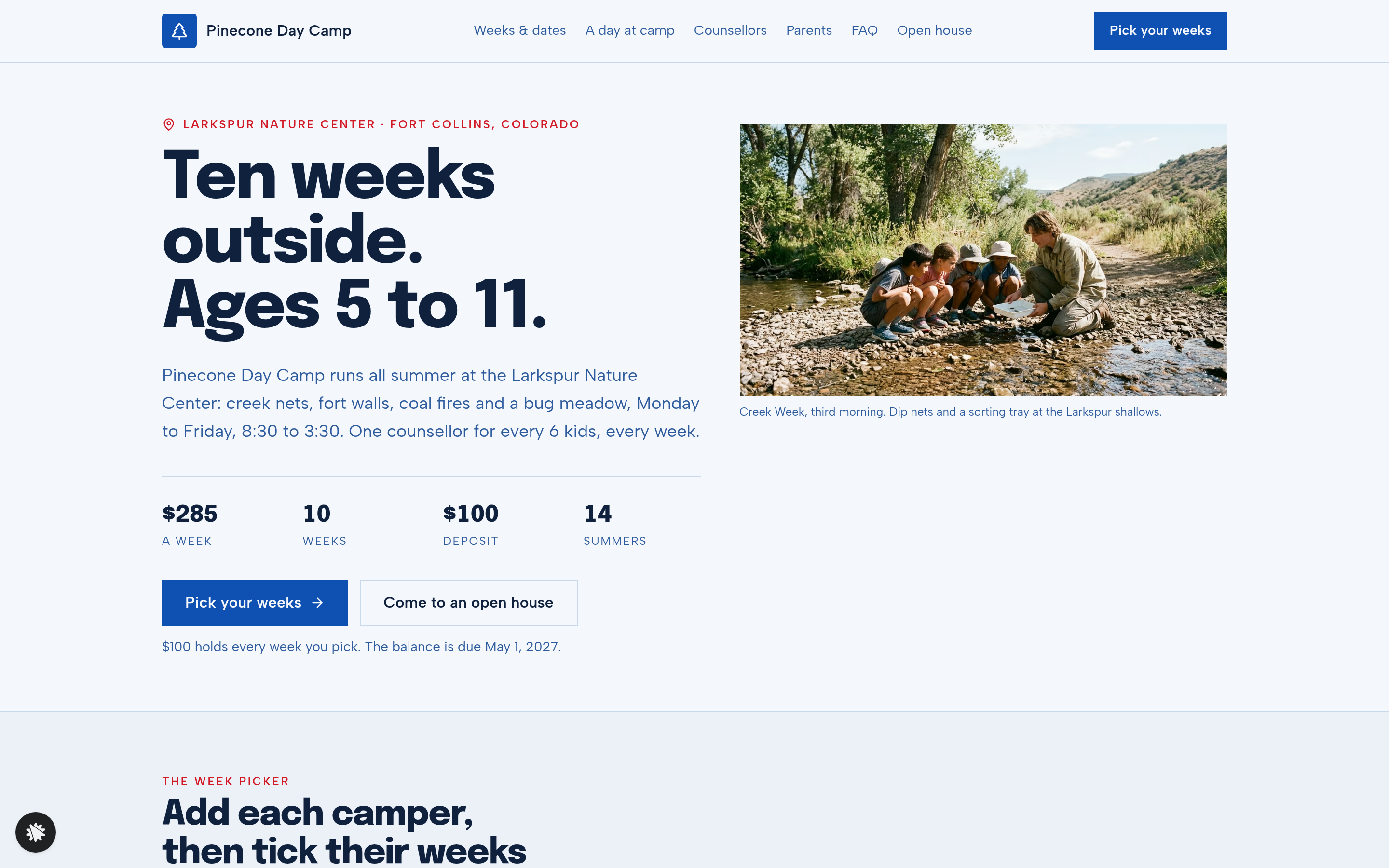
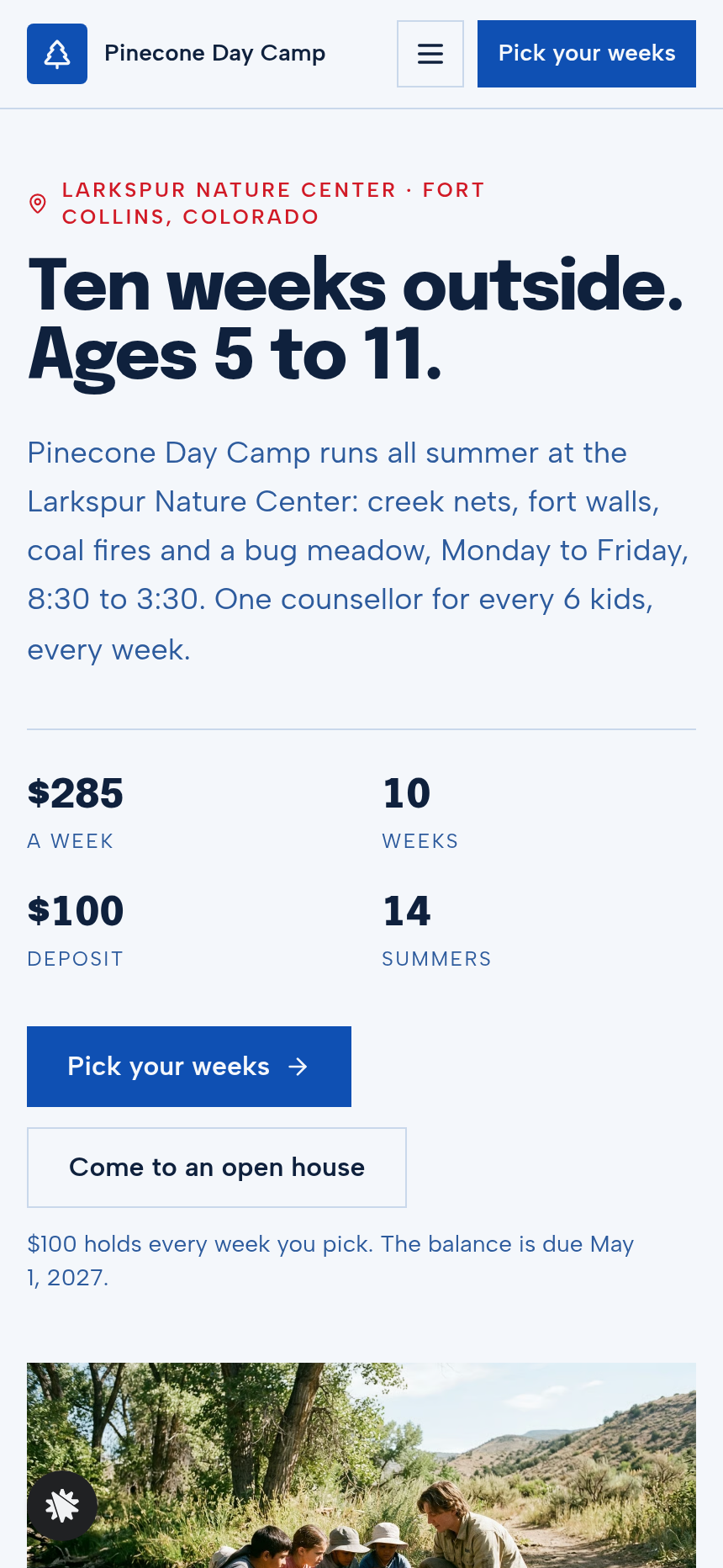
Kids Camp Week Picker Site is a registration-and-deposit funnel for Pinecone Day Camp, built as a ClickFunnels AI template. It lets parents add each child, tick weeks on a ten-week grid, watch sibling pricing compute in real time, and lock everything in with a single $100 deposit.
About this template
What is Pinecone Day Camp — Camp Week Picker Site?
Pinecone Day Camp runs ten themed outdoor sessions each summer at the Larkspur Nature Center in Fort Collins, Colorado, serving kids aged 5 to 11 at a 1-to-6 counsellor ratio. This template replaces a paper registration form with a five-page web flow a parent can complete on a phone in under ten minutes. The result is a confirmed deposit, a family record, and a printed confirmation the camp can act on the same day.
What you get
- Home / Week Picker (/) — the camp's signature screen: an add-a-camper card, a ten-row week grid (dates, theme, spots-left bar, and one tick column per child), and a live summary rail that recalculates sibling discount (10% off every week for the second and third child), optional after-care ($45/week to 5:30), season total, and the $100 deposit balance. Below the picker: a day-at-camp timeline, counsellor cards, parent reviews with an aggregate rating, and an FAQ.
- Family Details (/family) — parent name, mobile, and email; a pickup-person list checked at the gate every afternoon; per-camper allergies, medical notes, and free-text fields.
- Deposit (/deposit) — a secured $100 flat-fee card checkout showing the full season summary, the balance due May 1, and an optional $24 camp T-shirt order bump (heather navy, cream pinecone print, size-select).
- Confirmation (/confirmation) — each child's booked weeks with spelled-out dates, the computed balance and due date, a packing list, and an add-to-calendar link for the first morning. Renders a filled-in example with a "Preview — nothing booked yet" label for cold visitors.
- Open House (/open-house) — RSVP form for the next two computed Saturdays, with parking and trail-wear notes.
- Admin Dashboard (/admin) — funnel-step conversion view, recent contacts list, and test-traffic separation.
- Custom 404 ("This trail does not go anywhere").
How it works
- A parent lands on the Home page and reads the hero (14 summers, 1,900 campers, 24 spots per week, $285/week).
- They add up to three children by first name and age using the Add-a-Camper card; a tick column appears in the grid for each child.
- They tick weeks — full weeks are greyed and unselectable; the summary rail updates on every tick, showing weeks per child, sibling discount, after-care sub-total, season total, and the flat $100 deposit.
- They click Continue to family details, fill in parent contact, pickup names, and per-child notes on /family, then click Continue to the deposit.
- On /deposit they review the season summary, optionally add the T-shirt bump, enter card details, and pay the $100 deposit. The balance (not charged today) is shown as a computed figure due May 1.
- /confirmation displays each child's weeks, the packing list, and a first-morning calendar link.
Because every registration and opt-in is stored in the funnel's built-in database and surfaces in the Admin Dashboard's contacts list, the camp director can see who has booked, download records, and track which weeks are filling — without connecting an external CRM. After you remix this template, you describe changes in plain language — swap a week theme, adjust the weekly price, add an allergy field — and ClickFunnels AI edits the relevant page directly. Leads, contacts, and admin records persist to the same built-in store, so the dashboard stays accurate as you iterate.
The signature step
The Week Picker on / is what makes this template distinct from a generic form. Ten rows display each session's Monday-to-Friday date range in words, its theme (Creek Week, Bug Safari, Fort Builders, Trail Cooks, and six others), a colour-filled spots-left bar, and a checkbox column for every child the parent has added. Ticking any box immediately re-runs the pricing logic: base price × weeks × children, sibling discount subtracted, after-care added if selected, $100 deposit subtracted to show the balance. Full weeks are greyed and non-interactive so parents never select a closed session.
Who it's for
- Summer day camps selling multi-week programs to families with more than one child
- After-school enrichment programs charging by the session
- Swim schools, sports clinics, or art studios running fixed weekly cohorts
- Any operator who needs a deposit-now, balance-later payment structure to hold inventory
- Camp directors who want a registration system they can preview and edit without a developer
Design
- Type pairing
- Epilogue display Albert Sans body
- Motion
- tally updates on tick; reduced-motion: static
- Signature screen
- Weeks-by-campers picker with sibling pricing
What can you use Pinecone Day Camp — Camp Week Picker Site for?
- A summer nature camp with 10 themed weeks uses the grid picker to let parents enroll two siblings at once, automatically applying the 10% sibling discount and collecting a single $100 deposit per family.
- A city swim school running eight two-week skill sessions adapts the week grid to their schedule, keeps the deposit-now / balance-later structure, and uses the Family Details page to collect per-child swim-level notes.
- A youth soccer clinic director swaps the camp themes for training-focus labels (Goalkeeping, Finishing, Tactical), sets 20 spots per week, and uses the Admin Dashboard to track which sessions are filling fastest.
- A multi-site arts program uses the Open House RSVP page to gauge interest in a new location before committing to a full season, with two computed Saturday dates and phone-optional sign-up.
- A before-and-after school care provider adds after-care ($45/week) as the default and uses the per-camper allergy and medical notes fields on Family Details to satisfy their licensing requirements.
- A camp operator running a sibling discount promotion for the first time uses the chat editor to change the discount from 10% to 15% for the current season and previews the updated summary rail before publishing.
Frequently asked questions
What is Kids Camp Week Picker Site?
Who is it for?
What pages are included?
How do I customize Kids Camp Week Picker Site in ClickFunnels AI?
Does it include a checkout or order form?
Can I use my own branding and domain?
How is it different from a classic ClickFunnels order form funnel?
What setup is required before the funnel goes live?
Related templates
 Local Business
Fold & Fetch — Laundry Pickup Add-Your-Stop Route Site
What is the Laundry Pickup Route Map Site? Built with ClickFunnels AI, it is a van-route laundry booking page where visitors tap their corner on a street map and book a $39 pickup.
 Local Business
Elm Street Garage — Slide-the-Cars Parking Site
Elm Street Garage Slide-the-Cars Parking Site is a ClickFunnels AI reservation site for a 420-space garage in downtown Portland, Maine. The home page opens with a sliding-car puzzle, then visitors pick a day and arrival time, pay $14 by card, and get a confirmation page.
 Local Business
Gull Point Putt — Putt-the-7th Mini Golf Site
Gull Point Putt — Putt-the-7th Mini Golf Site is a booking funnel built in ClickFunnels AI for an 18-hole seaside mini-golf course in Ocean Beach, San Diego. Visitors putt the 7th hole on the home page, then book a group round for a flat $48.
 Local Business
Awl & Last — Point-to-the-Repair Cobbler Site
Awl & Last Point-to-the-Repair Cobbler Site is a service-booking-and-checkout funnel built in ClickFunnels AI for shoe and boot repair shops that take work by mail. Visitors tap the parts of a drawn boot to build a priced repair quote, then pay $20 for a prepaid mail-in box — no phone call, no form-filling, no guesswork.
Make this template your starting point.
Inspect the preview, plan your changes, and test the workflow before you share it.
Use this template