Flour & Ledger — Vote-the-Agenda Masterclass Funnel
The vote-the-agenda masterclass funnel is a free-registration funnel built in ClickFunnels AI where visitors sign up for a live class, vote on the two topics they want covered, and see the agenda re-rank in real time before a $19 workbook offer closes the sequence. It is designed for coaches, teachers, and community hosts who want registrants invested in the session before it starts.
About this template
What is Flour & Ledger — Vote-the-Agenda Masterclass Funnel?
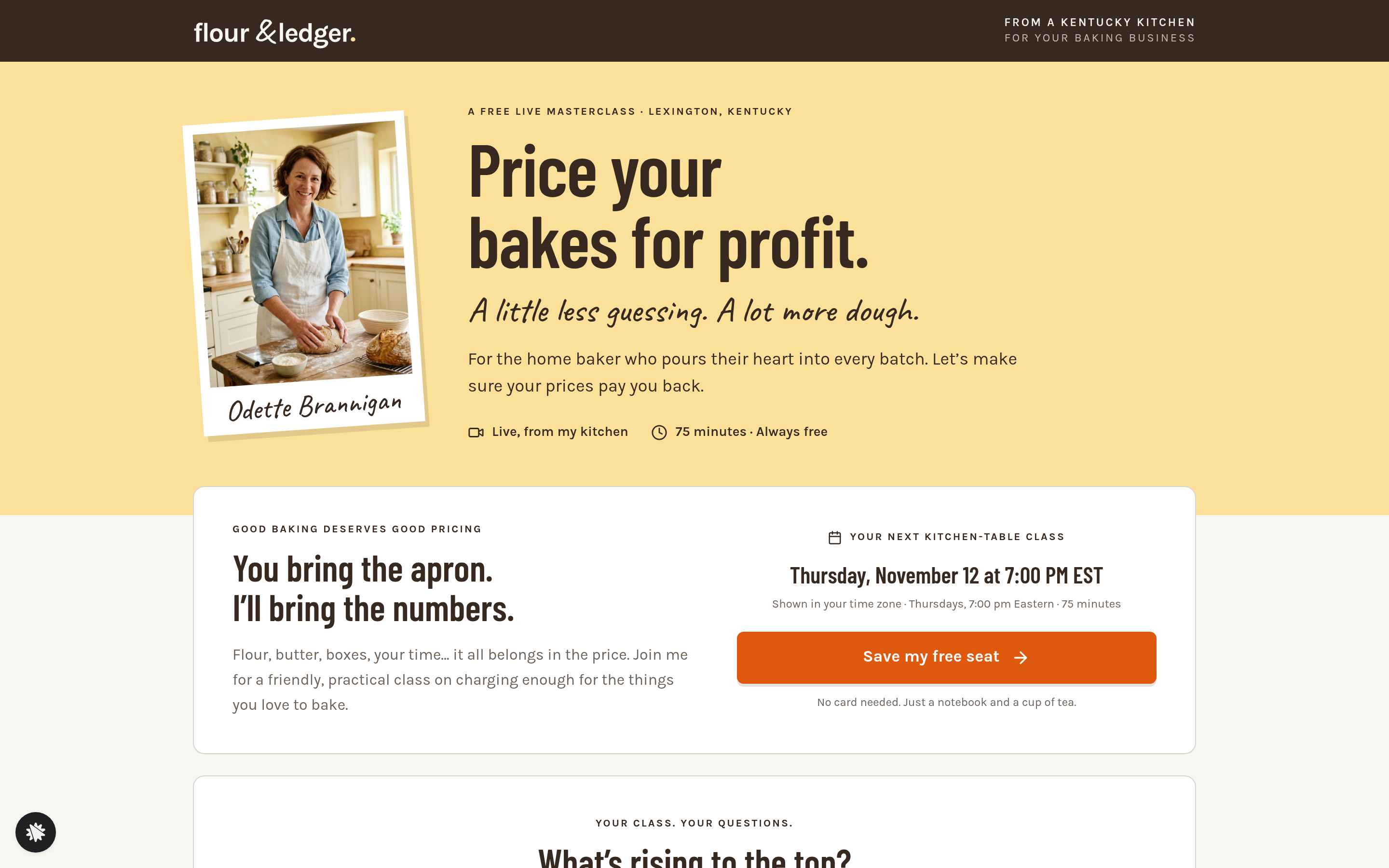
Flour & Ledger runs a free 75-minute live pricing class for home bakers in Lexington, Kentucky. Odette Brannigan hosts 'Price Your Bakes for Profit' every Thursday at 7:00 pm Eastern, and she built this funnel around a single idea: when registrants shape the agenda, they show up. Six possible topics sit on the registration page as a live ranked list; visitors see real vote counts and bars before they even give their name. After they register, they pick the two topics they want most, the list re-sorts in front of them, and the top three lock in as the confirmed agenda on the thank-you page. A $19 Pricing Workbook offer sits at the bottom of that page, making the sequence a complete registration-plus-monetisation flow.
What you get
Five visitor-facing pages wired together in sequence:
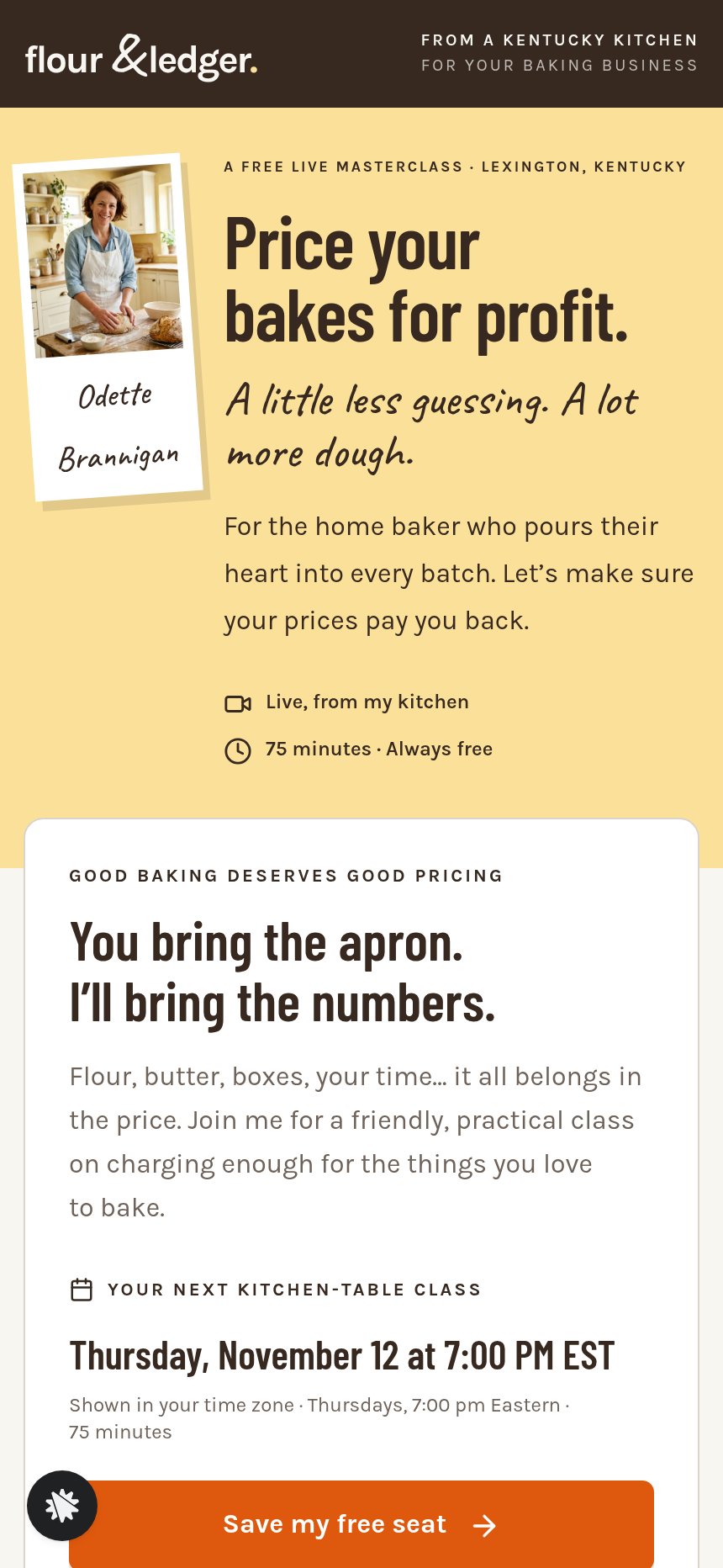
- Registration page (/) — presenter header with Odette's photo, an intro card with the next class time computed in the visitor's time zone, the ranked agenda card ('Topics ranked by audience votes') with six topics, live vote bars and counts, a registration dialog triggered by any 'Save my free seat' button, and an attendee-quotes section.
- Vote step (/almost-done) — two progress dots at the top; a column of six topic rows where the visitor picks the two they want most; the second pick submits both votes.
- Thank-you page (/thank-you) — the confirmed agenda in voted order with the visitor's picks flagged, Google Calendar and Apple/.ics links, an optional phone-reminder field, and the Workbook + replay checkout card at the bottom.
- Workbook confirmation (/workbook-confirmation) — receipt and access screen with a recipe cost-sheet preview and a note that the replay is added after the live class.
- Privacy page (/privacy) — plain-language explanation of how registration data, vote data, and reminder requests are used.
Owner-facing screens include an Admin panel (/admin) for role-gated access and a Dashboard (/dashboard) showing overall conversion, a full contacts list with opt-in timestamps, and a funnel-steps breakdown.
How it works
- A visitor lands on the registration page and reads the intro card, which shows the next Thursday 7:00 pm Eastern class computed from today and displayed in the visitor's own time zone.
- They scroll through the ranked agenda — six topics with bars and vote counts — and click 'Save my free seat.'
- The registration dialog collects first name and email; every submission is stored in the funnel's built-in database and appears immediately in the owner dashboard with the visitor's name, email, and timestamp, so Odette can see her registrant list without connecting an external CRM.
- The visitor lands on /almost-done and picks two topics; the second pick submits both votes and advances them to /thank-you.
- On the thank-you page they see their personalised agenda, add the class to their calendar, and optionally enter a phone number for a 15-minute reminder text.
- Below the class details, the Workbook + replay card shows a one-time $19 payment — a secured checkout with card fields, order summary, and a 30-day money-back guarantee; buyers are routed to /workbook-confirmation.
When you want to change the topic labels, the workbook price, or the copy on the almost-done step, you describe the change in plain language inside ClickFunnels AI and it edits the relevant page — no code required. The money path (the $19 Workbook checkout on the thank-you page) follows the same pattern as other order-form funnels: a secured card form, an order summary, and a confirmation page, all pre-wired.
The signature step
The ranked agenda card on / is what makes this funnel distinct. Six topic rows — each with a filled vote bar and a running count — sit in rank order above the fold on the registration page, so visitors understand before they sign up that the class content responds to them. After they vote on /almost-done, the agenda on /thank-you re-sorts to reflect all votes cast and flags their two picks. The top three topics are marked 'On the agenda.' This single mechanic does the work of a waitlist, a survey, and a commitment device at once.
Who it's for
- Coaches, consultants, and educators hosting free live classes who want higher attendance through participant investment.
- Community managers running weekly or recurring sessions where topic variety keeps the audience coming back.
- Creators who want a low-friction way to monetise a free class with a low-ticket product ($9–$49 range) on the thank-you page without a separate sales page.
- Anyone already running a free workshop who wants to add an interactive pre-class touchpoint that doubles as a list-builder.
Design
- Type pairing
- Barlow Condensed display Karla body
- Motion
- vote bars grow and rows re-sort; reduced-motion: static
- Signature screen
- Ranked class agenda with live vote bars
- References
-
- 8.3 free masterclass registration + almost-done step
What can you use Flour & Ledger — Vote-the-Agenda Masterclass Funnel for?
- A nutrition coach hosts a free weekly live class and uses the vote step to let registrants rank the five health topics they care about most, then sells a $29 recipe guide on the thank-you page.
- A freelance copywriter runs a monthly 'office hours' session where subscribers vote on which two copywriting challenges the session addresses, boosting attendance among people whose topic ranked in the top three.
- A pottery teacher in a local studio uses the funnel to register students for a free glazing technique demo, collects votes on which techniques to show, and offers a $15 printed technique card on the thank-you page.
- A financial planner hosts a free quarterly money-basics class for first-time homebuyers, uses the agenda vote to surface which topics resonate most with that month's audience, and sells a $19 mortgage-prep checklist at the end.
- A recipe developer and food blogger runs a free monthly baking livestream, lets viewers shape the content via the vote step, and uses the workbook checkout slot to sell a seasonal recipe bundle to the most engaged registrants.
- A business consultant testing a new workshop concept uses the vote bars as lightweight market research — the final vote counts tell her which of six possible modules her audience actually wants before she builds the full course.
Frequently asked questions
What is the vote-the-agenda masterclass funnel?
Who is this funnel for?
What pages are included in the vote-the-agenda masterclass funnel?
How do I customize the vote-the-agenda masterclass funnel in ClickFunnels AI?
Does it include a checkout or order form?
Can I use my own branding and domain?
How is this different from a classic ClickFunnels webinar registration funnel?
What setup is required before sharing the funnel?
Related templates
 Webinars & Challenges
Evergreen Webinar Funnel
The Evergreen Webinar Funnel is a just-in-time automated webinar template in ClickFunnels AI that lets registrants pick a session starting in 15 minutes or the next day, then walks them through a real-timeline room, a scheduled pitch reveal, and a checkout — all without fake live chat or inflated attendee counts.
 Webinars & Challenges
Brightsteps — Move-the-Tower Parent Q&A Funnel
The Brightsteps Move-the-Tower Masterclass Funnel is a survey-first webinar registration funnel built in ClickFunnels AI for a kids' logic club in Ann Arbor, Michigan. It opens with a playable three-peg tower puzzle, asks each parent's own question before a free live Q&A is booked, and leads families to a $49 four-week course.
 Webinars & Challenges
Loop & Toss — Juggling Pattern Seven-Day Challenge Funnel
The Loop & Toss Juggling Pattern Seven-Day Challenge Funnel is a seven-day paid challenge template built in ClickFunnels AI for skill teachers who want to prove their method before asking for a sale. It opens on a live pattern player instead of a video, then moves a visitor into a $17 checkout and seven dated lesson pages.
 Webinars & Challenges
The One-Word Workshop — Word Wall Paid Workshop Funnel
The One-Word Workshop Word Wall Funnel is a paid-workshop funnel built in ClickFunnels AI that opens on a live typographic wall of 36 words, lets each visitor claim or contribute their one word for the year, and carries it through to a $24 seat checkout.
Make this template your starting point.
Inspect the preview, plan your changes, and test the workflow before you share it.
Use this template