Hollow Oak Woodshop — Cohort Bench Map Enrolment Funnel
The cohort-seat-map-coaching-funnel is an in-person class enrolment funnel built in ClickFunnels AI that guides each student from offer comparison through cohort selection, bench reservation on a top-down shop-floor map, and pay-in-full checkout. It was designed for Hollow Oak Woodshop in Kansas City, Missouri, and works for any course with a fixed number of physical seats.
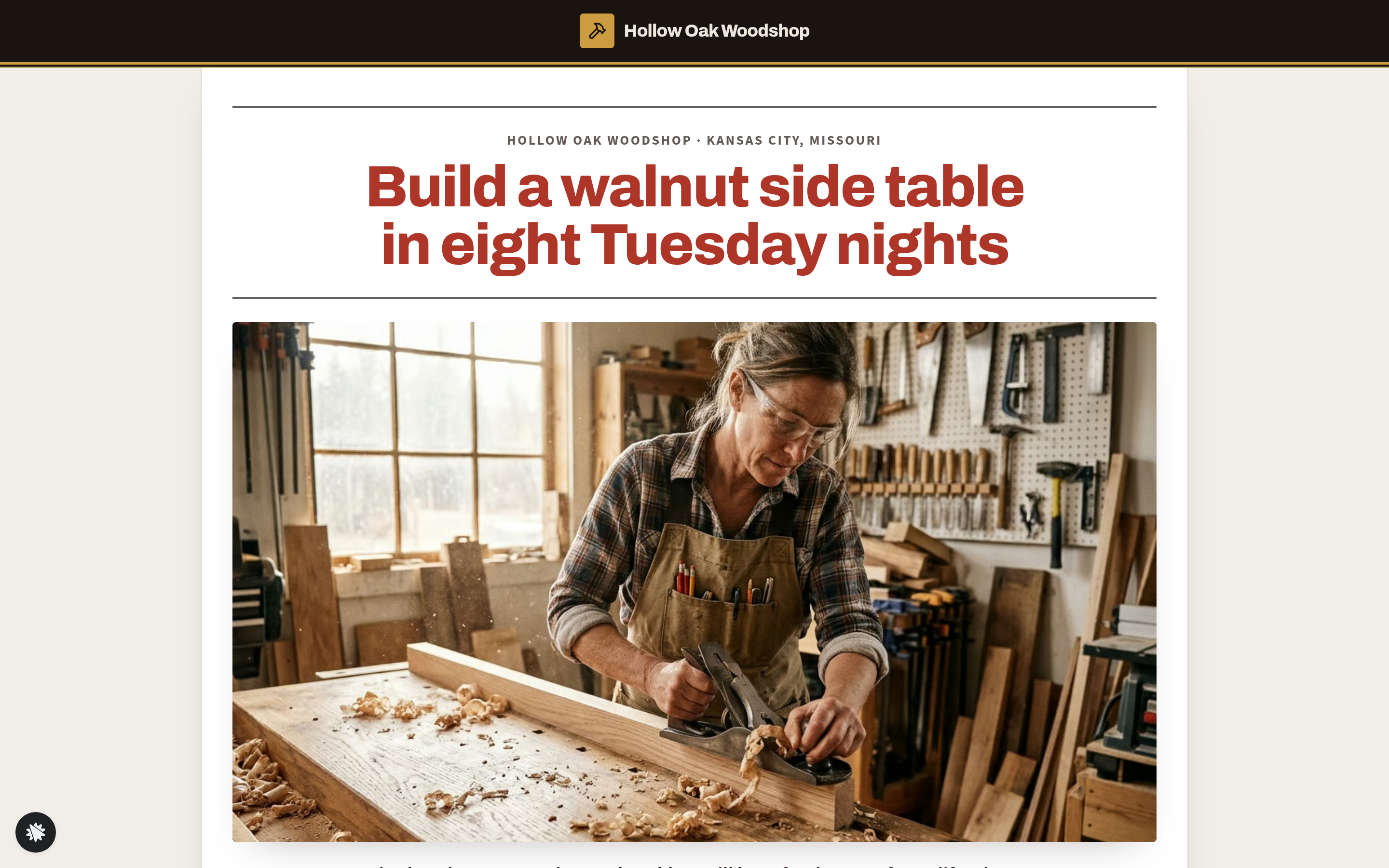
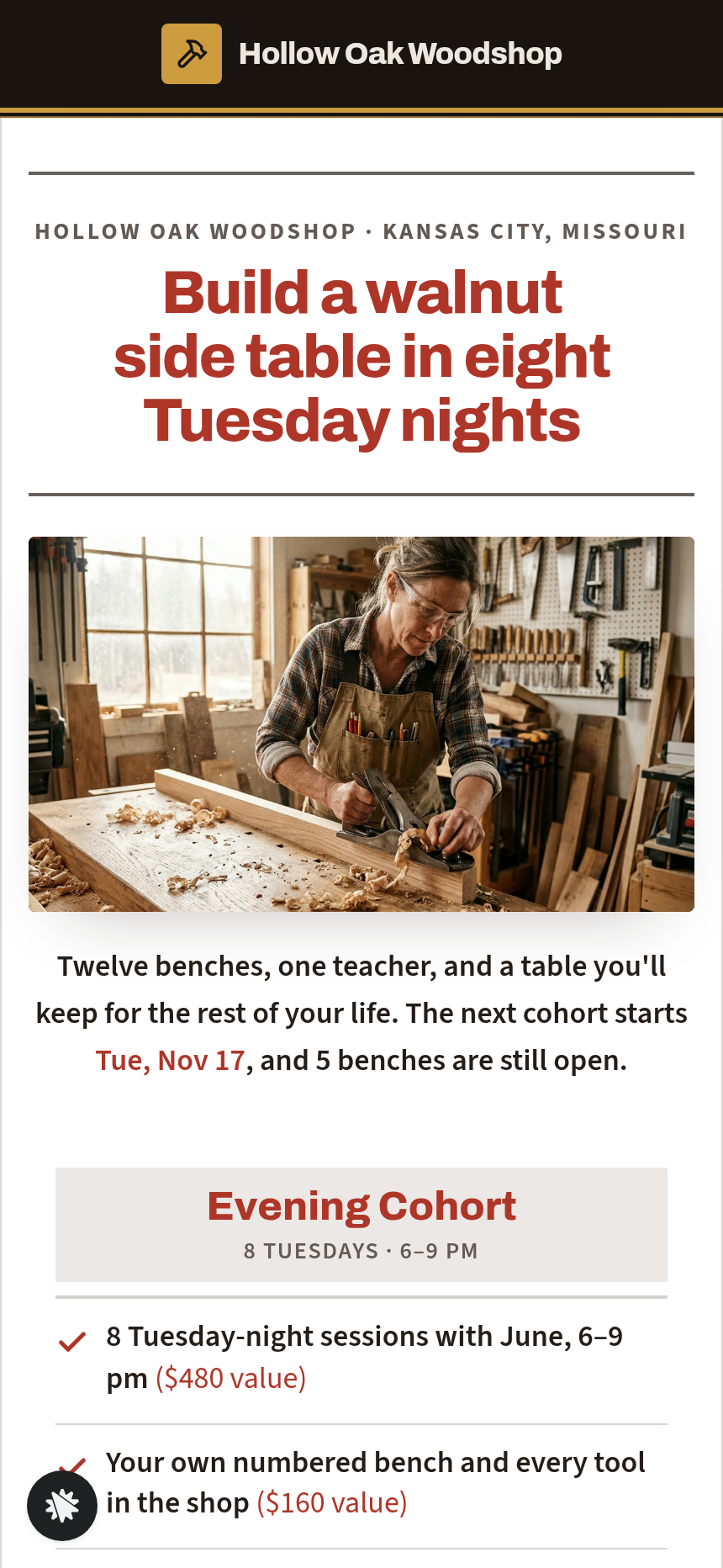
About this template
What is Hollow Oak Woodshop — Cohort Bench Map Enrolment Funnel?
Hollow Oak Woodshop runs 8-week Tuesday-night cohorts limited to 12 students, each of whom leaves with a walnut side table they built from rough lumber. This funnel exists for one reason: fill every bench before the first Tuesday. It does that by making scarcity visible — a cohort picker that shows seats remaining and an enrolment close date, then a top-down drawing of the actual shop floor where each student chooses their own numbered bench before they pay.
What you get
Five pages wired together as a single visitor journey:
- Enrolment page (/) — instructor video, side-by-side offer columns for the Evening Cohort ($640, 8 Tuesdays) and Weekend Intensive ($890), a week-by-week build schedule, instructor story for June Albrecht, six student stories, and an FAQ section. A single call-to-action sends the visitor forward to choose a start date.
- Cohort picker (/choose-cohort) — the next three Tuesday start dates computed from today, each showing benches remaining and the enrolment close date. The student picks one and moves to the map.
- Bench map (/bench-map) — a top-down drawing of the Hollow Oak shop floor: 12 numbered benches arranged alongside the window wall, tool wall, lumber rack and table-saw station. Taken benches are hatched; open benches are selectable. Tapping an open bench opens a bench card showing natural light, neighbouring students, distance from the table saw, and vise orientation (left- or right-handed). The chosen bench turns green and is held while the student completes enrolment.
- Enrolment form (/enrol) — a countdown to the cohort's close date, a two-step order: step 1 collects name, email and mobile number for the cohort group text; step 2 presents a secured card checkout paid in full with an optional $45 starter tool-roll bump. Order summary shows the chosen offer, bench number and cohort date.
- Welcome page (/welcome) — receipt confirmation with bench number, instructions for joining the cohort group text, and a numbered list of what to bring on night one with a calendar link.
An owner-only dashboard (/admin) shows funnel conversion at every step, recent contacts and CSV export.
How it works
The visitor lands on the enrolment page, watches June's shop tour video, and reads both offer columns before clicking "See the start dates." At /choose-cohort they pick the Tuesday cohort that fits their schedule based on seats left. At /bench-map they choose a specific bench — not a generic spot — which turns the abstract idea of "a class" into a concrete, reserved place in the room. The two-step form at /enrol collects contact details first, then card details, so the bench stays held and the cohort group text number is captured even if payment is interrupted. After checkout the welcome page at /welcome delivers the receipt, the group-text invite and the night-one checklist.
Every opt-in, bench selection, mobile number and completed order is stored in the funnel's built-in database and surfaces in the owner dashboard at /admin, so June can see at a glance how many of the 12 benches are filled for each cohort without an external spreadsheet. When you open the template in ClickFunnels AI, describe the change you want — swap the bench count from 12 to 8, update the offer price, rewrite the instructor bio — and the editor rewrites that element directly; the seat-map labels, offer columns and countdown are all editable by chat. The order page ships with a secured checkout, the $45 tool-roll order bump, and a thank-you redirect, so the complete money path from bench selection to paid receipt is live from day one.
The signature step
The bench map at /bench-map is what separates this funnel from a plain seat-count page. The shop is drawn from above: the table-saw station anchors one corner, the window wall runs along the top, taken benches are shown hatched so remaining capacity is obvious without a number. Choosing bench 7 and reading that it sits in full morning light, two spots from the saw, with a right-handed vise beside a returning student named in the card — that detail converts a hesitant visitor into a committed one. The bench is held the moment it is tapped, so urgency is real rather than manufactured.
Who it's for
- Woodworking, pottery, glassblowing, and fabrication studios that run fixed-seat cohorts in a physical space
- Cooking schools and culinary workshops with assigned stations
- In-person coding bootcamps or design intensives with a capped class size
- Art schools and printmaking studios that offer term-based courses
- Any instructor who wants students to feel ownership of their spot before they pay
Design
- Type pairing
- Archivo display Source Sans 3 body
- Motion
- none; reduced-motion: static
- Signature screen
- Top-down shop-floor bench map
- References
-
- 9.9 two-tier enrolment page + welcome steps
What can you use Hollow Oak Woodshop — Cohort Bench Map Enrolment Funnel for?
- A Kansas City woodworking studio uses the funnel to fill all 12 benches for each Tuesday-night cohort; the bench map shows students exactly where they will stand relative to the window light and the table saw before they pay.
- A pottery school with 10 wheel stations runs the same funnel with the bench map relabelled as wheel stations and the cohort picker showing Saturday-morning class dates and open wheels remaining.
- A culinary school offering knife-skills intensives at 8 assigned prep stations uses the seat map to let each student choose their station, adding a note about left-handed cutting boards on the station card.
- An in-person UI design bootcamp with 15 desk spots runs three cohorts per month; the cohort picker at `/choose-cohort` shows each cohort's remaining seats so returning visitors can see which date still has room without emailing the organiser.
- A glassblowing studio offering a 6-week Thursday-night course adapts the funnel by swapping the tool-roll bump for a glass-safety gloves kit at checkout, keeping the top-down furnace-room map as the signature enrolment step.
- A fitness studio running small-group strength cohorts at 8 platform spots uses the bench map as a platform picker, with each platform card noting the mirror angle and proximity to the coaching station instead of saw distance.
Frequently asked questions
What is the cohort-seat-map-coaching-funnel?
Who is the cohort-seat-map-coaching-funnel for?
What pages are included?
How do I customize the cohort-seat-map-coaching-funnel in ClickFunnels AI?
Does it include a checkout or order form?
Can I use my own branding and domain?
How is it different from a classic ClickFunnels webinar or event registration funnel?
What setup is required before the funnel goes live?
Related templates
 Coaching & Courses
Even Keel — Debt Payoff Planner Workshop Funnel
The Debt Payoff Planner Workshop Funnel is a free workshop funnel built in ClickFunnels AI for a money coaching business. Visitors run a payoff planner on their own debts, save the plan with their email and then reach a $79 course checkout with a $19 bump.
 Coaching & Courses
Ledgerlight — Fit-the-Line Sales Forecast Course Funnel
Ledgerlight Fit-the-Line Sales Forecast Course Funnel is a course funnel for a $79 six-lesson sales forecasting class, built with ClickFunnels AI. Visitors drag a trend line through a café's twelve monthly sales, and their line carries through enrolment.
 Coaching & Courses
Hollis Ink — Trace-the-Letter Brush Lettering Course Funnel
The Brush Lettering Trace-the-Letter Course Funnel is a course-sales template for Hollis Ink, an Asheville brush-lettering school, made with ClickFunnels AI. Its hero is an interactive tracing pad where visitors follow guided strokes before enrolling in a 21-day course for a flat $49.
 Coaching & Courses
Plain Tags — First Web Page Playground Course Funnel
The First Web Page Playground Course Funnel is a sales sequence made in ClickFunnels AI for Plain Tags, an evening web school in Wichita, Kansas. It puts a live HTML playground on the sales page so visitors write real code before they ever see a price.
Make this template your starting point.
Inspect the preview, plan your changes, and test the workflow before you share it.
Use this template