Tidemark Retention — Email Agency Site with Revenue Calculator
Email Agency Revenue Calculator Site is an agency website funnel built in ClickFunnels AI that books free flow-audit calls for email and SMS agencies. Visitors move through a live revenue calculator, case studies and a two-step audit booking form, and every request lands in a built-in lead list.

About this template
What is Tidemark Retention — Email Agency Site with Revenue Calculator?
Tidemark Retention — Email Agency Site with Revenue Calculator is a full agency website whose single conversion goal is filling twelve free flow-audit slots each month. Visitors move from a results-first home page through case studies and retainer pricing, then into a two-step audit booking sequence that captures store details, lets the visitor choose a time slot from the next ten weekdays, and confirms the appointment with an add-to-calendar link. Every audit request lands in a protected leads dashboard that the agency owner accesses at /admin/leads.
What you get
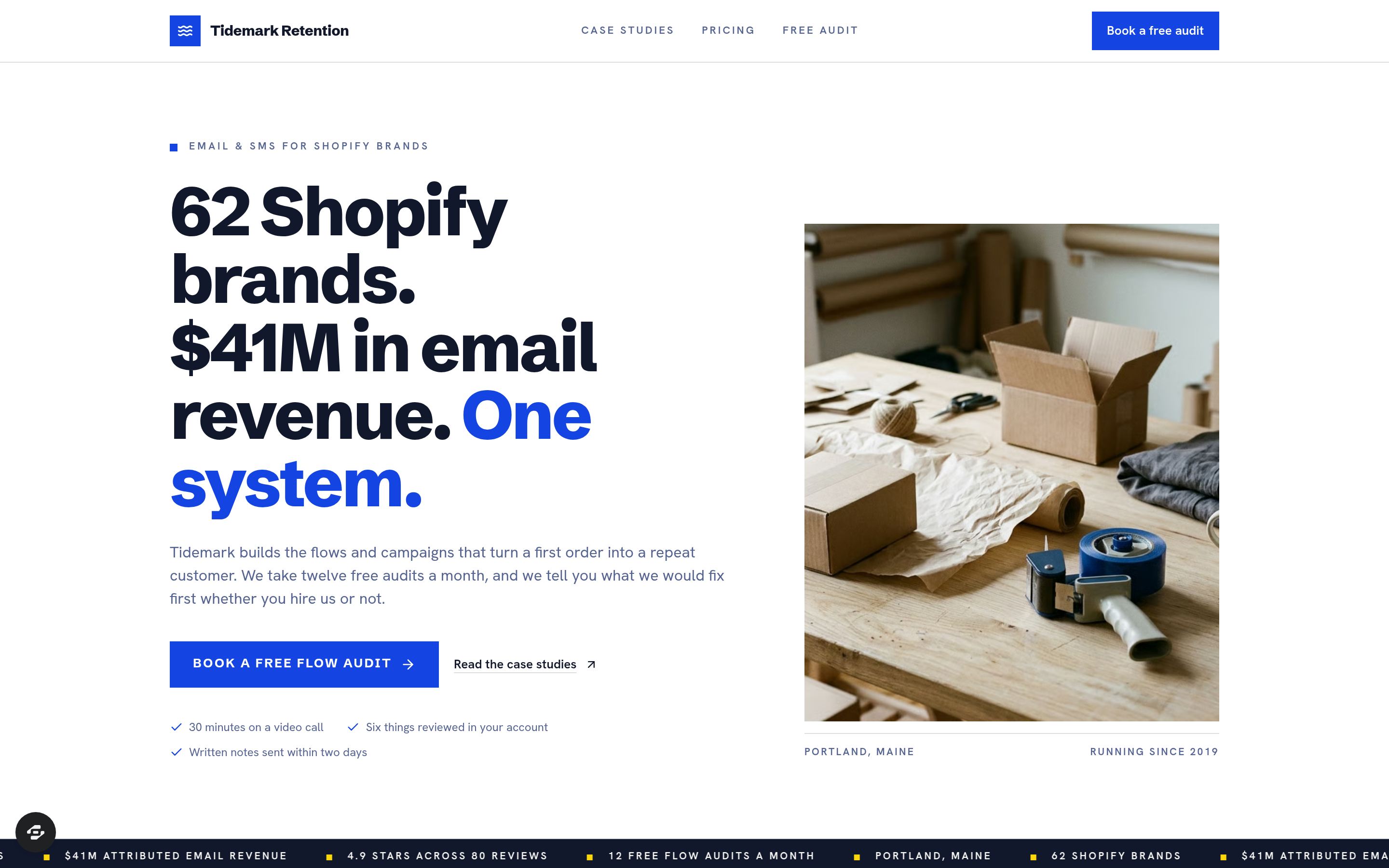
- Home (/) — four headline numbers (62 Shopify brands, $41M in attributed email revenue, running since 2019, 4.9 stars on 80 reviews), a scrolling client-logo ticker, the live revenue calculator band, three case-study preview cards, the five flows built first, a retainer pricing teaser, and a reviews row.
- Revenue Calculator (/ — navy calculator band) — three inputs (email and SMS list size, monthly orders, average order value) drive a projected monthly email revenue figure, a typical benchmark, and a monthly gap number that updates as the visitor types.
- Case Studies (/case-studies) — three made-up Shopify brands (a coffee roaster, a pet-supplement brand, and a kids' clothing shop) each with before-and-after figures from Shopify and platform reporting and the specific flows that produced the change.
- Pricing (/pricing) — three monthly retainers ($2,500 / $4,500 / $7,500), a side-by-side comparison table, an FAQ covering setup fees, commitment length, copy ownership, and platform compatibility, and a CTA pointing to the audit.
- Free Flow Audit (/audit) — Step 1 collects store URL, monthly revenue band, email platform, name, and email address; Step 2 shows the next ten weekdays in Eastern time with three thirty-minute Google Meet slots each; a confirmation screen shows the chosen slot in plain language plus an Add to Google Calendar link and the six things Tidemark will review.
- Admin Dashboard (/admin) — funnel-wide conversion metrics, page-by-page step counts, and a recent contacts list.
- Audit Leads (/admin/leads) — every audit request in submission order, capped at twelve a month, with a note when the cap is reached.
- 404 (/404) — a branded not-found screen with a direct link back to the audit.
How it works
A Shopify brand owner lands on the home page, reads the four outcome numbers, and scrolls into the revenue calculator. They type their list size, monthly orders, and average order value; the projected revenue and benchmark gap update instantly. That gap is the hook that motivates clicking Book a free flow audit.
Browsing the template in the gallery and clicking Edit this design lets an agency owner adapt every headline number, calculator benchmark rate, case-study brand name, retainer price, and slot count to their own practice before the funnel goes live — without touching any code. After claiming the template, the owner describes each change in plain language and ClickFunnels AI applies edits to copy, prices, colors, and form questions directly, so revisions to the calculator labels or the retainer tiers take seconds rather than a redesign session. Every completed audit form writes a lead record to the funnel's built-in database, visible immediately at /admin/leads, so the owner tracks monthly intake and exports contacts without connecting an external CRM first.
The signature step
The navy calculator band on the home page (/) is the template's most distinctive element. Three inputs on the left — list size, monthly orders, and average order value — drive four live outputs on the right: projected monthly email and SMS revenue, the typical benchmark for a store of that size, the monthly gap between the two, and revenue per subscriber. The count-up animation (static under reduced-motion preferences) makes the gap number feel concrete rather than hypothetical, which is what moves a visitor from reading to booking.
Who it's for
- Email and SMS agencies that use a free audit or strategy call as their primary sales entry point
- Klaviyo and Attentive consultants who sell a monthly retainer after a diagnostic call
- Fractional CMOs and retention specialists who need a credibility-first site with proof-of-results case studies
- Solo operators who want a complete agency web presence — home, case studies, pricing, and booking — without building from scratch
Design
- Type pairing
- Schibsted Grotesk display Hanken Grotesk body
- Motion
- calculator count-up; reduced-motion: static
- Signature screen
- Live revenue calculator band
- References
-
- Results-first agency sites with an audit CTA
What can you use Tidemark Retention — Email Agency Site with Revenue Calculator for?
- An email agency owner replaces Tidemark's four headline numbers with their own client count and attributed-revenue figure, then shares the live calculator link in a LinkedIn post to demonstrate the revenue gap to cold prospects.
- A Klaviyo consultant uses the case-studies page to present before-and-after flow revenue for three anonymized client accounts, letting the numbers do the qualifying work before the audit call.
- A retention specialist sets a cap of eight audits a month in the footer copy and monitors `/admin/leads` daily to close the booking page once the cap is reached, keeping demand managed without a scheduling tool subscription.
- A fractional CMO running a solo practice swaps the three retainer tiers to match their own scope — a one-time flow build, a three-month engagement, and an ongoing retainer — and updates the side-by-side comparison table to reflect what each tier includes.
- An agency team of two uses the revenue calculator to anchor discovery calls: they share the calculator URL ahead of the call so the prospect arrives having already typed in their list size and seen their monthly gap number.
- A Shopify email consultant targeting pet and wellness brands replaces the three case-study cards with vertically relevant brands and flow names, making the site feel purpose-built for that niche before running paid traffic to the audit page.
Frequently asked questions
What is the Email Agency Revenue Calculator Site?
Who is this template for?
What pages are included?
How do I customize the Email Agency Revenue Calculator Site in ClickFunnels AI?
Does it include a checkout or order form?
Can I use my own branding and domain?
How is it different from a classic ClickFunnels lead-magnet funnel?
What setup is required before sharing the funnel?
Related templates
 Agency Sites & Funnels
Second Ring — Answering Service Staffing Calculator Agency Site
Answering Service Staffing Calculator Site is an agency site built in ClickFunnels AI for a live call-answering service. Its Erlang C calculator shows how many phone agents a busiest hour needs, then visitors can start a two-week overflow trial for $149.
 Agency Sites & Funnels
Pickline — Program-the-Picker Warehouse Robotics Agency Site
Pickline Program-the-Picker Agency Site is a ClickFunnels AI template built for Pickline Automation, a Reno, Nevada robotics firm that fits picking robots into warehouses. It opens with a picking-robot tool and leads visitors to book a $450 on-site pick-path audit with a card checkout.
 Agency Sites & Funnels
Cue & Cable — Patch-the-Stage Event Sound Agency Site
Cue & Cable is a five-page agency site for an event sound company in Columbus, Ohio, built in ClickFunnels AI. Visitors patch a stage diagram, answer four questions about their event, pick a planning call, and pay a $150 site-visit deposit.
 Agency Sites & Funnels
Paper Compass — Custom Map Studio Pin-Your-Places Site
Custom Map Studio Pin-Your-Places Site is a studio-site-with-deposit-checkout template built in ClickFunnels AI for illustrated-map studios. Visitors pin places on a drawn town, watch the starting price update, then pay a $95 sketch deposit.
Make this template your starting point.
Inspect the preview, plan your changes, and test the workflow before you share it.
Use this template