Saturday Supper Club — Live Cook-Along Class Funnel
The Live Cook-Along Class Funnel is a ticket funnel built in ClickFunnels AI for selling one household seat to a live online cooking class. It pairs a shopping list that rescales by servings with a straight-to-card checkout, so a visitor can plan the groceries and buy the ticket in one visit.
About this template
What is Saturday Supper Club — Live Cook-Along Class Funnel?
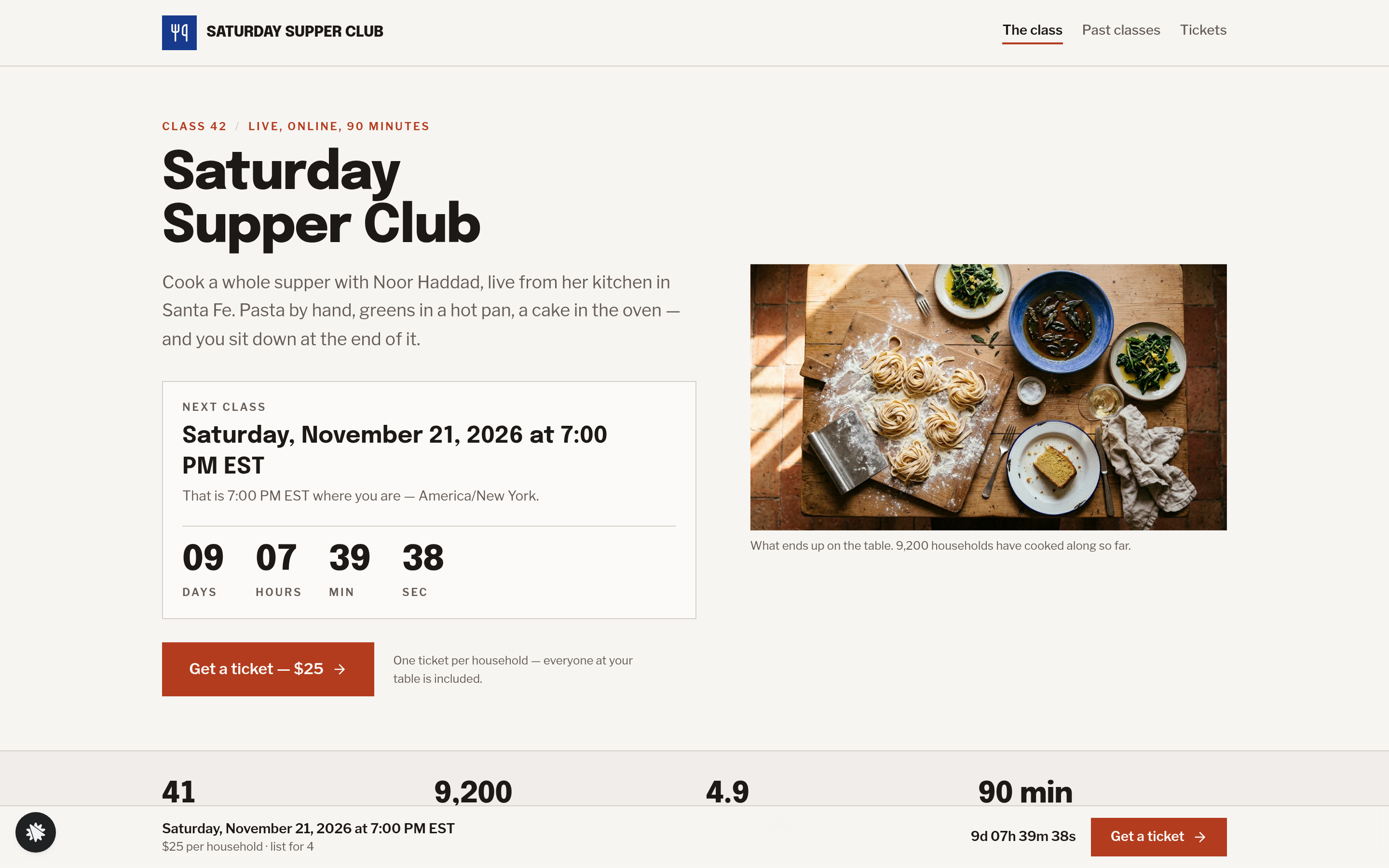
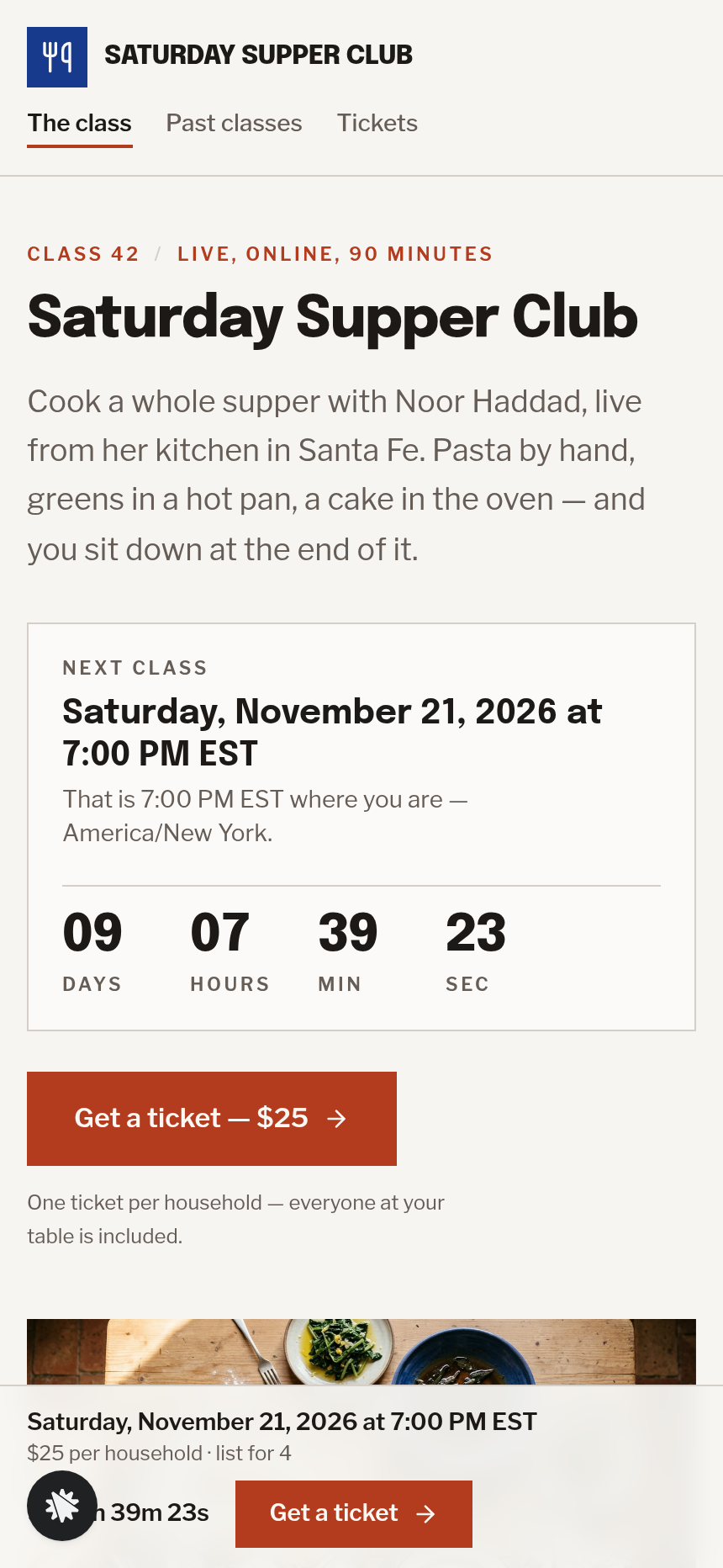
Saturday Supper Club is a 90-minute live cook-along taught by chef Noor Haddad from her kitchen in Santa Fe, New Mexico. This funnel sells one $25 household ticket per class, handles an optional $18 spice-and-recipe-card kit at checkout, and equips every buyer with a rescalable shopping list before they ever reach the payment screen.
What you get
Five visitor-facing pages and one operator dashboard:
- Landing page (/) — the next class date (second Saturday from today, displayed in the visitor's time zone with a live countdown), the three-dish menu (hand-rolled pasta, lemony greens, olive-oil cake), the signature shopping list, a 90-minute class timeline, equipment notes, chef bio, six household reviews, and FAQ.
- Tickets page (/tickets) — the servings choice carried in from the landing page URL, a recap of what the buyer is purchasing, and the card checkout for the $25 household ticket plus the optional $18 kit bump.
- Confirmation page (/confirmation) — the class time written out in the buyer's time zone, add-to-calendar links (Google, Outlook, Apple), the shopping list at the chosen servings, and the three prep tasks for the day before.
- Classroom page (/classroom) — a stream frame with a "Doors open 15 minutes before" notice, recipe steps with tap-to-start timers, and a question box that sends directly to the chef.
- Past classes page (/past-classes) — six earlier menus with class notes.
- Dashboard (/admin) — visits, conversions, test-traffic labels, funnel step breakdown, and a contacts list of everyone who opted in or bought, newest first.
How it works
A visitor lands on / and immediately sees the next class date and countdown. They scroll to the shopping list, set their party size (2, 4, 6, or 8 people), and every quantity on the list rewrites itself in cook's language — "1½ cups", "a generous pinch", "3 large eggs" — grouped by aisle. They tick off what they already have; a counter reads how many items are left to buy. "Email me this list" saves their name, email, and list at the chosen servings to the funnel's built-in contacts store, so the operator sees every opt-in in the dashboard without needing an external CRM. The visitor clicks through to /tickets with their servings in the URL; the page shows the household seat, the optional kit bump, and a card checkout that is visible on load. After payment, /confirmation gives them the class time, calendar links, and the same list. On class day, /classroom runs the timers and question box.
The checkout on /tickets includes the secured order form, the $18 spice-and-recipe-card kit as an order bump, and a thank-you redirect to /confirmation — the full money path ships wired together in the template.
The signature step
The shopping list on / is the funnel's main conversion tool. The servings stepper recalculates every quantity the moment it changes. Items can be ticked off or marked "I already have this", which greys them out and subtracts them from the counter. "Email me this list" sends the rescaled list to the visitor and captures the lead before the ticket page, reducing drop-off for buyers who want to shop before they commit.
Who it's for
- Chefs and culinary instructors running recurring live classes that require ingredients bought in advance.
- Bakers, bartenders, and craft teachers whose students need a materials list before the session.
- Food creators moving from free content to paid live experiences with one clean checkout.
- Cooking schools selling household rather than per-person tickets.
- Anyone running a live class where pre-class prep is part of the product promise.
Design
- Type pairing
- Epilogue display Libre Franklin body
- Motion
- quantities swap on stepper; countdown ticks; reduced-motion: static
- Signature screen
- Shopping list that rescales by servings with tick-off items
What can you use Saturday Supper Club — Live Cook-Along Class Funnel for?
- A chef teaching a monthly pasta class sells $25 household tickets and captures grocery-list opt-ins a week before the session to warm up buyers who are not ready to pay yet.
- A baking instructor runs a croissant weekend class and swaps the shopping list items and quantities for butter, flour, and starter — all updated via chat edit — without rebuilding the funnel.
- A cocktail school sells one household ticket for a spirits tasting evening, using the servings stepper to let buyers scale the ingredient list for two or eight guests.
- A culinary school with recurring Saturday classes uses the past-classes archive on `/past-classes` to show six earlier menus and convert first-time visitors who want proof of format before buying.
- A food creator launching their first paid live class uses the funnel's built-in contacts dashboard to track opt-ins from the email-list form and ticket buyers in one place, without connecting an external CRM.
- A craft-fermentation teacher replaces the spice-kit bump with a $22 starter-culture kit and updates the kit description and shipping note via a single chat instruction, then publishes the updated checkout the same day.
Frequently asked questions
What is the live-cook-along-class-funnel?
Who is this funnel for?
What pages are included?
How do I customize the live-cook-along-class-funnel in ClickFunnels AI?
Does it include a checkout or order form?
Can I use my own branding and domain?
How is this different from a classic ClickFunnels order-form funnel?
What setup is required before sharing the funnel?
Related templates
 Webinars & Challenges
Evergreen Webinar Funnel
The Evergreen Webinar Funnel is a just-in-time automated webinar template in ClickFunnels AI that lets registrants pick a session starting in 15 minutes or the next day, then walks them through a real-timeline room, a scheduled pitch reveal, and a checkout — all without fake live chat or inflated attendee counts.
 Webinars & Challenges
Brightsteps — Move-the-Tower Parent Q&A Funnel
The Brightsteps Move-the-Tower Masterclass Funnel is a survey-first webinar registration funnel built in ClickFunnels AI for a kids' logic club in Ann Arbor, Michigan. It opens with a playable three-peg tower puzzle, asks each parent's own question before a free live Q&A is booked, and leads families to a $49 four-week course.
 Webinars & Challenges
Loop & Toss — Juggling Pattern Seven-Day Challenge Funnel
The Loop & Toss Juggling Pattern Seven-Day Challenge Funnel is a seven-day paid challenge template built in ClickFunnels AI for skill teachers who want to prove their method before asking for a sale. It opens on a live pattern player instead of a video, then moves a visitor into a $17 checkout and seven dated lesson pages.
 Webinars & Challenges
The One-Word Workshop — Word Wall Paid Workshop Funnel
The One-Word Workshop Word Wall Funnel is a paid-workshop funnel built in ClickFunnels AI that opens on a live typographic wall of 36 words, lets each visitor claim or contribute their one word for the year, and carries it through to a $24 seat checkout.
Make this template your starting point.
Inspect the preview, plan your changes, and test the workflow before you share it.
Use this template