Sixty Strings — Course Pace Planner Funnel
Guitar Pace Planner Funnel is a course enrollment funnel built with ClickFunnels AI for a 60-lesson fingerstyle guitar program. Its pace planner shows each visitor a personal lesson calendar before the payment page, then carries the start date into a three-plan checkout on a single join page and a dated welcome checklist after it.
About this template
What is Sixty Strings — Course Pace Planner Funnel?
Sixty Strings is a 60-day fingerstyle guitar program taught on video by Ines Calloway from her studio in Marquette, Michigan. This funnel's single job is to convert adult beginners who are curious but skeptical about whether the course will fit their schedule into paying students — before they ever see a price. The pace planner on the home page (/) does that work: it turns an abstract 60-lesson program into a named finish date on the visitor's actual calendar, then hands that context directly to the join page (/join) so the enrollment decision feels concrete, not abstract.
What you get
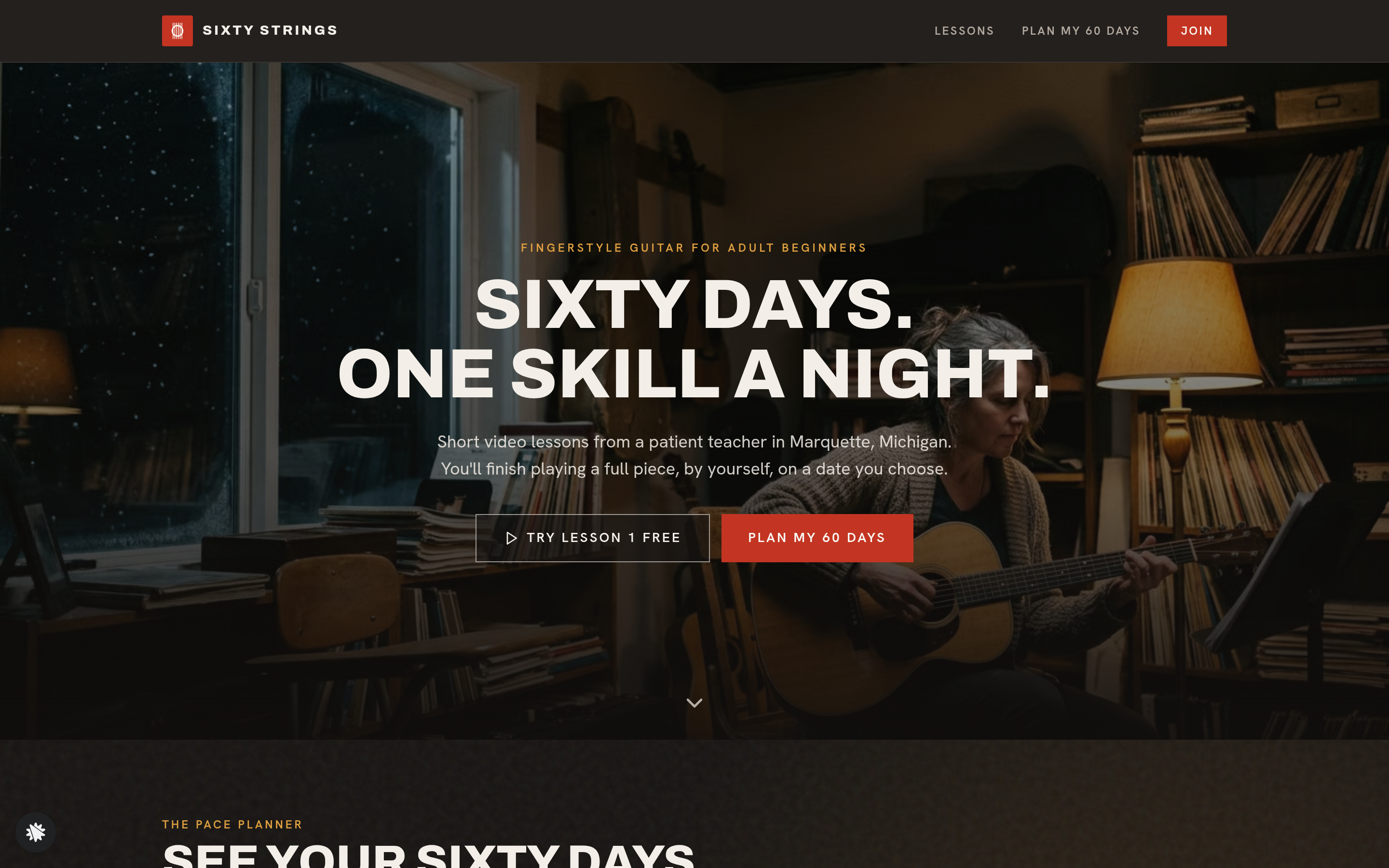
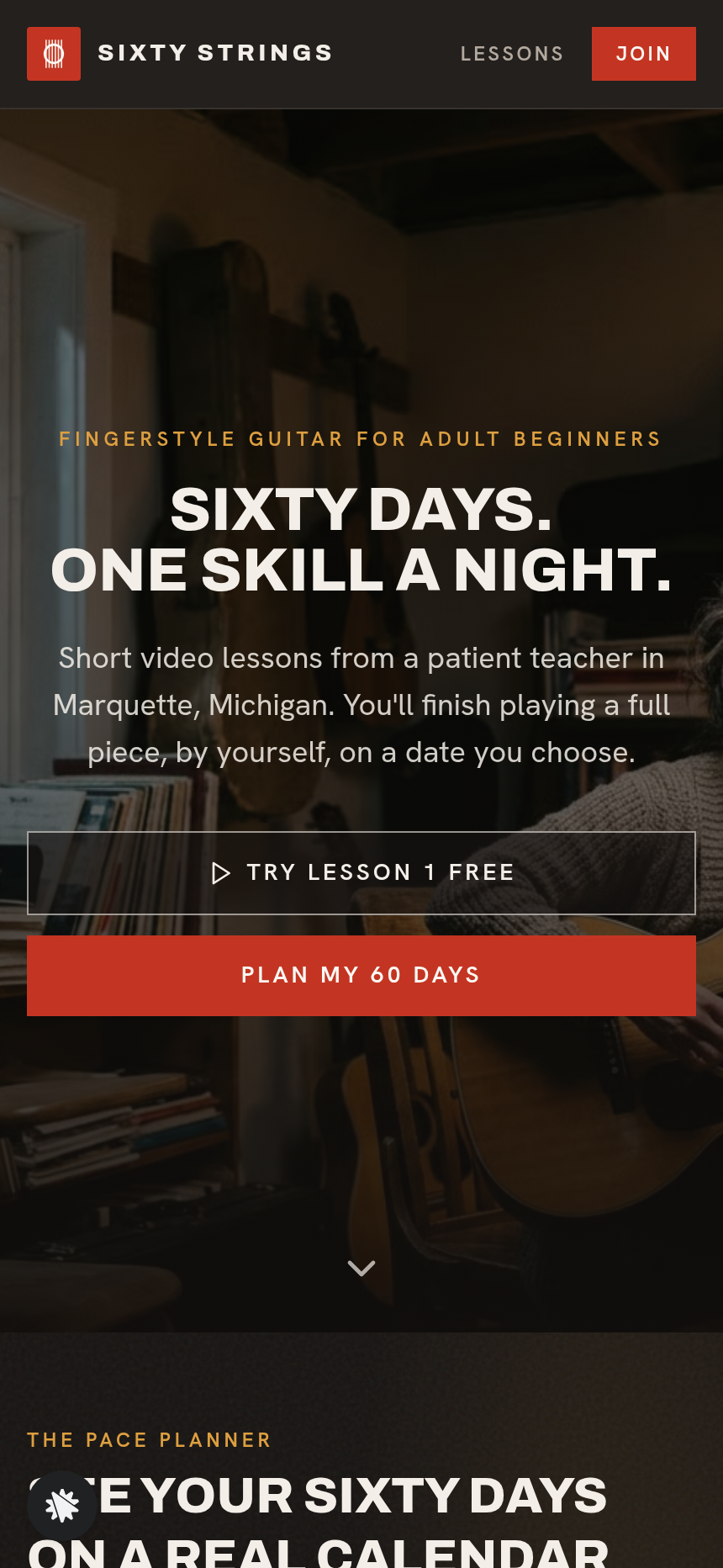
Home page (/) — Full-bleed photo hero with the headline "Sixty days. One skill a night." and two buttons ("Try lesson 1 free" and "Plan my 60 days"). Directly beneath: the Pace Planner (start date tiles for the next 14 days with next Monday pre-selected, days-per-week selector for 3/4/5/6, minutes-per-session selector for 15/25/40, a live week-by-week calendar with milestone flags and rest days, a finish-date sentence, and an "Email me this schedule" form). Below the planner: a dark program band, three headline numbers (students taught, lessons, years teaching), a student quote strip, a value comparison block, a week-by-week curriculum section, Ines Calloway's teacher story, and an FAQ.
Join page (/join) — Dark hero, three one-time plan cards ($129 / $199 / $289) with the visitor's chosen start date and pace shown in a recap line, the payment form with order bump ($19 printed tab book) on the same page, and a 30-day money-back guarantee.
Welcome page (/welcome) — First-week checklist on real dates, lesson-by-lesson ticks stored in the browser, and an add-to-calendar link.
Lessons page (/lessons) — All 60 lessons listed by week, with the first three open as free samples and milestone markers at key weeks.
Admin dashboard (/admin) — Funnel conversion overview, page-by-page step counts, recent contacts list with test-traffic labeling, and CSV-ready lead storage.
How it works
- A visitor lands on / from an ad, social post, or search result.
- They read the hero, then interact with the Pace Planner: they pick a start date, tap how many days a week they can practise, choose 15, 25, or 40 minutes, and watch all 60 lessons populate onto named calendar dates with three milestone flags and a finish-date sentence.
- The "Email me this schedule" form captures their email address — their completed schedule lands in the funnel's built-in contacts database, visible in the admin dashboard at /admin, so Ines can follow up with students who planned but did not yet enroll.
- The visitor scrolls through the program band, curriculum tabs, teacher story, and student quotes, then clicks "Join Sixty Strings."
- On /join the three plan cards ($129 / $199 / $289) display their chosen pace in a recap line. They choose a plan, optionally add the $19 printed tab book order bump, fill in name, email, and card details, and pay once — the order form accepts Visa, Mastercard, American Express, and Discover with a 30-day money-back guarantee.
- After payment, they land on /welcome with their first week laid out as a dated checklist.
- At any point a visitor can preview all 60 lessons on /lessons and try the first three free before committing.
When Ines wants to adjust the planner copy, change a plan price, or reword a milestone label, she describes the change in plain language inside ClickFunnels AI and the edit is applied to the relevant page — no code required. Every opt-in email and order is stored in the funnel's built-in database and surfaces in the /admin dashboard, so lead volume and conversion rate are visible without connecting an external CRM.
The signature step
The Pace Planner on / is what separates this funnel from a standard course sales page. When a visitor changes the days-per-week selector from 3 to 5, the entire calendar re-flows instantly: lesson dates shift, milestone flags move, and the finish-date sentence updates to a new real date. The effect is that the visitor sees the course as a commitment they can keep rather than an abstract 60-lesson product. The "Email me this schedule" form at the bottom of the planner doubles as the funnel's primary lead-capture step, collecting an email before the visitor has seen a price.
Who it's for
- Music and instrument teachers selling self-paced video programs who want to convert skeptical adult beginners by making the time commitment visible upfront.
- Course creators in any skill-per-day format (language, fitness, drawing, photography) where the learner's main objection is "I don't know if I can stick to it."
- Creators running a tiered offer who want the plan choice — and optional physical add-on — handled on a single join page without a separate cart step.
- Solo educators who need a lead-capture step (the schedule email) earlier in the funnel than the checkout, so they can follow up with visitors who planned but did not pay.
Design
- Type pairing
- Archivo display Hanken Grotesk body
- Motion
- calendar re-flow on input; reduced-motion: static
- Signature screen
- Pace planner that lays 60 lessons on a real calendar
- References
-
- 6.7 training membership home + join page
What can you use Sixty Strings — Course Pace Planner Funnel for?
- A fingerstyle guitar teacher with an existing YouTube audience launches a 60-day paid program and uses the pace planner to convert viewers who have been curious but noncommittal — the finish-date sentence gives them a specific goal to share with a spouse or friend.
- A ukulele instructor replaces all Sixty Strings copy with her own program details, changes the session-length options from 15/25/40 to 10/20/30 minutes to match shorter beginner sessions, and uses the "Email me this schedule" form to build a presale list before opening enrollment.
- A music school with multiple teachers runs the funnel for a beginner piano program, sets the three plan prices to match their existing tier structure, and uses the admin dashboard at `/admin` to track how many visitors planned their calendar but did not complete checkout — then follows up by email.
- A fitness coach adapts the funnel for a 60-day bodyweight program: the pace planner becomes a weekly training scheduler, the milestone flags mark deload weeks, and the $199 plan adds a form-check video library — all changed through plain-language chat edits.
- A language teacher selling a 60-lesson Spanish listening course uses the funnel's lessons page (`/lessons`) to publish the first three lessons as free samples, letting prospective students verify the teaching style before choosing a plan.
- An online course marketplace tests the funnel template for a client selling a hand-lettering program, swapping the guitar imagery, teacher bio, and program week labels through the chat-edit interface without modifying any code, then publishes under the client's custom domain.
Frequently asked questions
What is the guitar-program-pace-planner-funnel?
Who is this funnel for?
What pages are included?
How do I customize the guitar-program-pace-planner-funnel in ClickFunnels AI?
Does it include a checkout or order form?
Can I use my own branding and domain?
How is it different from a classic ClickFunnels video sales letter funnel?
What setup is required before the funnel goes live?
Related templates
 Coaching & Courses
Even Keel — Debt Payoff Planner Workshop Funnel
The Debt Payoff Planner Workshop Funnel is a free workshop funnel built in ClickFunnels AI for a money coaching business. Visitors run a payoff planner on their own debts, save the plan with their email and then reach a $79 course checkout with a $19 bump.
 Coaching & Courses
Ledgerlight — Fit-the-Line Sales Forecast Course Funnel
Ledgerlight Fit-the-Line Sales Forecast Course Funnel is a course funnel for a $79 six-lesson sales forecasting class, built with ClickFunnels AI. Visitors drag a trend line through a café's twelve monthly sales, and their line carries through enrolment.
 Coaching & Courses
Hollis Ink — Trace-the-Letter Brush Lettering Course Funnel
The Brush Lettering Trace-the-Letter Course Funnel is a course-sales template for Hollis Ink, an Asheville brush-lettering school, made with ClickFunnels AI. Its hero is an interactive tracing pad where visitors follow guided strokes before enrolling in a 21-day course for a flat $49.
 Coaching & Courses
Plain Tags — First Web Page Playground Course Funnel
The First Web Page Playground Course Funnel is a sales sequence made in ClickFunnels AI for Plain Tags, an evening web school in Wichita, Kansas. It puts a live HTML playground on the sales page so visitors write real code before they ever see a price.
Make this template your starting point.
Inspect the preview, plan your changes, and test the workflow before you share it.
Use this template