Iron Pine Strength — One Dollar Challenge Funnel
The one-dollar-challenge-funnel is a low-barrier challenge enrollment funnel built in ClickFunnels AI, designed for fitness coaches and challenge hosts who want to collect a $1 payment directly on the sales page alongside a live group countdown and value stack. It ships with an inline two-step order form, a coaching upsell, a welcome page, and a 21-day public challenge hub.
About this template
What is Iron Pine Strength — One Dollar Challenge Funnel?
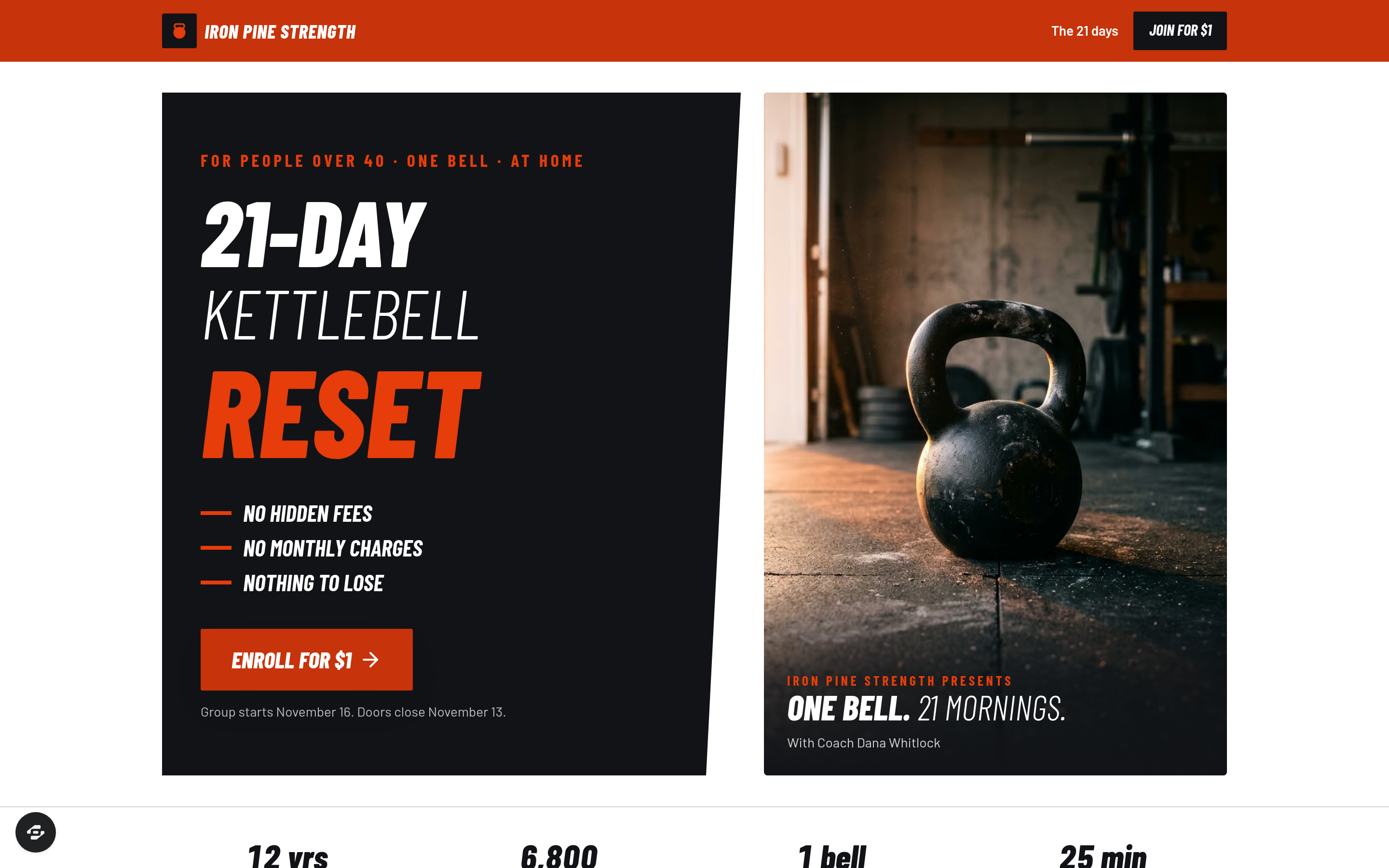
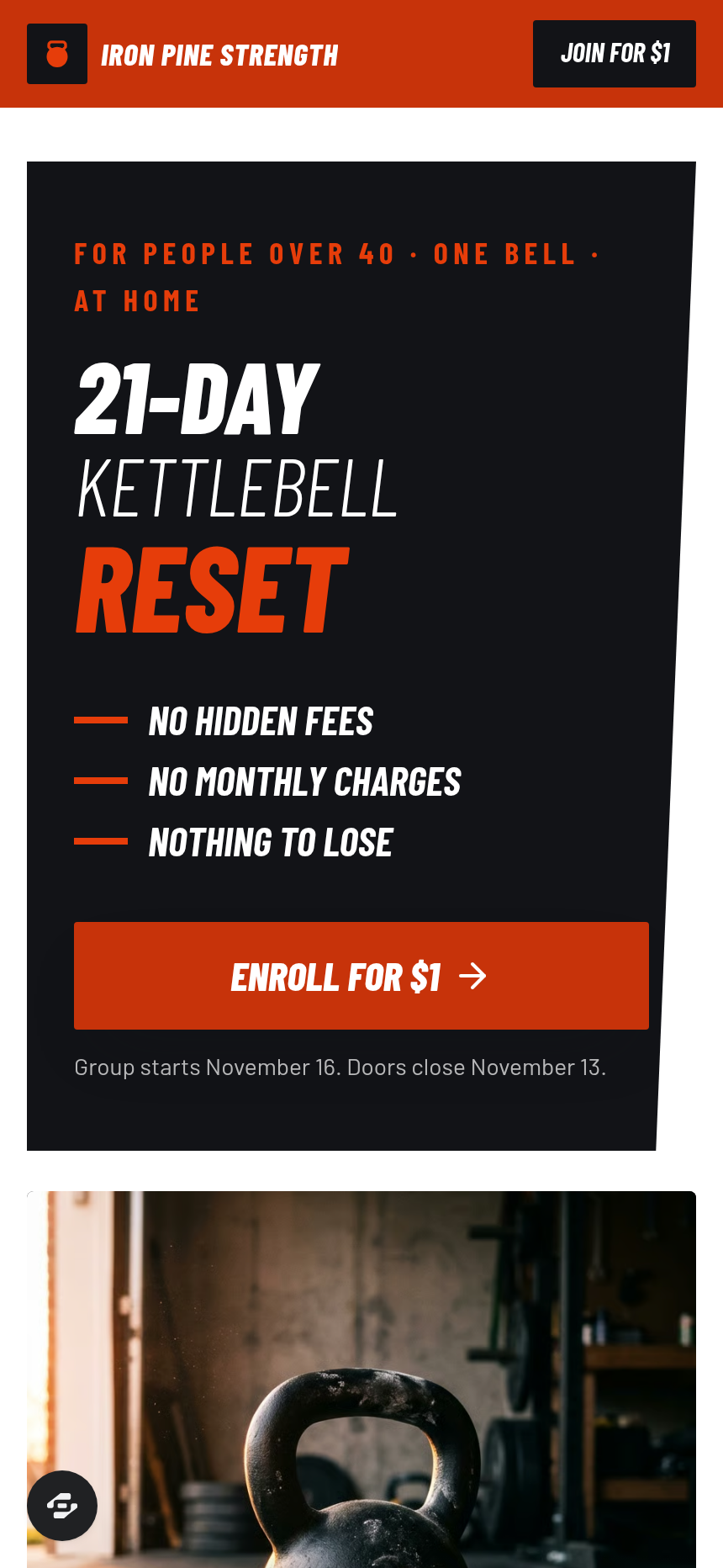
Iron Pine Strength's One Dollar Challenge Funnel sells entry into the 21-Day Kettlebell Reset for $1, with the order form embedded directly on the sales page rather than on a separate checkout page. Visitors see a group start date computed from today, an enrollment countdown, and a slanted value-card stack before they enter a single name, email, and phone number — then pay $1 without ever leaving the page. The funnel is built for fitness coaches running cohort-based challenges who need a low-friction entry point into a longer coaching relationship.
What you get
- Landing page (/) — a dark hero with the challenge name and three no-catch lines, a stat row (challengers to date, coaching years, gear required), a live enrollment countdown strip showing the next group's Monday start date and days/hours/minutes/seconds until Friday close, the "Here's what's included" headline with the offer stack, the inline two-step sign-up block (Step 1: name, email, phone writes the lead; Step 2: $1 card checkout), seven slanted value cards (21-day playbook $97, workout videos $200, protein-first meal guide $120, daily live calls $197, private challenge group $97, challenge champion prize $500, bonus mobility audio $27) with a struck-through total resolving to "only $1", and a two-column member post wall.
- One-time offer page (/keep-going) — presented immediately after the $1 purchase: three months of Iron Pine coaching for a single $87 charge to the card just used, with a "No thanks, I'll stop after day 21" skip link.
- Welcome page (/welcome) — confirms the group start date in plain language, shows the day-1 checklist, and provides an add-to-calendar link.
- 21-day challenge hub (/challenge) — a public day-by-day grid with the workout, meal focus, and a browser-saved check-off for each of the 21 days; includes a "Not in the group yet? Join for $1" prompt.
- Admin dashboard (/admin) — overall conversion rate, funnel step breakdown, and a list of recent contacts with opt-in timestamps.
How it works
- A visitor lands on / and reads the challenge premise.
- The enrollment countdown strip shows days remaining until the Friday close for the next Monday group start.
- The visitor scrolls to the sign-up block and completes Step 1 (name, email, phone), which writes the lead to the funnel's built-in contact store.
- Step 2 reveals the card form; the visitor pays $1. The order form, order bump logic, and the one-click upsell on /keep-going are wired together so the $87 coaching charge fires to the saved card without re-entering payment details.
- After the $1 purchase the visitor lands on /keep-going; accepting adds the coaching charge, declining routes to /welcome.
- /welcome shows the confirmed group start date, the day-1 checklist, and the calendar link.
- The public /challenge hub is available to anyone with the link, giving daily structure without requiring a login.
When you open this template and describe a change — swap the coach's name, adjust the $87 upsell price, or reword the value cards — ClickFunnels AI edits the relevant page copy, prices, and layout from that plain-language instruction without touching the rest of the funnel.
The signature step
The inline two-step sign-up block on / is the funnel's defining element. The left column shows "Sign up now for only $1", security badges, and the two-step form. The right column shows seven slanted value cards, one per included item with its dollar value, summing to a struck-through total that resolves to "only $1". Collecting the contact before showing the card form means every visitor who reaches Step 2 is already a named lead, even if they abandon checkout.
Who it's for
- Fitness coaches running paid cohort challenges where a $1 price removes the commitment barrier
- Kettlebell, strength, or mobility instructors who want a live group model with a coaching upsell
- Nutritionists or wellness coaches pairing a food protocol with daily accountability
- Any creator who needs a time-gated enrollment window (open/close dates computed automatically) rather than a perpetual evergreen signup
- Challenge hosts who want the order form on the sales page, not on a separate step
Design
- Type pairing
- Barlow Condensed display Barlow body
- Motion
- none; reduced-motion: static
- Signature screen
- Inline $1 sign-up beside the slanted value stack
- References
-
- $1 challenge with inline order
What can you use Iron Pine Strength — One Dollar Challenge Funnel for?
- A kettlebell coach launches a new 21-day cohort every month, using the enrollment countdown to create a hard close each Friday and opening a fresh group the following Monday.
- A nutritionist runs a protein-reset challenge for clients over 40, charging $1 to filter serious participants and upselling a 90-day meal-coaching package at $87 on the `/keep-going` page.
- A fitness studio owner promotes the challenge as a low-risk trial for in-person clients, collecting phone numbers at Step 1 for day-of SMS reminders and using the `/challenge` hub as a daily reference.
- A personal trainer affiliate-promotes the challenge to an email list, using the partner program to track link clicks and conversions through Whop before the full coaching upsell is introduced.
- A mobility coach adapts the value stack to their own curriculum — replacing workout videos with mobility flows and the meal guide with a recovery protocol — and relaunches the same funnel structure under a new brand name.
- A challenge host running back-to-back cohorts uses the admin dashboard at `/admin` to monitor conversion rate and contact volume in real time, adjusting the sales page copy between rounds based on drop-off data.
Frequently asked questions
What is the one-dollar-challenge-funnel?
Who is the one-dollar-challenge-funnel for?
What pages are included?
How do I customize the one-dollar-challenge-funnel in ClickFunnels AI?
Does it include a checkout or order form?
Can I use my own branding and domain?
How is it different from the five-day-challenge-funnel?
What setup is required before sharing the funnel?
Related templates
 Webinars & Challenges
Evergreen Webinar Funnel
The Evergreen Webinar Funnel is a just-in-time automated webinar template in ClickFunnels AI that lets registrants pick a session starting in 15 minutes or the next day, then walks them through a real-timeline room, a scheduled pitch reveal, and a checkout — all without fake live chat or inflated attendee counts.
 Webinars & Challenges
Brightsteps — Move-the-Tower Parent Q&A Funnel
The Brightsteps Move-the-Tower Masterclass Funnel is a survey-first webinar registration funnel built in ClickFunnels AI for a kids' logic club in Ann Arbor, Michigan. It opens with a playable three-peg tower puzzle, asks each parent's own question before a free live Q&A is booked, and leads families to a $49 four-week course.
 Webinars & Challenges
Loop & Toss — Juggling Pattern Seven-Day Challenge Funnel
The Loop & Toss Juggling Pattern Seven-Day Challenge Funnel is a seven-day paid challenge template built in ClickFunnels AI for skill teachers who want to prove their method before asking for a sale. It opens on a live pattern player instead of a video, then moves a visitor into a $17 checkout and seven dated lesson pages.
 Webinars & Challenges
The One-Word Workshop — Word Wall Paid Workshop Funnel
The One-Word Workshop Word Wall Funnel is a paid-workshop funnel built in ClickFunnels AI that opens on a live typographic wall of 36 words, lets each visitor claim or contribute their one word for the year, and carries it through to a $24 seat checkout.
Make this template your starting point.
Inspect the preview, plan your changes, and test the workflow before you share it.
Use this template