Thimble & Bolt Sewing School — Skill Tree Course Funnel
The Skill Tree Course Funnel is a course-enrollment funnel template in ClickFunnels AI that replaces a flat module list with a 24-node skill tree. Visitors tap any skill to see what they will make, pick where they are starting, and see their own path light up before they pay for one branch or all access.
About this template
What is Thimble & Bolt Sewing School — Skill Tree Course Funnel?
Thimble & Bolt Sewing School is a four-page, single-offer course funnel built for adult-beginner sewing. The organizing principle is a visual skill tree: 24 lessons drawn as connected nodes in four branches, with lines showing which skill leads to which. Visitors interact with the tree before they ever see a price, which means they arrive at the enrol page already knowing their path, their skip list and roughly how many hours the course will take them. The funnel targets 300 paid enrolments a year at $59 (one branch) or $149 (all access), with an optional $24 printed pattern pack bump at checkout.
What you get
Four published routes:
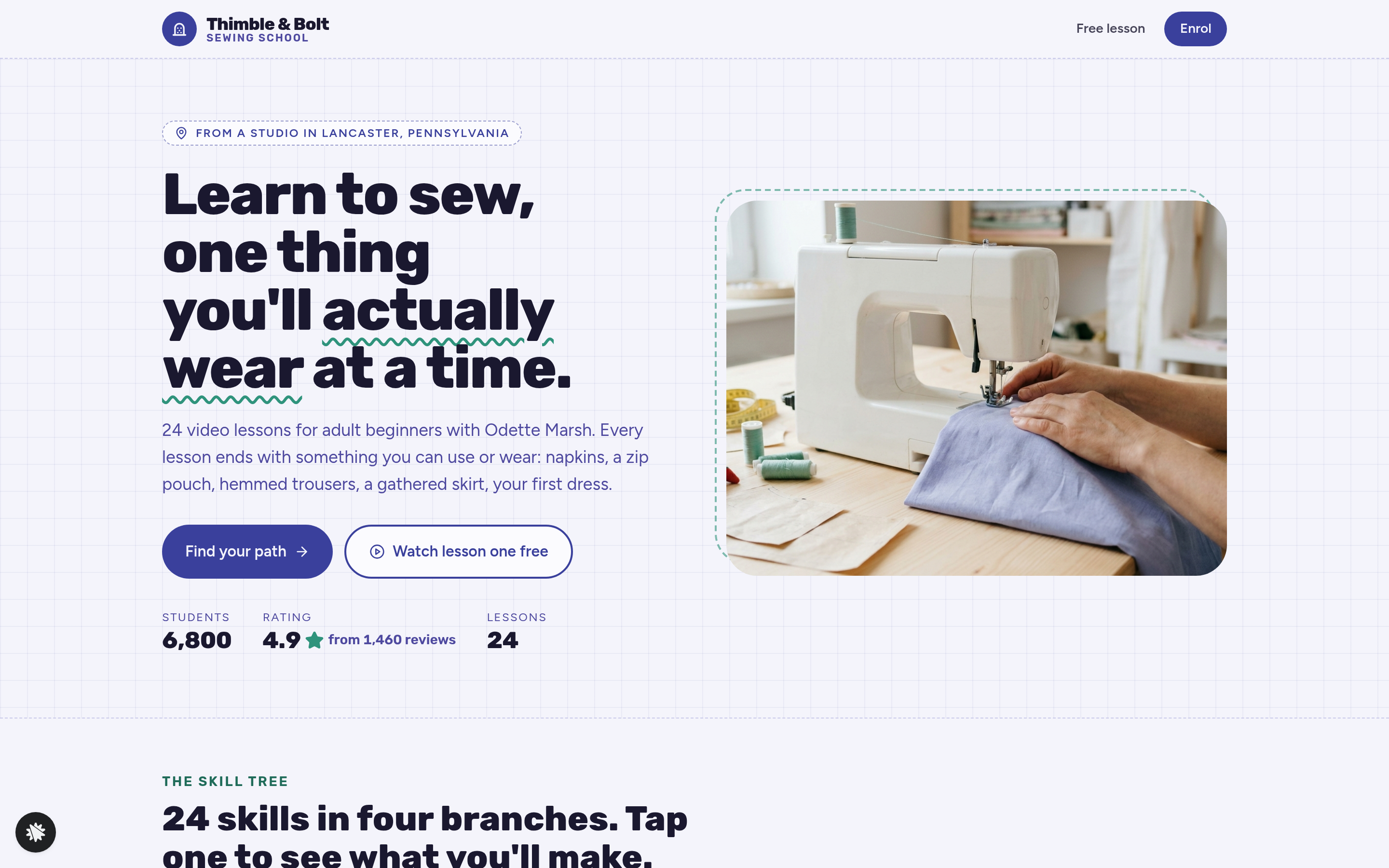
- Landing page (/) — split hero (four-line headline, two buttons, three social-proof numbers), the full skill tree with four branches (Machine basics, Seams and finishes, Fit and alteration, Projects) and three starting-point tiles (Never threaded a machine / Can sew a straight line / Have made a garment), a finished-makes photo row, the teacher bio (Odette Marsh, Lancaster PA), six student reviews and a FAQ.
- Free Lesson (/free-lesson) — a drawn lesson player for "Threading your machine" (Lesson 1, 18 min), six written steps, and an email opt-in that sends the printable threading guide.
- Enrol (/enrol) — plan and starting-point recap carried from the URL, both plans side by side with a card checkout visible on load, and a $24 printed pattern pack order bump.
- Welcome (/welcome) — the first three lessons on the buyer's chosen path, the kit list, and how to get help via "Ask the studio."
An admin panel (/admin) and a dashboard (/dashboard) are also included for tracking visits, conversions and opt-in contacts.
How it works
- A visitor lands on / and reads the hero (6,800 students, 4.9 stars from 1,460 reviews).
- They tap a starting-point tile on the skill tree; the recommended path lights up with a count such as "Your path: 17 lessons, about 9 hours" and dim nodes mark what they can skip.
- They tap individual nodes to open skill cards showing the finished make, minutes, tools and what that skill unlocks.
- From the tree, two buttons — "Enrol on this path" and "Watch lesson one free" — split traffic between /enrol and /free-lesson.
- On /free-lesson, after watching the threading walkthrough, visitors enter their email to get the printable guide; a band below promotes both plans.
- On /enrol, the chosen plan, branch and starting point arrive in the URL so the recap populates automatically; the visitor enters name, email and card details in a single on-load checkout form, then optionally adds the $24 pattern pack bump. Because ClickFunnels AI templates ship with a secured order page, the order bump, and a thank-you destination wired together as the money path, the enrolment checkout here follows that same structure without requiring a separate payment step.
- After payment, /welcome surfaces the buyer's first three lessons and the kit list.
When the funnel is in the template gallery you can preview it at desktop and mobile widths before editing, so layout decisions about the tree and the enrol checkout are visible before you commit to the design — that preview-before-remix step is built into how ClickFunnels AI surfaces templates.
The signature step
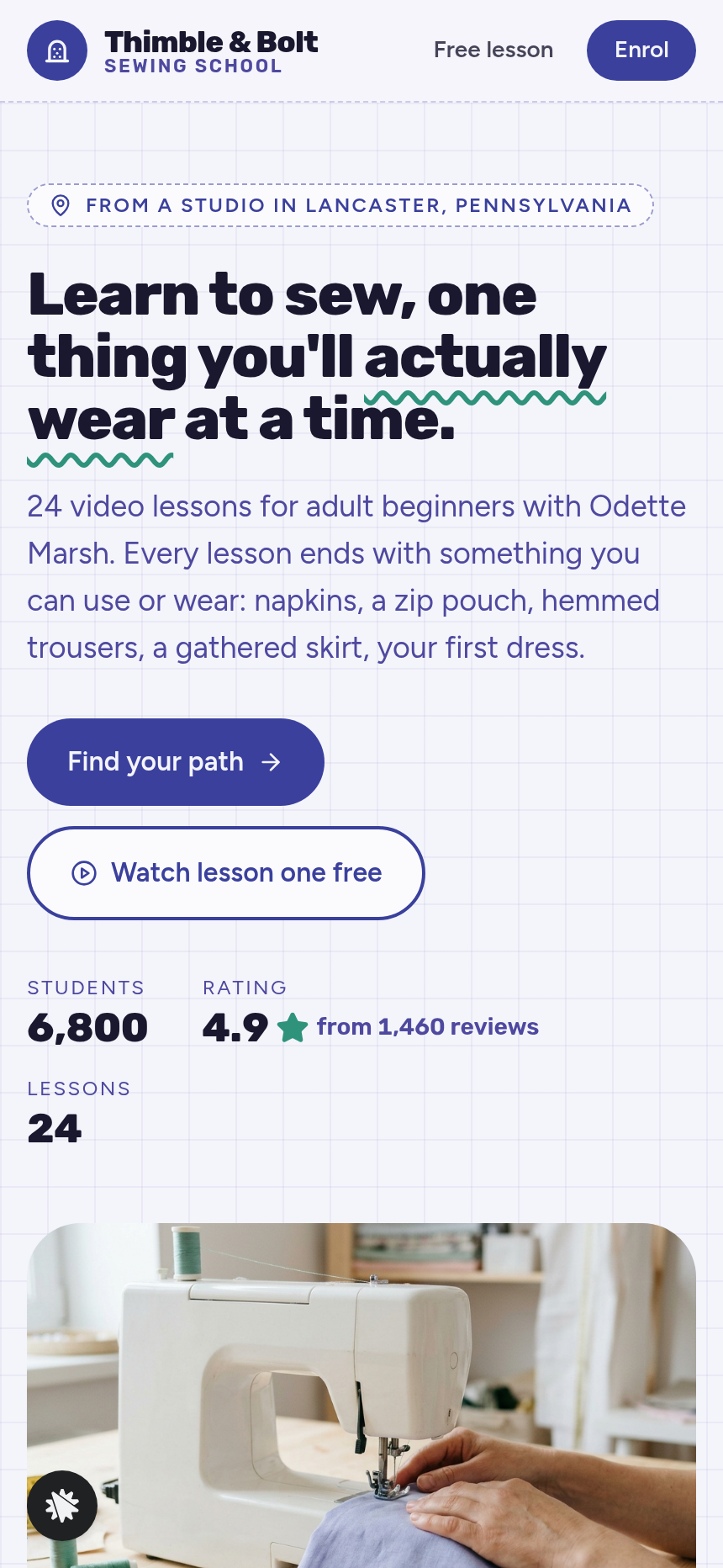
The skill tree on / is the moment the funnel earns its conversion. Each of the 24 nodes belongs to one of four branches; tap a node and a card appears beside the tree naming the finished make (a lined tote, a zip-top wash bag, pyjama trousers, a gathered skirt, an A-line dress and so on), the duration, the tools and the skills it unlocks. Tap a starting-point tile and the graph re-draws: on-path nodes highlight, skippable nodes dim, and a summary line counts the remaining lessons and hours. At phone width the graph becomes four vertically stacked branches with connecting lines preserved — no sideways scroll. The tree replaces the traditional curriculum table with something visitors interact with rather than read past.
Who it's for
Course creators in craft, cooking, fitness, music, language or coding whose curriculum is genuinely sequential — where skill B only makes sense after skill A — and who want buyers to map their own starting point before they reach a price. It suits any creator with two pricing tiers (a subset and full access), because the branch-or-all-access split is baked into every step of the flow from tree through checkout.
Design
- Type pairing
- Rubik display Figtree body
- Motion
- path lights along the lines on tile tap; reduced-motion: static
- Signature screen
- Skill tree of 24 connected lessons that lights your starting path
What can you use Thimble & Bolt Sewing School — Skill Tree Course Funnel for?
- A hand-embroidery teacher with six stitch families and 18 projects replaces the sewing branches with their own skill names and uses the tree to show beginners exactly which stitches unlock which finished pieces before checkout.
- A sourdough baking instructor offering a Starter kit tier ($49) and a Full bakery course ($129) swaps the branch-or-all-access pricing into the two plan slots and populates skill cards with finished loaves, batards and focaccias.
- A guitar teacher running a fingerpicking course uses the three starting-point tiles (Never played / Know basic chords / Play lead) to route complete beginners and intermediate players to different lesson subsets, reducing refund requests from students who bought the wrong level.
- A fitness coach selling a 24-week strength program uses the four branches for Lower body, Upper body, Core and Conditioning, with each node's card naming the weekly workout output, the equipment needed and the progression it unlocks.
- A language school selling single-skill modules ($39 each) or full A1-to-B2 access ($199) maps the CEFR level stages onto the four branches and uses the starting-point tiles to skip-route students who already pass a placement question.
- A sewing pattern designer uses the template as written, replacing Odette Marsh's details with their own, updating the $24 pattern pack bump to include their own printed sheets, and driving traffic from a YouTube free-lesson video to `/free-lesson` as the top-of-funnel entry point.
Frequently asked questions
What is the Skill Tree Course Funnel?
Who is this template for?
What pages are included?
How do I customize the Skill Tree Course Funnel in ClickFunnels AI?
Does it include a checkout or order form?
Can I use my own branding and domain?
How is this different from a classic ClickFunnels course funnel?
What setup is required before sharing the funnel?
Related templates
 Coaching & Courses
Even Keel — Debt Payoff Planner Workshop Funnel
The Debt Payoff Planner Workshop Funnel is a free workshop funnel built in ClickFunnels AI for a money coaching business. Visitors run a payoff planner on their own debts, save the plan with their email and then reach a $79 course checkout with a $19 bump.
 Coaching & Courses
Ledgerlight — Fit-the-Line Sales Forecast Course Funnel
Ledgerlight Fit-the-Line Sales Forecast Course Funnel is a course funnel for a $79 six-lesson sales forecasting class, built with ClickFunnels AI. Visitors drag a trend line through a café's twelve monthly sales, and their line carries through enrolment.
 Coaching & Courses
Hollis Ink — Trace-the-Letter Brush Lettering Course Funnel
The Brush Lettering Trace-the-Letter Course Funnel is a course-sales template for Hollis Ink, an Asheville brush-lettering school, made with ClickFunnels AI. Its hero is an interactive tracing pad where visitors follow guided strokes before enrolling in a 21-day course for a flat $49.
 Coaching & Courses
Plain Tags — First Web Page Playground Course Funnel
The First Web Page Playground Course Funnel is a sales sequence made in ClickFunnels AI for Plain Tags, an evening web school in Wichita, Kansas. It puts a live HTML playground on the sales page so visitors write real code before they ever see a price.
Make this template your starting point.
Inspect the preview, plan your changes, and test the workflow before you share it.
Use this template