The 14-Day Clear-Out — Room Wheel Challenge Funnel
The 14-Day Clear-Out Challenge Funnel is a paid challenge funnel template built in ClickFunnels AI that lets visitors rate six rooms on sliders, watches a wheel redraw their personal room order, and routes them through a $27 checkout into a 14-day email challenge.
About this template
What is The 14-Day Clear-Out — Room Wheel Challenge Funnel?
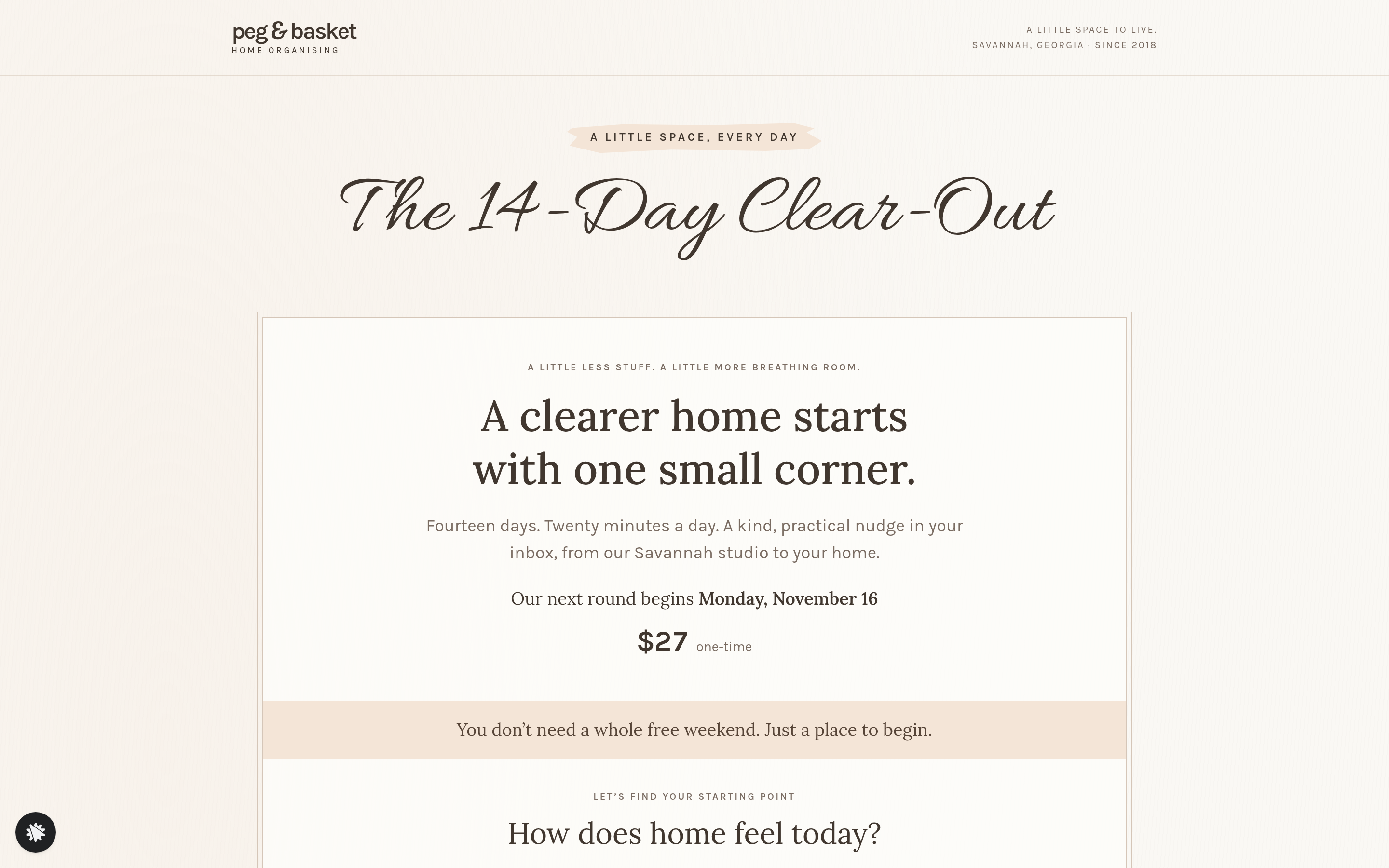
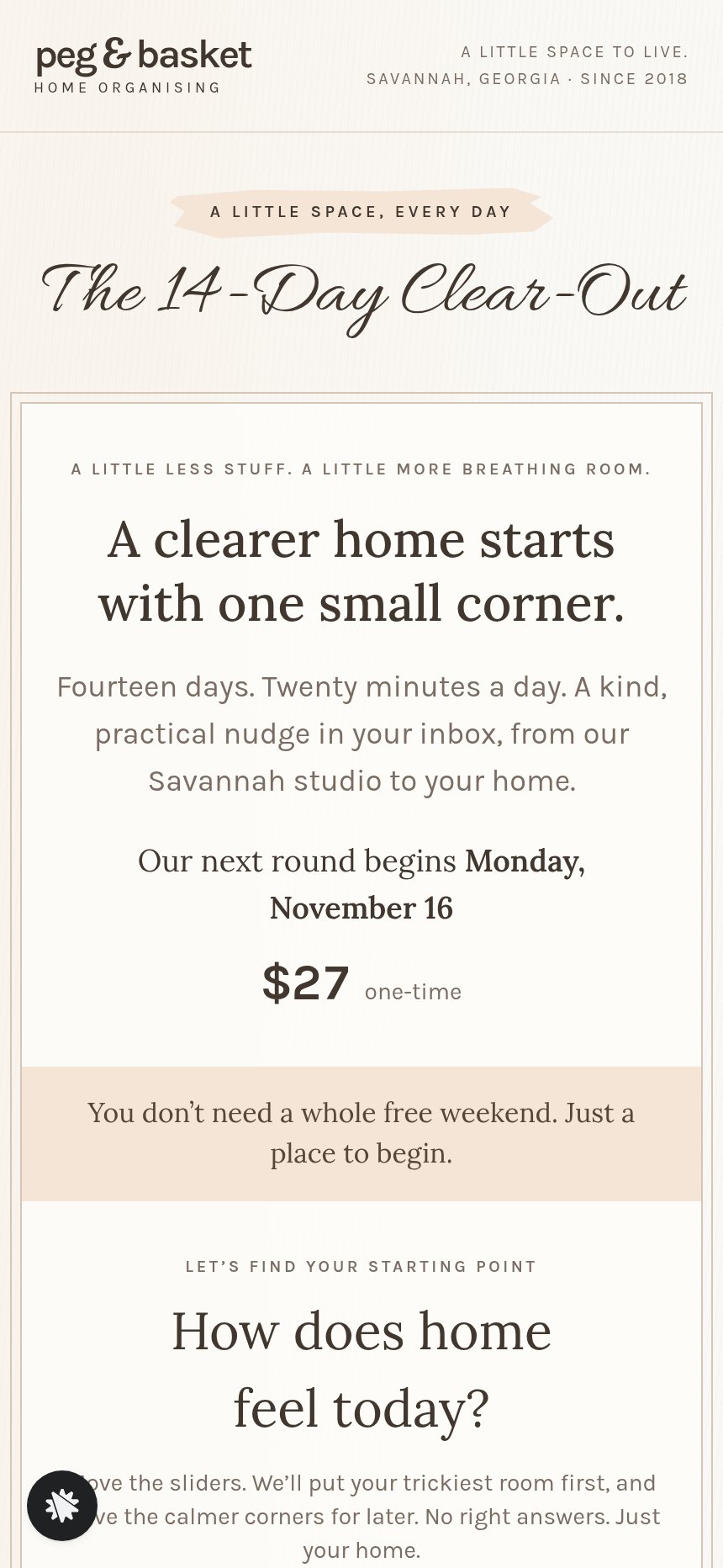
The 14-Day Clear-Out is a $27 paid challenge for Peg & Basket Home Organising, a Savannah studio that has cleared 1,150 homes since 2018. Visitors land on a sales page, assess their home by moving six sliders, and get a personalized 14-day room plan before they ever reach the checkout. The funnel runs four named pages — the Index sales page (/), the Order page (/order), the RoomClinics one-time offer (/room-clinics), and the Welcome page (/welcome) — plus an admin Dashboard (/admin) for the operator.
What you get
- Landing page (/) — a slim header, a script-title lockup ("The 14-Day Clear-Out"), a double-bordered column holding the promise, the next Monday start date computed live, the flat $27 price, and a full-width colour strip. Inside that column: the Room Wheel (six sliders, a six-spoke chart, the weakest room named and shaded), a two-column 14-day task list ordered by the visitor's scores, a brush-label what-you-get list, two italic sub-heads, four social-proof numbers, the lockup repeated, a "Time until registration closes" countdown to Sunday midnight, the join button, and a row of member note cards.
- Order page (/order) — the same lockup and bordered box in two columns: contact fields, billing address, and secured card checkout for $27 on the left; a Printable Label Pack bump card ($12 one-time, opt-in tick-box) on the right. The visitor's room-plan scores carry forward in the URL.
- RoomClinics offer (/room-clinics) — a one-time offer for two live group video clinics at $47, charged to the saved card. Visitors choose yes or skip.
- Welcome page (/welcome) — confirms the start date in plain English, displays the visitor's own 14-day room plan, and lists three preparation tasks with a "Save my plan" action.
- Admin Dashboard (/admin) — funnel steps in visit order, overall conversion rate, recent contacts marked test or live, and the contacts in CSV-ready form.
How it works
- The first screen, /, states the promise and the start date.
- They move six room sliders; the wheel redraws in real time, shades the weakest spoke, names the first room, and re-sorts the 14-day list so the hardest room goes first.
- The countdown shows time left until Sunday midnight registration close.
- The visitor clicks the join button and lands on /order, where their room-plan note is embedded in the URL so the operator sees which rooms each buyer flagged.
- At checkout they can add the Printable Label Pack for $12 — the funnel's order bump — before completing the $27 base payment. The order form, label-pack bump, and the one-click RoomClinics upsell at /room-clinics are wired together as one money path.
- After payment the buyer lands on /room-clinics; a yes adds the two clinics for $47 charged to the saved card; a skip routes to /welcome.
- /welcome shows the confirmed start date and the buyer's own 14-day plan. Opt-ins and orders are kept in the built-in database, and the admin contacts list separates them from test traffic. The operator can read registrations there with no outside CRM.
- To retarget the countdown, reprice the $27 offer or reword the clinic copy, type the edit into the chat panel. ClickFunnels AI rewrites only that component (copy, price field, slider labels or colour strip).
The signature step
Unlike a plain challenge sign-up page, this build opens with the Room Wheel on /. Six sliders (each labelled "1 · can't find anything" at one end) feed a six-spoke chart that redraws on every drag. The weakest spoke is shaded, the room is named under the heading "Your first room," and the 14-day task list re-orders so that room gets day one. Every visitor sees a challenge plan that reflects their actual home — before they hand over a dollar.
Who it's for
- Professional home organisers running Monday-start paid challenges.
- Coaches in fitness, nutrition, or finance who want a self-assessment step to personalise the program order.
- Any operator selling a short paid challenge where the daily sequence can bend to a visitor's self-reported starting point.
- Studios who want a bump offer (printable assets, label packs) and a live-session upsell built into the same checkout flow.
Design
- Type pairing
- Lora display Karla body
- Motion
- wheel polygon and day list update as a slider moves; countdown ticks; reduced-motion: static
- Signature screen
- Room wheel with six sliders that re-orders the 14-day plan
- References
-
- 5.4 personal-brand 14-day challenge page
What can you use The 14-Day Clear-Out — Room Wheel Challenge Funnel for?
- A three-person home organising studio runs a Monday-start $27 challenge each month, using the Room Wheel to show every registrant a plan that opens with their most cluttered space.
- A professional declutter coach adds the Printable Label Pack bump on `/order` to lift average order value by $12 without a separate product page.
- A fitness coach adapts the six sliders to body-focus zones (sleep, nutrition, movement, stress, hydration, mindset) and sells a 14-day wellness reset for $37 with a live Q&A clinic upsell.
- A finance educator swaps the room sliders for six spending categories, puts a 14-day money-audit challenge in the visitor's weakest-area order, and checks which category brings in the most sign-ups on the admin panel.
- A nutrition consultant runs the challenge twice a year, updating the Monday start date and countdown via a quick chat edit each time rather than rebuilding the page.
- A home organising franchise uses the admin contacts list to see each buyer's first-room choice, pre-assigns a local organiser to follow up, and exports the list to their CRM without needing a third-party integration on day one.
Frequently asked questions
What is the 14-Day Clear-Out Challenge Funnel?
Who is this funnel for?
What pages are included?
How do I customize the 14-Day Clear-Out Challenge Funnel in ClickFunnels AI?
Does it include a checkout and upsell?
Can I use my own branding and domain?
How is this different from a classic ClickFunnels challenge funnel?
What setup is required before going live?
Related templates
 Webinars & Challenges
Evergreen Webinar Funnel
The Evergreen Webinar Funnel is a just-in-time automated webinar template in ClickFunnels AI that lets registrants pick a session starting in 15 minutes or the next day, then walks them through a real-timeline room, a scheduled pitch reveal, and a checkout — all without fake live chat or inflated attendee counts.
 Webinars & Challenges
Brightsteps — Move-the-Tower Parent Q&A Funnel
The Brightsteps Move-the-Tower Masterclass Funnel is a survey-first webinar registration funnel built in ClickFunnels AI for a kids' logic club in Ann Arbor, Michigan. It opens with a playable three-peg tower puzzle, asks each parent's own question before a free live Q&A is booked, and leads families to a $49 four-week course.
 Webinars & Challenges
Loop & Toss — Juggling Pattern Seven-Day Challenge Funnel
The Loop & Toss Juggling Pattern Seven-Day Challenge Funnel is a seven-day paid challenge template built in ClickFunnels AI for skill teachers who want to prove their method before asking for a sale. It opens on a live pattern player instead of a video, then moves a visitor into a $17 checkout and seven dated lesson pages.
 Webinars & Challenges
The One-Word Workshop — Word Wall Paid Workshop Funnel
The One-Word Workshop Word Wall Funnel is a paid-workshop funnel built in ClickFunnels AI that opens on a live typographic wall of 36 words, lets each visitor claim or contribute their one word for the year, and carries it through to a $24 seat checkout.
Make this template your starting point.
Inspect the preview, plan your changes, and test the workflow before you share it.
Use this template