Maren Holt — Line-Up-the-Layers Printmaker Site
Maren Holt — Line-Up-the-Layers Printmaker Site is a ClickFunnels AI product-sales template for a screen printmaker in Duluth, Minnesota. Visitors line up a two-colour print with an interactive registration tool before buying a numbered edition of 50 for a flat $65.
About this template
What is Maren Holt — Line-Up-the-Layers Printmaker Site?
Maren Holt is a screen printmaker in Duluth, Minnesota. She makes two-colour limited-edition prints in editions of 50, and every print is one flat $65. This funnel opens on a registration tool, a drawn two-colour print that the visitor lines up by hand, so the buyer understands the craft before any price appears.
What you get
The template has four routes:
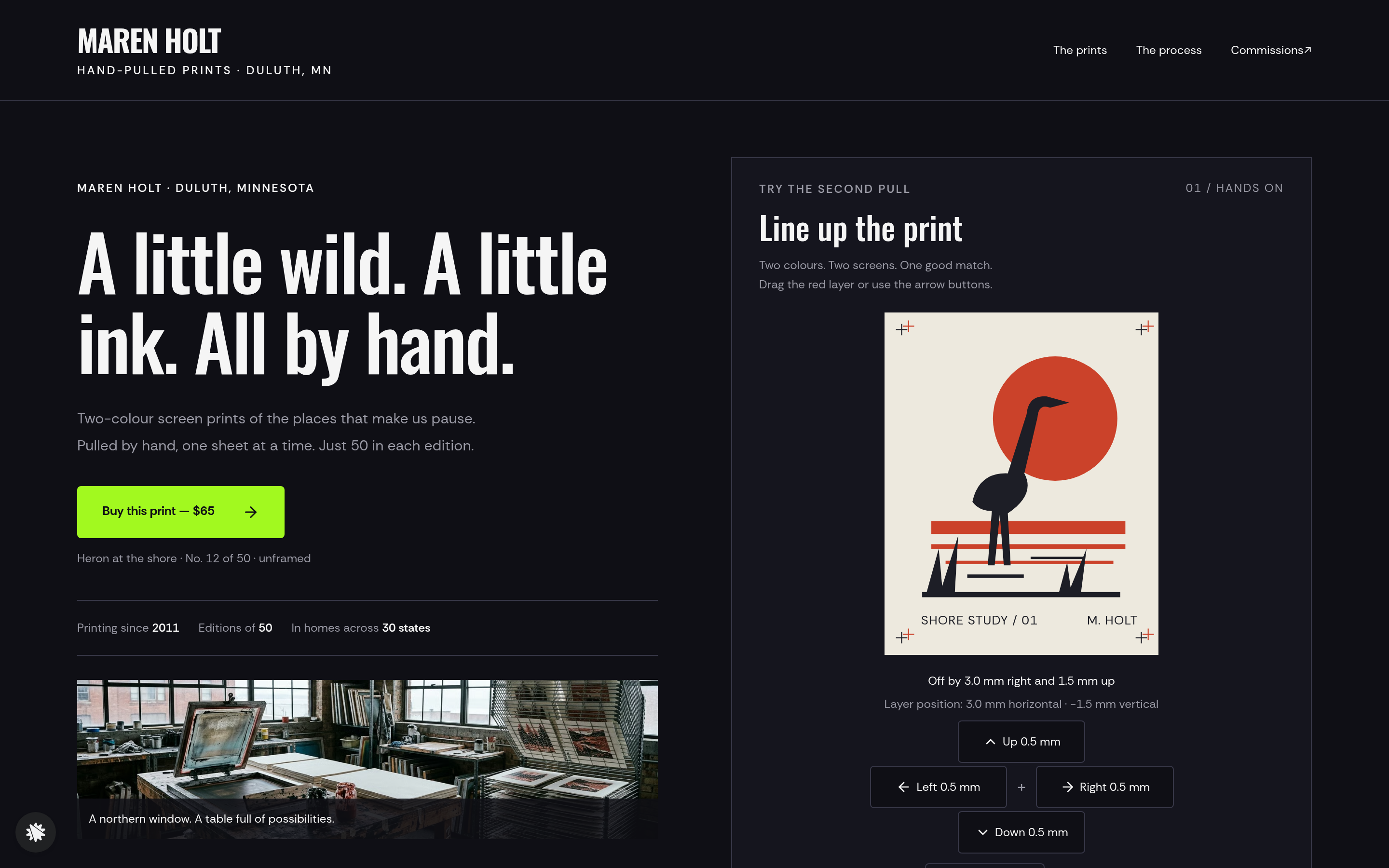
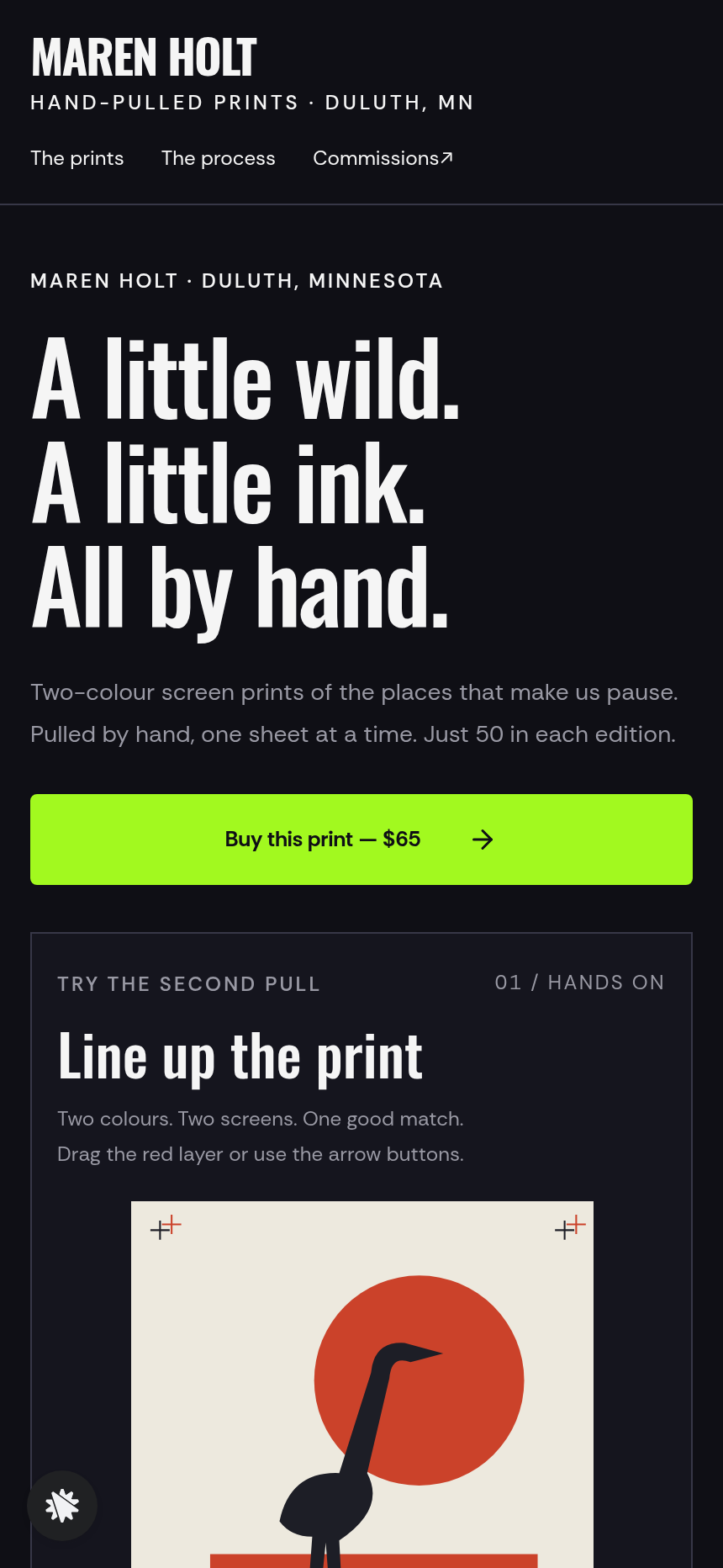
- Landing page (/) has a "Line up the print" tool beside the headline, three print tiles (Heron at the shore, Lighthouse in fog, Pines after snow) with size and edition number, a three-step drawn explanation of how a print is made, a note from Maren, buyer quotes, and the studio address.
- Order page (/order?print=…) recaps the chosen print. Name, email and address are saved before payment, and the card checkout takes the flat $65 price with an $18 wooden hanging-rail bump.
- Thank-you page (/thank-you) shows the receipt and the posting day, which is the next Tuesday or Friday after today.
- Commissions page (/commissions) holds a short form for custom work. Each request is answered by a "Got it" page that names the next business day.
How it works
- Arriving on the home page, the visitor finds the colour layer offset 3.0 mm right and 1.5 mm up.
- They drag the colour layer, or use the Left, Right, Up and Down buttons, which move it 0.5 mm per press. The readout describes the offset in plain words.
- Within 0.5 mm both ways, the readout reads "In register — this one goes in the edition".
- Switching between Heron, Lighthouse and Pines keeps the current offset, so the same adjustment carries across all three prints.
- Choosing a print sends its slug to the order page.
- The order page saves name, email and address, then moves to card checkout, where the hanging-rail bump is a single choice.
- The receipt and the posting day appear on the thank-you page.
Renaming a print, changing its price or rewriting Maren's note all happen in the builder chat. Each request touches only the matching page.
The signature step
The registration tool is the part that sets this funnel apart from a plain product page. The colour layer starts misaligned by exactly 3.0 mm right and 1.5 mm up. The visitor moves it back in 0.5 mm steps, and two corner registration marks show when the layers line up. "Show it in register" snaps both axes to true, and "Start again" returns to the opening offset. The visitor does the alignment by hand, which is the step a printmaker does at the press.
Who it's for
- Screen printmakers selling numbered editions online
- Risograph studios and letterpress printers who want buyers to see the process
- Illustrators and poster artists running small print runs
- Print collectives that release a series under one site
Design
- Type pairing
- Oswald display Rethink Sans body
- Motion
- the colour layer slides into place as it is dragged
- Signature screen
- Line-up-the-print registration tool: drag the colour layer onto the key; offset read in millimetres
What can you use Maren Holt — Line-Up-the-Layers Printmaker Site for?
- A screen printmaker launching a bird-and-landscape series uses the registration tool to show buyers how two-colour printing works.
- A risograph studio running editions of 30 swaps in its own three print titles and prices, then collects shipping details on the order page before card payment.
- A letterpress printer adds a commissions page so visitors can ask for a custom print from the same site that sells open editions.
- A print collective releases a new series each season by changing the print tiles and edition numbers in the builder chat.
- A poster artist offers a wooden hanging rail as an $18 add-on at checkout.
- A craft-fair printmaker prints a QR code on cards that links to the funnel, so shoppers can try the registration tool at home and order later.
Frequently asked questions
What is Maren Holt — Line-Up-the-Layers Printmaker Site?
Who is it for?
What pages are included?
How do I customize Maren Holt — Line-Up-the-Layers Printmaker Site in ClickFunnels AI?
Does it include a checkout or order form?
Can I use my own branding and domain?
How is it different from a classic ClickFunnels product funnel?
What setup is required?
Related templates
 Personal Brand
Hollis Reed — Family Historian Fan Chart Site
The Family Historian Fan Chart Site is a four-page service funnel built in ClickFunnels AI for a genealogy researcher. The home page draws an interactive fan chart from a birth year, two intake steps gather the research details, and a $350 card checkout closes the sale with an optional $45 framed-chart bump.
 Personal Brand
Margo Pell — Monday Mini Crossword Personal Site
Margo Pell Monday Mini Crossword Personal Site is a lead-magnet-with-product-sale funnel built in ClickFunnels AI for a crossword maker's personal site. It opens on a playable four-by-four mini, converts solvers into Monday-email subscribers, and sells a $24 book of 52 full-size puzzles.
 Personal Brand
Wren Ashby — Wedding Planner Seating Chart Site
Wedding Planner Seating Chart Site is a lead-capture service funnel built with ClickFunnels AI for wedding planners who sell a flat-rate seating plan — couples arrange 24 guests across three tables, see conflicts in plain language, then pay $85 for the finished chart, place-card list, and drawn table map.
 Personal Brand
Ottilie Marsh — Shape-Your-Pot Potter Commission Site
Potter Shape-Your-Pot Commission Site is a commission-site template made in ClickFunnels AI for studio potters and one-person workshops that take made-to-order work. Visitors use an interactive drawing tool to set four proportions — height, belly, neck and rim — then commission that exact pot for a flat $58 posted.
Make this template your starting point.
Inspect the preview, plan your changes, and test the workflow before you share it.
Use this template