The Tidewater Dispatch — Newsletter Sponsor Booking Page
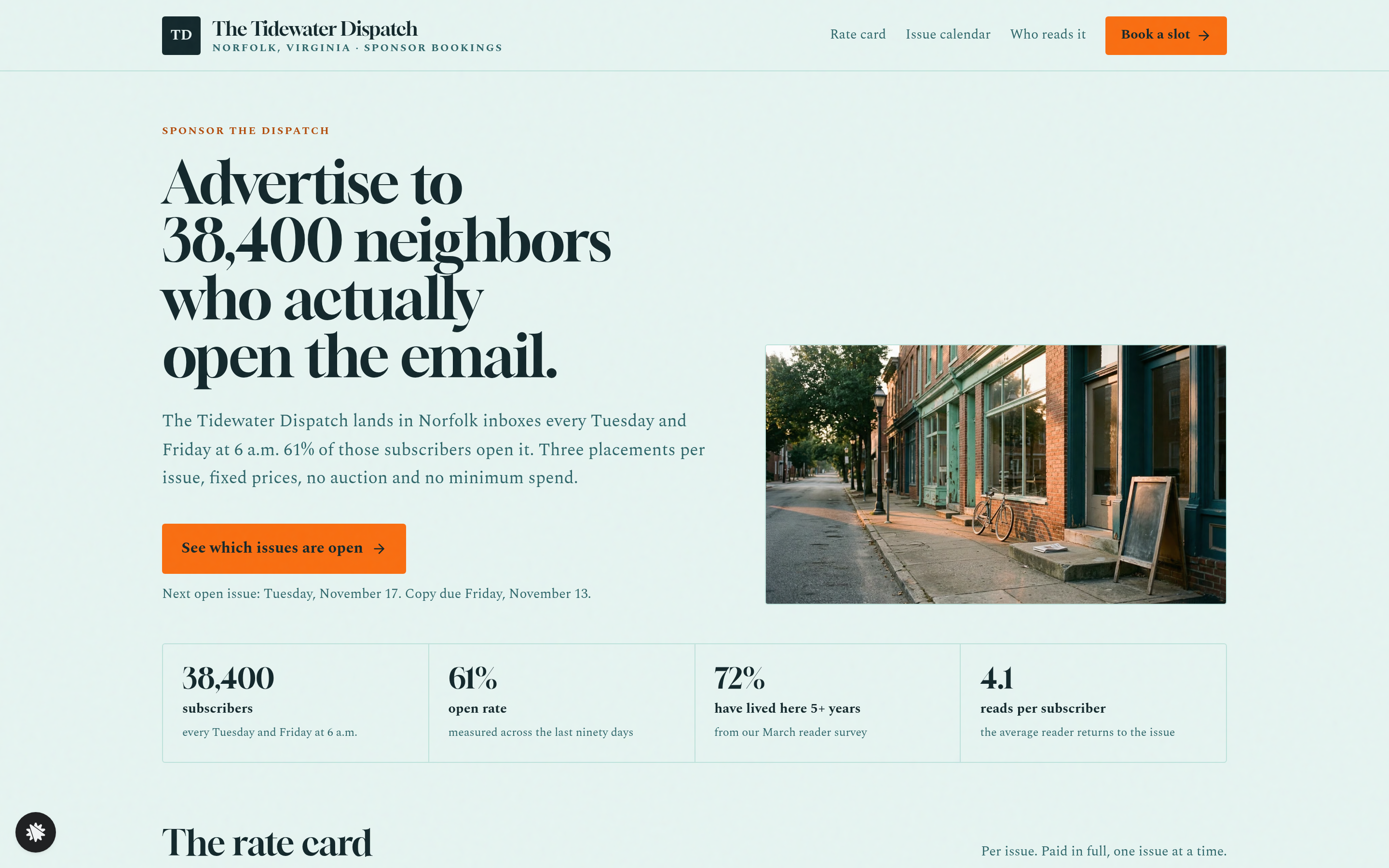
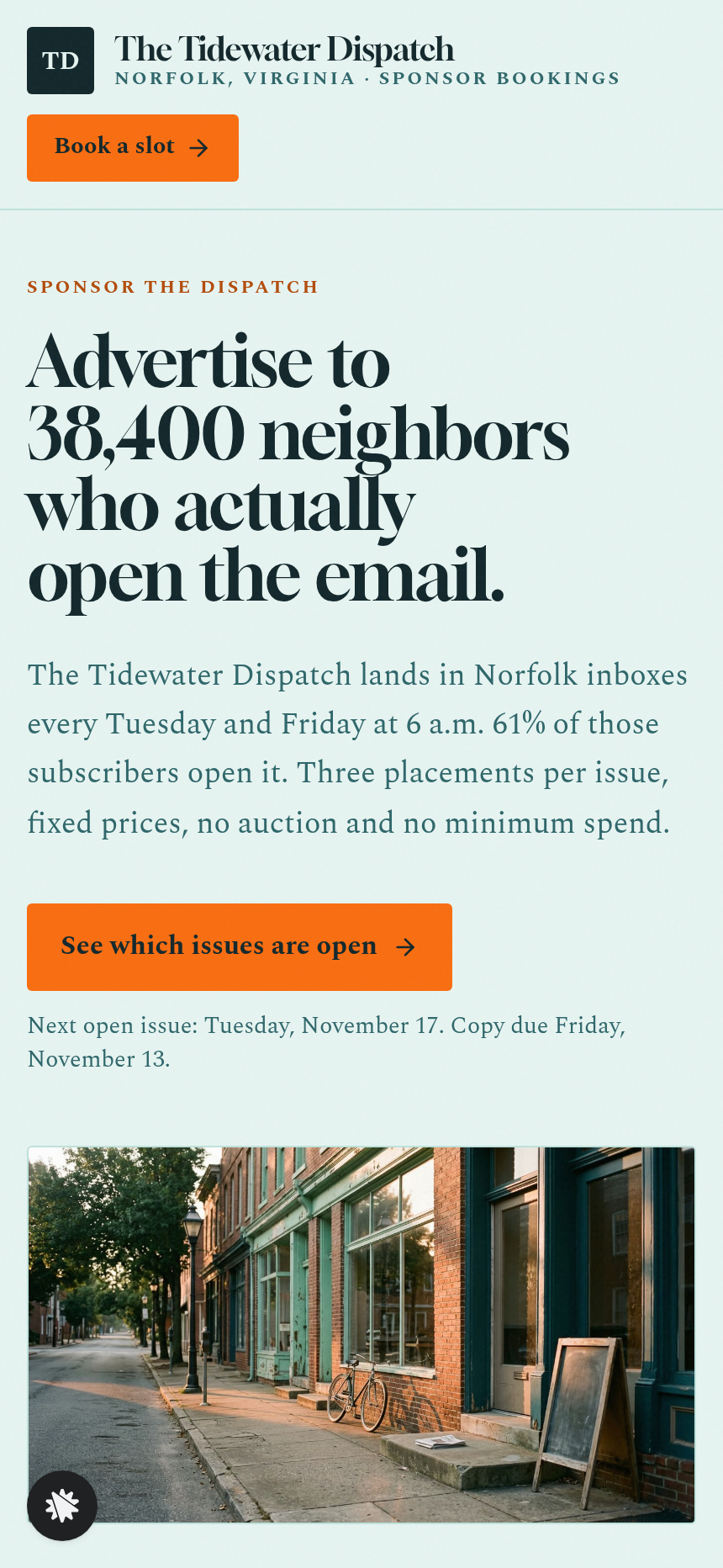
Newsletter Sponsor Booking Page is a sponsor-booking funnel built in ClickFunnels AI that turns open ad slots in a twice-weekly newsletter into a self-serve calendar where sponsors pick a date, see exactly where their ad sits, and pay by card in one step. No media-kit PDF, no sales call, no combined cart.
About this template
What is The Tidewater Dispatch — Newsletter Sponsor Booking Page?
The Tidewater Dispatch sponsor booking funnel presents eight weeks of upcoming issues as a live calendar of open and booked placements. Each row is an issue date; each column is one of three fixed-price ad slots. Visitors can see which slots a local business has already claimed, pick an open one, and complete a card checkout without ever leaving the funnel. The whole flow — landing page, booking form, card step, and confirmation — is wired together and ready to edit from the template.
What you get
Four visitor-facing routes and one owner dashboard:
- Landing page (/) — a masthead, a four-number audience strip (subscribers, open rate, issue days, city), a three-line rate card (Presenting sponsor $480, Mid-issue feature $260, Classified line $75), the issue calendar with its sticky mock-issue side panel, a reader-profile section, three past-sponsor results with click counts, a copywriting guide, and an FAQ.
- Booking page (/book) — the chosen issue date and placement travel in the URL; the page recaps the slot, collects business name, contact name, email, and optional link, then steps the visitor into an inline card checkout at that placement's fixed price.
- Confirmation page (/thank-you) — confirms the issue date in plain words, the placement, the copy deadline, the full spec sheet (character limits, logo size), and a "send your copy" form whose submissions save directly to the booking record.
- Dashboard (/dashboard → /admin) — shows funnel visits, overall conversion, every sponsor contact (newest first), and a separate "ad copy received" list of sponsors who submitted copy through the confirmation page; test traffic is labeled and kept out of live counts.
How it works
A visitor arrives at the landing page cold and sees the next eight weeks of Tuesday and Friday issues already computed. Clicking any open slot highlights it in the calendar and loads the mock-issue side panel showing the exact placement, the price, and the copy deadline (four days before the issue date, stated in words). That selection carries into /book via the URL, so the booking page always opens with the right slot pre-filled in the recap.
Browsing the template in the gallery lets you preview every screen on desktop and mobile before you commit — the calendar, the booking form, the card step, and the confirmation all render with filled-in example data so nothing looks blank. After selecting this template, you describe changes in plain language and ClickFunnels AI edits the page: swap the newsletter name and author, adjust the rate-card prices, rewrite the reader-profile copy, or change the palette from ink teal and orange to your own colors. Every sponsor who submits the copy form on the confirmation page appears in the owner dashboard under "ad copy received," stored in the funnel's built-in database with no external CRM needed to get started.
Payment is card only, pay-in-full, one slot per booking. The card form mounts inside its own inline component on the booking page once the visitor advances past the details step, so the checkout is always reachable in the template.
The signature step
The issue calendar is the core of the funnel. Sixteen rows (eight weeks of Tuesday and Friday issues), three placement columns per row. Booked cells carry a made-up local business name so the calendar looks realistic in the template. Open cells show the price and an arrow. Tapping an open cell selects it, the row highlights, and the sticky side panel updates to show a drawn mock issue with the chosen placement marked, its price, and the exact copy deadline in words. One slot per booking; the funnel enforces this throughout.
Who it's for
- Newsletter writers who sell a fixed number of dated ad slots and want sponsors to book without a sales call
- Local media operators running a city or neighborhood publication with a small, loyal advertiser base
- Podcasters and community-site owners with a predictable publish schedule and three or fewer placement tiers
- Creators who already have a media kit PDF but want an interactive, bookable version instead
- Any solo operator who needs sponsors to self-serve and pay upfront while keeping writing help and approval in the flow
Design
- Type pairing
- Gloock display Spectral body
- Motion
- slot select highlights the mock issue; reduced-motion: static
- Signature screen
- Issue calendar of open and booked sponsor placements
What can you use The Tidewater Dispatch — Newsletter Sponsor Booking Page for?
- A Norfolk neighborhood newsletter writer replaces the Tidewater Dispatch details with her own publication name, subscriber count, and issue days, then shares the landing page URL with local retailers instead of emailing a PDF media kit.
- A twice-weekly food newsletter operator uses the issue calendar to show restaurant and café sponsors which Friday slots are already taken by competitors, reducing inbound 'is this date available?' emails to zero.
- A city politics newsletter with three placement tiers sets the Presenting sponsor price to $600, the Mid-issue feature to $300, and the Classified line to $90 through the chat editor, then publishes the updated rate card the same day.
- A podcaster with a companion email newsletter adapts the funnel to sell pre-roll, mid-roll, and end-of-show sponsor mentions as three placement columns in the same calendar layout, keeping the fixed-price card checkout unchanged.
- A community events site operator uses the owner dashboard to track which sponsors submitted their ad copy through the confirmation page and which ones still need a follow-up, without setting up a separate CRM.
- A local media startup uses the reader-profile section and the past-sponsor results block — both editable through plain-language chat prompts — to show prospective advertisers click counts from previous runs before they commit to a slot.
Frequently asked questions
What is the newsletter-sponsor-slot-booking-page?
Who is this funnel for?
What pages are included?
How do I customize this funnel in ClickFunnels AI?
Does it include a checkout or order form?
Can I use my own branding and domain?
How is this different from a classic ClickFunnels order funnel?
What setup is required before sharing the funnel?
Related templates
 Personal Brand
Hollis Reed — Family Historian Fan Chart Site
The Family Historian Fan Chart Site is a four-page service funnel built in ClickFunnels AI for a genealogy researcher. The home page draws an interactive fan chart from a birth year, two intake steps gather the research details, and a $350 card checkout closes the sale with an optional $45 framed-chart bump.
 Personal Brand
Maren Holt — Line-Up-the-Layers Printmaker Site
Maren Holt — Line-Up-the-Layers Printmaker Site is a ClickFunnels AI product-sales template for a screen printmaker in Duluth, Minnesota. Visitors line up a two-colour print with an interactive registration tool before buying a numbered edition of 50 for a flat $65.
 Personal Brand
Margo Pell — Monday Mini Crossword Personal Site
Margo Pell Monday Mini Crossword Personal Site is a lead-magnet-with-product-sale funnel built in ClickFunnels AI for a crossword maker's personal site. It opens on a playable four-by-four mini, converts solvers into Monday-email subscribers, and sells a $24 book of 52 full-size puzzles.
 Personal Brand
Wren Ashby — Wedding Planner Seating Chart Site
Wedding Planner Seating Chart Site is a lead-capture service funnel built with ClickFunnels AI for wedding planners who sell a flat-rate seating plan — couples arrange 24 guests across three tables, see conflicts in plain language, then pay $85 for the finished chart, place-card list, and drawn table map.
Make this template your starting point.
Inspect the preview, plan your changes, and test the workflow before you share it.
Use this template