Wren Ashby — Wedding Planner Seating Chart Site
Wedding Planner Seating Chart Site is a lead-capture service funnel built with ClickFunnels AI for wedding planners who sell a flat-rate seating plan — couples arrange 24 guests across three tables, see conflicts in plain language, then pay $85 for the finished chart, place-card list, and drawn table map.
About this template
What is Wren Ashby — Wedding Planner Seating Chart Site?
Wren Ashby is a wedding planner in Savannah, Georgia, with 310 weddings since 2014 and 4.9 stars from 280 reviews. Her site shows the $85 seating service before a couple reaches for a card. Visitors move guest chips around a drawn reception room, see conflicts in plain words, and reach checkout already invested in their arrangement. The funnel has four visitor-facing routes (/, /plan, /question-received, and /thank-you) plus an owner-only dashboard at /dashboard, which opens /admin.
What you get
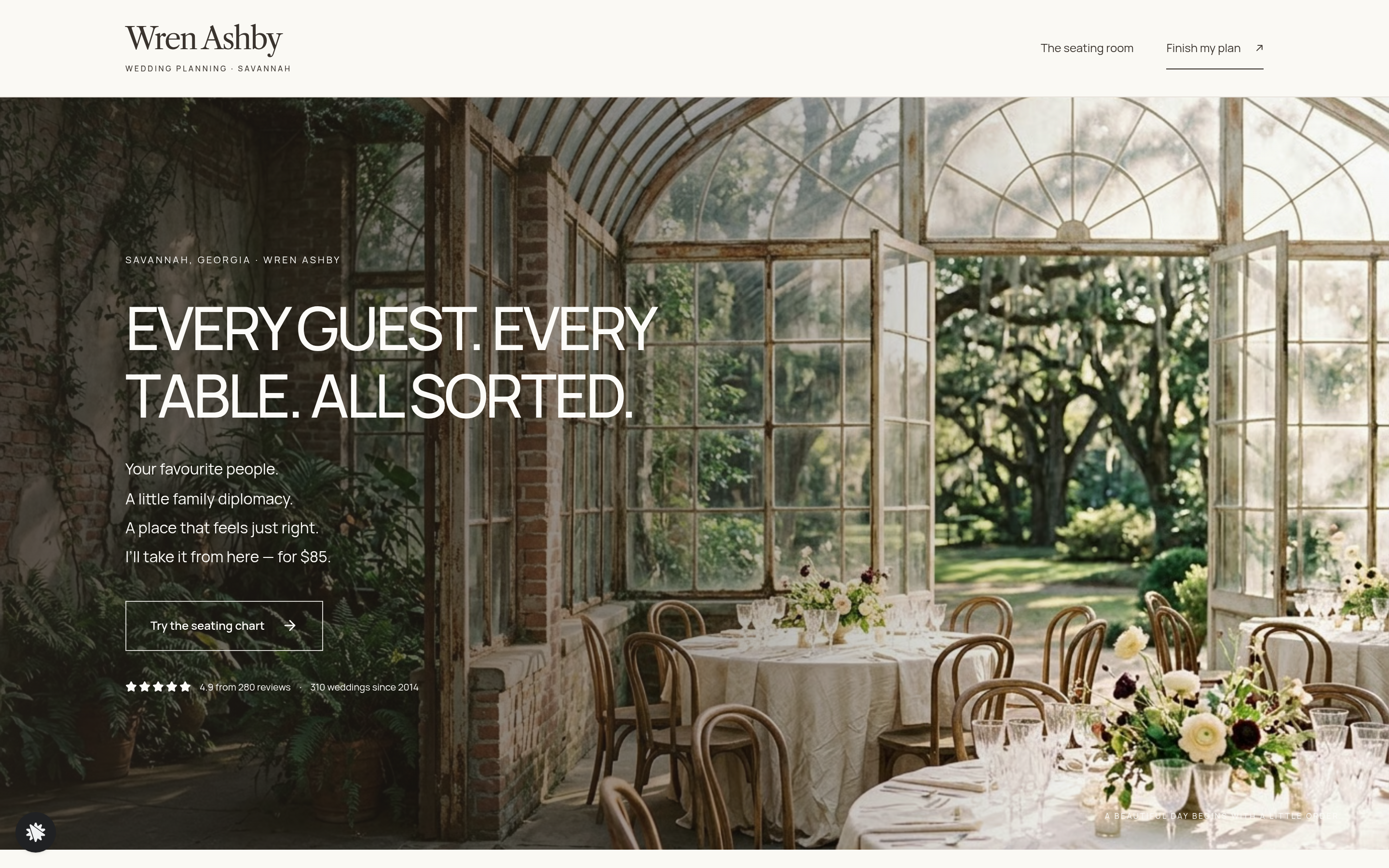
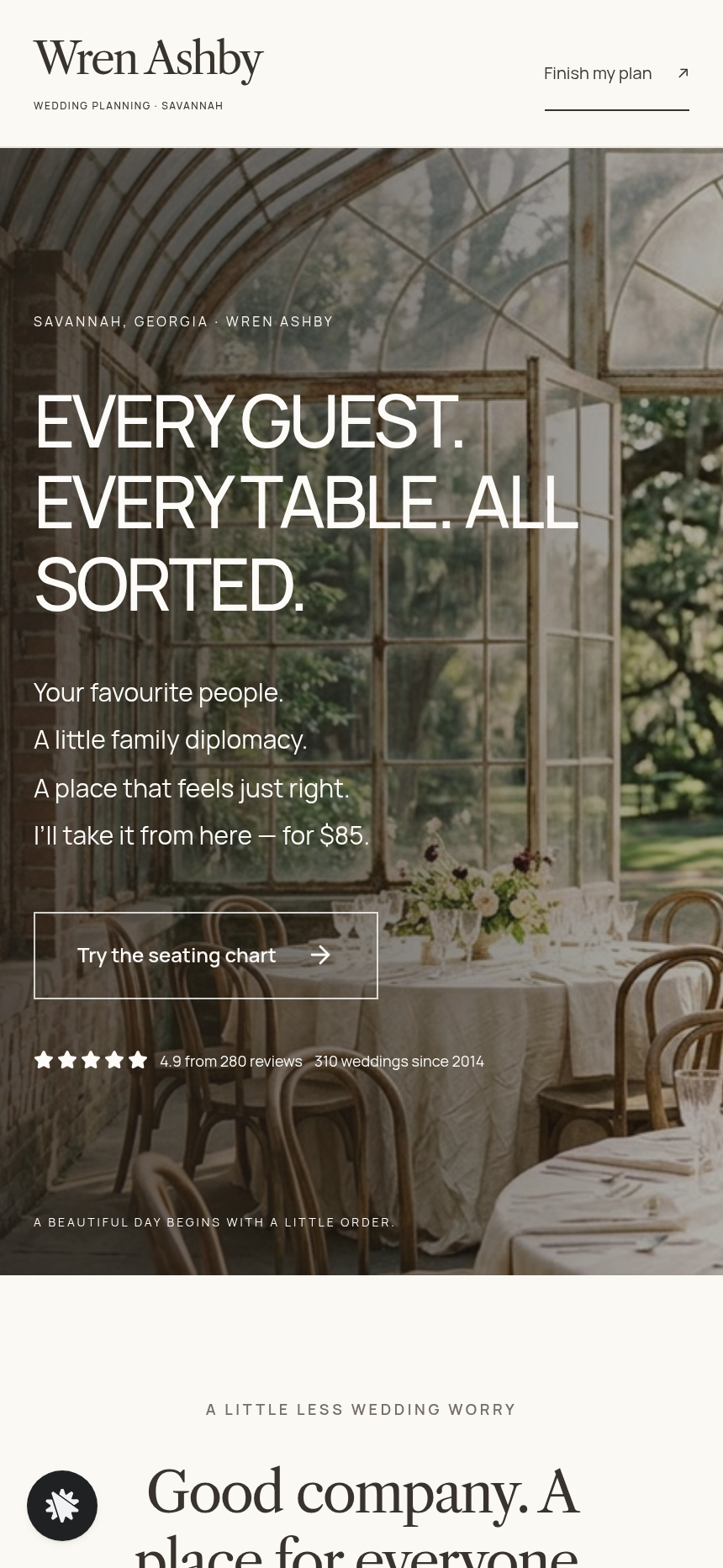
- Home (/): a photo hero with a spaced-capitals headline ("EVERY GUEST. EVERY TABLE. ALL SORTED."), four short lines, an outline "Try the seating chart" button, and social proof (4.9 from 280 reviews, 310 weddings since 2014). Below it sit the seating band, a note from Wren, couples' quotes, and a question form.
- Plan (/plan): the couple's arrangement drawn small, their guest count, any flagged problems, a wedding-date picker (three weeks out at the earliest), name and email fields, and a card checkout at $85 flat with a $28 printed table-map sign offered as an order bump.
- Question received (/question-received): confirms that Wren has the question and will reply the next business day.
- Thank you (/thank-you): a receipt for the finished seating plan ($85) and optional printed sign ($28), two key dates (plan back by, sign posted), and a recap for the couple's wedding folder.
- Owner dashboard (/dashboard, opens /admin): a private panel with overall conversion, recent contacts (test traffic is labelled), and a sales table. Requests and questions also flow into the brief inbox.
How it works
- The couple arrives on the home page and reads the headline in the hero.
- They click "Try the seating chart" and reach the seating band: three round tables of eight, a waiting list of 24 named guest chips, and a rules panel ("Together: Ana + Luis, June + Walt, Mae + Otis, Priya + Sam. Apart: Ray + Dot, Kim + Bea.").
- Conflicts appear at once in plain words ("Ray and Dot are both at Table 2") and the count updates live. The arrangement survives a reload.
- Once satisfied, they click "Finish my seating plan — $85" and move on to /plan.
- On the plan page they confirm their wedding date, name, and email, then pay $85 by card, with the option to add the $28 table-map sign.
- They land on /thank-you with a receipt, two delivery dates, and a reminder to keep the recap in their wedding folder.
- Every submission also appears in the owner dashboard, so no outside CRM is needed to see who paid and who asked a question.
- A couple with a tricky table who is not ready to pay can use the question form instead, reaching /question-received.
The signature step
The seating band on the home page is the proof-before-purchase moment. The room opens with 18 of 24 guests seated and one visible conflict. A visitor taps a guest chip, then a table. A full table says so, a split couple is flagged at once, and a keep-apart pair at one table appears by name in the problems list. The arrangement persists across reloads. The "Finish my seating plan — $85" button carries that state into /plan, so checkout already knows who is sitting where.
Who it's for
- Wedding planners who sell a finishing service without a discovery call.
- Event planners and venue coordinators who charge a flat fee for seating logistics.
- Stationers and calligraphers who bundle place cards and table maps with print orders.
Design
- Type pairing
- Libre Caslon Text display Manrope body
- Motion
- a seated guest eases into place and the problem list updates; reduced-motion: changes appear at once
- Signature screen
- Seat-your-guests chart: 24 named guests at three round tables of eight, with keep-together and keep-apart problems listed by rule
- References
-
- 9.13 photo-hero page (overlay copy, centred headline, text-and-picture row, grey form band)
What can you use Wren Ashby — Wedding Planner Seating Chart Site for?
- A solo wedding planner adds the template under her own name, updates the 24 guest chips and constraint rules to match a real client's family dynamics, and uses the Index page as a sales tool during consultations — couples play with the chart on her laptop and book on the spot.
- A venue coordinator bundles the $85 seating plan with every venue package, sending couples to the Index page after their site tour so they start arranging tables while the deposit is still fresh.
- A calligrapher who already hand-draws place cards adds the $28 printed table-map sign bump as a natural upsell, capturing the add-on at checkout without a separate sales conversation.
- A destination wedding planner in a different city swaps 'Savannah, Georgia' for her own location in the hero and layout sections, updates the studio photo, and publishes the funnel on her own domain within an afternoon.
- An event planner who runs corporate dinners replaces the wedding-specific copy with corporate-dinner language, keeps the three-table seating logic intact, and charges a flat fee for finishing the arrangement for client events.
- A wedding planning agency uses the owner Dashboard to monitor incoming wedding requests in the brief inbox and confirmed sales across multiple planners on the team, exporting contacts for their internal follow-up workflow.
Frequently asked questions
What is the Wedding Planner Seating Chart Site?
Who is this template for?
What pages are included?
How do I customize the Wedding Planner Seating Chart Site in ClickFunnels AI?
Does it include a checkout or order form?
Can I use my own branding and domain?
How is it different from a classic ClickFunnels order funnel?
What setup is required before I share the funnel?
Related templates
 Personal Brand
Hollis Reed — Family Historian Fan Chart Site
The Family Historian Fan Chart Site is a four-page service funnel built in ClickFunnels AI for a genealogy researcher. The home page draws an interactive fan chart from a birth year, two intake steps gather the research details, and a $350 card checkout closes the sale with an optional $45 framed-chart bump.
 Personal Brand
Maren Holt — Line-Up-the-Layers Printmaker Site
Maren Holt — Line-Up-the-Layers Printmaker Site is a ClickFunnels AI product-sales template for a screen printmaker in Duluth, Minnesota. Visitors line up a two-colour print with an interactive registration tool before buying a numbered edition of 50 for a flat $65.
 Personal Brand
Margo Pell — Monday Mini Crossword Personal Site
Margo Pell Monday Mini Crossword Personal Site is a lead-magnet-with-product-sale funnel built in ClickFunnels AI for a crossword maker's personal site. It opens on a playable four-by-four mini, converts solvers into Monday-email subscribers, and sells a $24 book of 52 full-size puzzles.
 Personal Brand
Ottilie Marsh — Shape-Your-Pot Potter Commission Site
Potter Shape-Your-Pot Commission Site is a commission-site template made in ClickFunnels AI for studio potters and one-person workshops that take made-to-order work. Visitors use an interactive drawing tool to set four proportions — height, belly, neck and rim — then commission that exact pot for a flat $58 posted.
Make this template your starting point.
Inspect the preview, plan your changes, and test the workflow before you share it.
Use this template