Hive & Honey Academy — Free Membership Lead Page
The free-membership lead page is a lead funnel built with ClickFunnels AI that turns a free beginner membership into the opt-in: visitors join with two fields, land on a welcome page, and enter a member dashboard that surfaces paid upgrades.
About this template
What is Hive & Honey Academy — Free Membership Lead Page?
Hive & Honey Academy is a free beginner beekeeping membership run by an Asheville, North Carolina beekeeper with 26 years of experience and 140 hives. The funnel's premise is straightforward: the membership itself is the lead magnet. Visitors join with a first name and email, receive a welcome orientation, and enter a member dashboard where three paid upgrades sit alongside free lessons and a downloadable hive roadmap. No password, no card, no experience required to join.
What you get
This template ships with six distinct pages wired together:
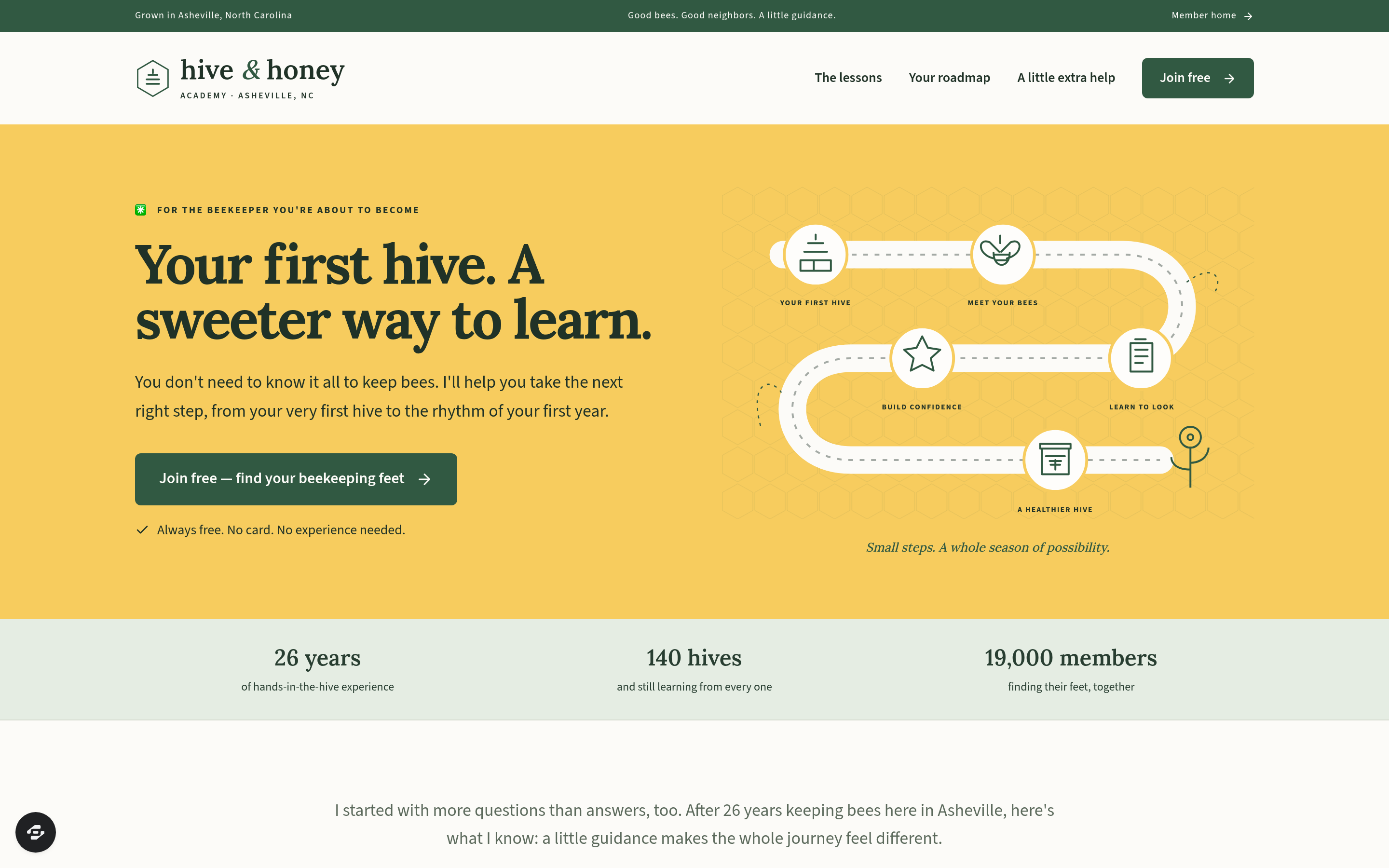
- Home page (/) — a roadmap hero with a "Join free" call to action, three free-membership benefit columns (quick-start guide, first-year hive roadmap, 60 bite-sized lessons), nine founder field notes, and three paid upgrade cards for visitors who scroll past the fold.
- Join popup — a two-field modal (first name + email) that writes the lead to the built-in database the moment the visitor clicks "Join free — let's keep bees." No password step.
- Welcome page (/thank-you) — a "Read this first" orientation with the first two lessons to watch, a roadmap download link, the quick-start guide, and a highlighted safety note before the visitor heads to the dashboard.
- Member dashboard (/members) — remembers the visitor's first name from the browser, shows the 12-month seasonal roadmap with this month's tasks highlighted by the current calendar month, lesson cards, free bee-yard tools, and three paid upgrade cards: Hive Inspection Log ($9/month), Queen Rearing course ($197), and Mentor Calls ($49/month).
- Lessons (/lessons and /lessons/:id) — a 60-lesson beginner library organized as short, returnable reading and video cards.
- Order form (/order-form/:offer) — a secured checkout page for the Queen Rearing course with a 30-day money-back guarantee, tax note, and card entry. After payment, buyers are routed to their purchased content via the Purchases page (/purchases).
An admin panel (/admin) shows funnel conversion, page-by-page steps in visitor order, and a contacts list of everyone who opted in.
How it works
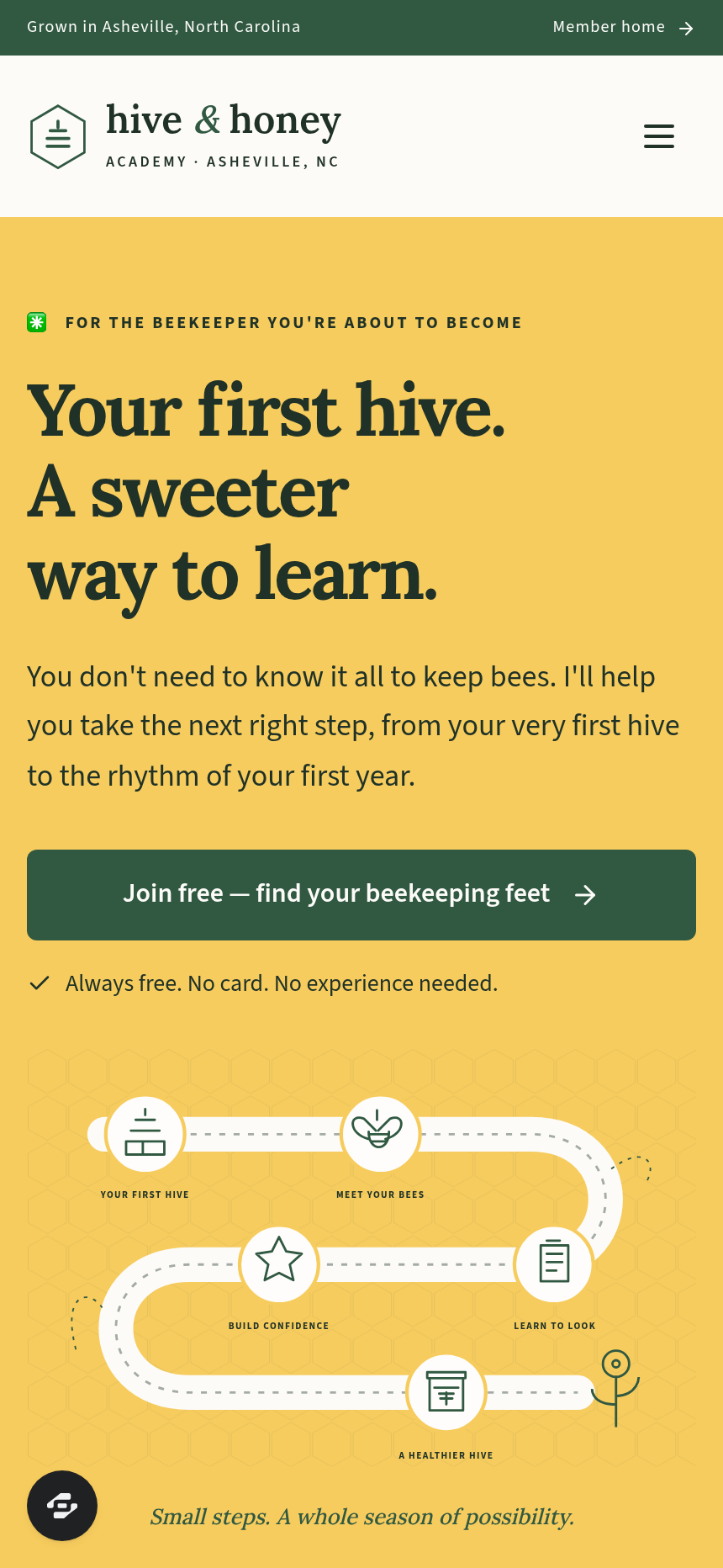
- A visitor lands on the home page (/) and sees the winding roadmap illustration beside a headline and two "Join free" buttons.
- Clicking either button opens the join popup. The visitor enters a first name and email; the funnel saves that lead to the built-in contacts database, which surfaces in the admin dashboard with opt-in time and name — no external CRM needed to start collecting and reviewing leads.
- The visitor lands on the welcome page (/thank-you) and is walked through the first two lessons, the roadmap download, and a safety note. A "Take me to my member home" link moves them forward.
- Inside the member dashboard (/members), the seasonal roadmap panel highlights this month's jobs automatically. Lesson cards, free inspection sheets, and the quick-start guide are available immediately. Members who signed in with their email can return to their purchases at /purchases and the funnel routes them back into the account area — so a buyer who upgrades to the Queen Rearing course finds their workbook waiting without a separate login.
- When a member clicks an upgrade card, the order form (/order-form/queen-rearing) presents a secure checkout. After payment, the thank-you confirmation directs them to sign in with the email used at checkout and view their purchase.
The signature step
The member dashboard (/members) is the funnel's core. It greets the visitor by first name, surfaces this month's hive jobs from the 12-month seasonal roadmap, and places three paid upgrade cards — Hive Inspection Log, Queen Rearing, Mentor Calls — directly inside the same view as the free content. The upsell is native to the member experience, not a separate sales page the member has to navigate to.
Who it's for
- Hobby educators and course creators who want to give away a free membership tier and monetize with paid courses, tools, or coaching sessions inside it.
- Community builders who need a lightweight membership with lead capture, a welcome orientation, and an internal upgrade path.
- Service providers in agriculture, homesteading, or outdoor education who want a free resource library as their primary opt-in and a small set of paid offers sold from within the member area.
Design
- Type pairing
- Lora display Source Sans 3 body
- Motion
- none; reduced-motion: static
- Signature screen
- Member dashboard with this month's tasks and upgrades
- References
-
- Free membership as a lead magnet
What can you use Hive & Honey Academy — Free Membership Lead Page for?
- A beekeeper or apiary educator offers a free first-year membership with a downloadable hive roadmap and 60 short lessons, then sells an inspection log subscription and a queen-rearing course to members who want to go deeper.
- A fermentation or food-preservation teacher gives away a free beginner library and uses the member dashboard to surface a paid video course and monthly coaching calls to members who have already seen the free content.
- A homesteading community builder uses the free membership to grow an email list of engaged beginners, reviews opt-in trends in the admin panel, and tests different upgrade price points on the dashboard without touching code.
- A niche outdoor-skills instructor replaces a static lead-magnet landing page with a live member area, so new leads have a reason to return each month (this month's tasks, seasonal guidance) instead of downloading a PDF and disappearing.
- A solo creator with no development resources launches a free membership with a real card checkout for one paid course in an afternoon, using the template's existing order form route and built-in contacts storage.
- A local extension educator or garden club runs a free seasonal membership for community gardeners, distributes a month-by-month planting roadmap inside the dashboard, and offers paid mentor call slots to members who want one-on-one advice.
Frequently asked questions
What is the free-membership lead page?
Who is this template for?
What pages are included?
How do I customize the free-membership lead page in ClickFunnels AI?
Does it include a checkout or order form?
Can I use my own branding and domain?
How is it different from a classic ClickFunnels opt-in funnel?
What setup is required before sharing the funnel?
Related templates
 Lead Pages & Opt-ins
Marin Pricing Ladder
Marin Pricing Ladder is an ebook lead magnet funnel template for ClickFunnels AI: a single opt-in page with a drawn book cover, five bullets and a two-field form, a delivery page that hands over the PDF, and a $17 workbook order page with a real card form.
 Lead Pages & Opt-ins
Butter & Bay — One-Oven Holiday Dinner Planner Lead Page
Holiday Dinner One-Oven Planner Lead Page is a giveaway-style opt-in funnel made with ClickFunnels AI for Butter & Bay Cooking School in Raleigh, North Carolina. Visitors set their turkey weight, dinner time and sides, read a one-oven timeline, then submit the "Email me this plan" form to keep it.
 Lead Pages & Opt-ins
Fernbrook Studio — 5-Day Pricing Email Course Lead Page
The email-course lead page is an email-course squeeze funnel that captures freelancer opt-ins with a five-day pricing course, delivers day 1 instantly on a confirmation page, and bridges to a $29 template pack. ClickFunnels AI builds it from a single prompt and lets you edit every line of copy, the day-by-day outline, and the order form through a plain-language chat.
 Lead Pages & Opt-ins
Bluewater Move Quote
The multi-step quote lead page is a desktop inline stepper that walks visitors through three numbered steps — need, details, contact — and delivers a quote-ETA confirmation on a separate thank-you page. ClickFunnels AI builds and wires both pages from a single prompt, ready to adapt to any service business that needs several answers before a human can price a job.
Make this template your starting point.
Inspect the preview, plan your changes, and test the workflow before you share it.
Use this template