Greenlight Driving School — Chat Story Funnel
The Driving School Chat Story Funnel is a mobile-first, chat-story booking funnel built in ClickFunnels AI that walks a prospective student through five quick questions in a single message thread and ends at a $49 card checkout. Instead of a form, an instructor called Coach Mia asks, listens, and offers three real lesson times as tappable bubbles before handing off to a secure order page.
About this template
What is Greenlight Driving School — Chat Story Funnel?
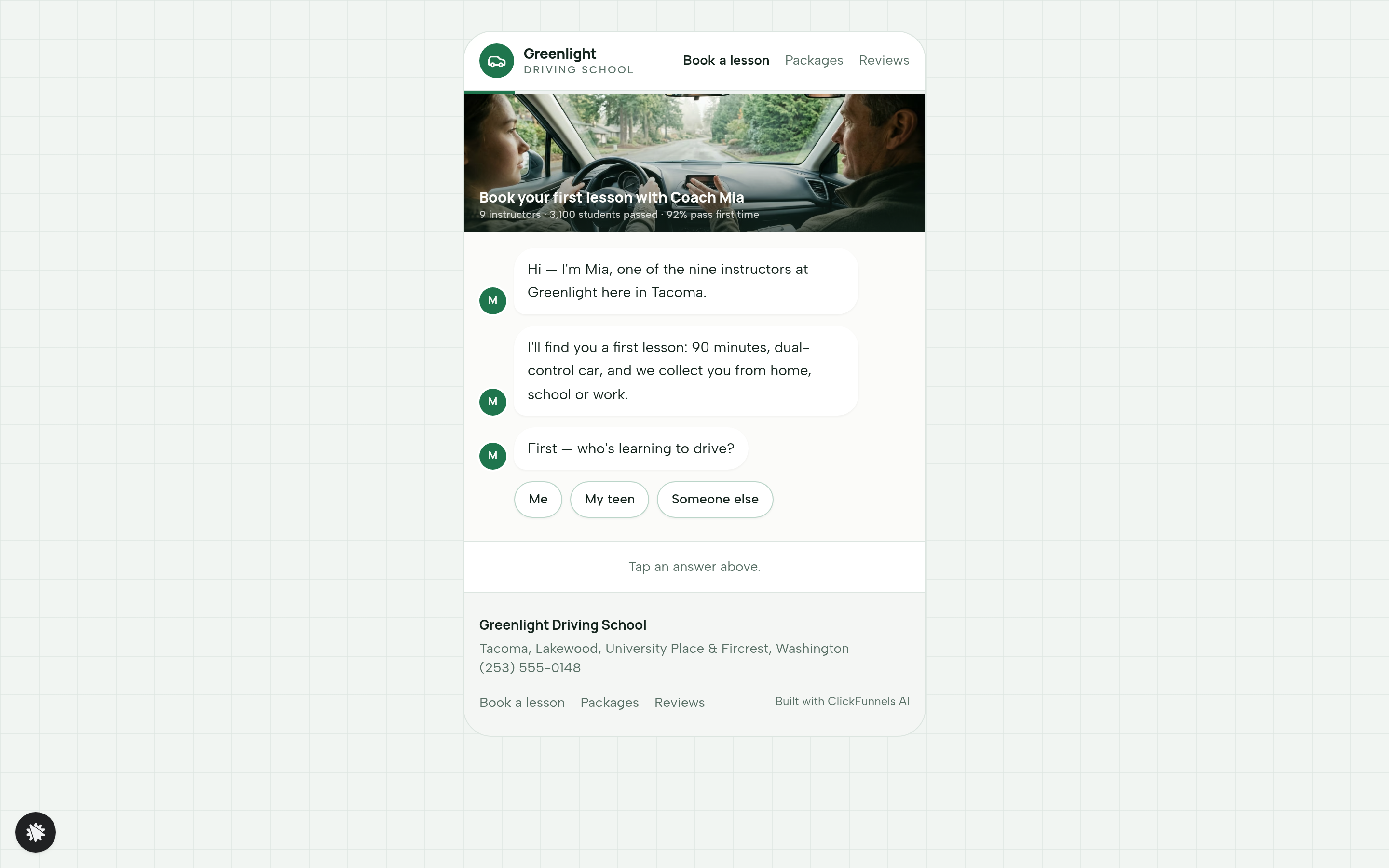
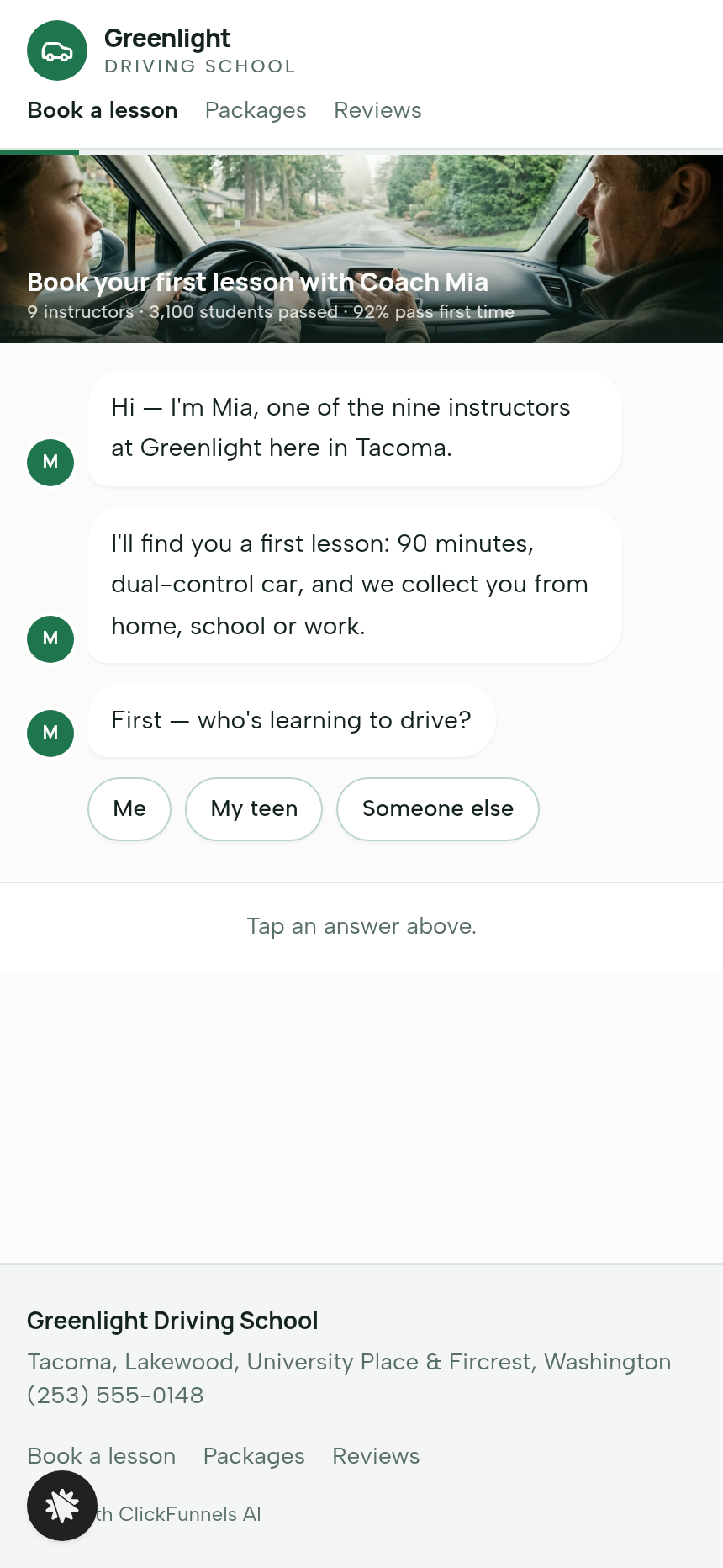
Greenlight Driving School in Tacoma, Washington books first driving lessons through a conversation, not a form. The entire funnel is one continuous message thread: Coach Mia's bubbles on the left, the visitor's tapped answers on the right, three lesson-time bubbles in the middle, and a summary card with a pay button at the end. The five-question chat collects who is learning, experience level, transmission preference, pickup area, and preferred day-part — then computes three available slots from today's date and presents them inside the thread. No page transition happens until the visitor hits "Pay $49 and lock it in."
What you get
- Chat landing page (/) — a single message thread with typing dots, quick-reply chips, and visitor answer bubbles; any earlier answer can be re-tapped to change it; a progress line runs under the header; the page carries the chosen slot, instructor name, and pickup area into the URL on submit.
- Checkout page (/checkout) — the lesson time, instructor, and pickup area pulled from the URL; a real card checkout for the $49 first lesson (90 minutes, dual-control car, pickup included); an optional $15 printed handbook order bump; a "Go back to the chat" escape link.
- Booked confirmation page (/booked) — the lesson time in plain words, the instructor card with car description, the pickup area, a bring-list, and an add-to-calendar link.
- Packages page (/packages) — three fixed-price packages (five lessons $235, ten lessons $440, test-day car and warm-up $95), each with its own inline card checkout; after payment, Coach Mia texts to fix the first time.
- Reviews page (/reviews) — social proof from Tacoma, Lakewood, University Place, and Fircrest learners; stat callouts for 3,100 students passed, 92% first-time pass rate, and nine instructors.
- Admin dashboard (/admin) — funnel step breakdown, recent contacts with test-traffic labelling, and overall conversion rate.
- Custom 404 — routes lost visitors back to the chat or the packages page.
How it works
- A visitor lands on / and sees Coach Mia's opening bubble appear with typing dots.
- They tap quick-reply chips to answer each of five questions; each answer becomes their bubble in the thread and Coach Mia reacts using that specific answer.
- Three lesson-time bubbles appear, computed from today, never earlier than tomorrow, matched to the chosen day-part and labelled with the instructor's first name.
- After tapping a slot, the visitor types a first name and mobile number into the message box — the only keyboard input in the funnel.
- A summary bubble appears: lesson time, instructor, pickup area, and a "Pay $49 and lock it in" button.
- The visitor lands on /checkout; the slot details travel in the URL so the order recap is accurate without any re-entry. Every answer the visitor gave is stored in the funnel's built-in contact database and visible in the owner dashboard at /admin, so the school sees who booked, when, and from which pickup area — no external CRM is needed to start. The checkout page carries an optional order bump for the $15 printed handbook, and the same money path (order page → confirmation) repeats on /packages for the three fixed-price package cards. When you open the template and want to swap Coach Mia's name, adjust the lesson price, or rewrite any of her reply lines, you describe the change in plain language inside ClickFunnels AI's chat editor and the page updates — copy, prices, quick-reply chip labels, and summary text — without touching code.
The signature step
The chat thread on / is what makes this funnel distinct. Instructor bubbles arrive on the left with a brief typing-dots pause; the visitor's tapped chips appear on the right as their own bubbles. Three lesson-time bubbles — each labelled with a specific slot and instructor first name — are offered as messages inside the same thread, not on a separate scheduling screen. Tapping any earlier answer re-opens that question and the thread continues from that point, so the visitor never feels trapped.
Who it's for
- Driving schools with multiple instructors and pickup zones that want bookings to feel personal.
- Independent driving instructors replacing a phone-tag booking process with a self-serve chat.
- Swim, music, or tutoring schools that charge for a first paid session and want the signup to feel like a text.
- Salons, physio clinics, or any local service that books a timed, paid first appointment and wants a mobile-native experience.
- Franchise or multi-location operators who can fork the template once per location and update areas and prices per branch.
Design
- Type pairing
- Manrope display Albert Sans body
- Motion
- typing dots then bubble rise; reduced-motion: instant
- Signature screen
- Chat thread with quick-reply chips that offers lesson times as messages
What can you use Greenlight Driving School — Chat Story Funnel for?
- A nine-instructor driving school in a mid-size city replaces its phone-booking process with the chat funnel, targeting 40 paid first lessons a month from local Google search traffic.
- An independent driving instructor running a one-person operation uses the template with a single instructor name and two pickup areas to book first lessons without a receptionist.
- A swim school adapts the five chat questions to stroke level, age group, and class-time preference, then routes to a $55 first-lesson checkout using the same URL-carry pattern.
- A franchise driving school operator forks the template three times — one per city — swapping pickup zones and instructor rosters per branch while keeping the same chat flow and checkout structure.
- A music school replaces the driving questions with instrument, experience level, and lesson-day preference, keeping the computed-slot mechanic to show three available lesson times without a separate scheduling tool.
- A physio clinic uses the chat thread to triage presenting complaint, session type, and preferred day-part before routing to a $75 initial assessment checkout, capturing name and mobile in the message box as the template already does.
Frequently asked questions
What is the Driving School Chat Story Funnel?
Who is this funnel for?
What pages are included?
How do I customize the Driving School Chat Story Funnel in ClickFunnels AI?
Does it include a checkout or order form?
Can I use my own branding and domain?
How is it different from a classic ClickFunnels lead-capture funnel?
What setup is required before going live?
Related templates
 Mobile Story Funnels
Willow Doula — Due-Date Wheel Mobile Story Funnel
Doula Due-Date Wheel Mobile Story Funnel is a tap-through story funnel built in ClickFunnels AI for a doula collective's birth-prep classes. Visitors enter a period date and cycle length, see a live due-date wheel with four class Saturdays, then pay $129 for the series.
 Mobile Story Funnels
Third Move — Move-One-Match Puzzle Night Story Funnel
The Third Move Move-One-Match Puzzle Night Story Funnel is a ClickFunnels AI quiz-story template for Third Move Board Game Café in Providence, Rhode Island. It opens with a matchstick puzzle and walks visitors through difficulty, party size, Thursday and results to a card checkout for a $12 seat.
 Mobile Story Funnels
Saltmarsh — Pour-the-Layers Unity Sand Story Funnel
Saltmarsh Pour-the-Layers Unity Sand Story Funnel is a four-screen, phone-style ClickFunnels AI funnel for a $39 unity sand ceremony set. Couples pick two colours, pour their layers into a drawn vase, and check out by card.
 Mobile Story Funnels
Plaza Verde — Match-the-Pairs Spanish Class Story Funnel
The Spanish Class Match-the-Pairs Story Funnel is a mobile-first, interactive booking funnel built with ClickFunnels AI that walks visitors through a twelve-card word-and-picture matching game before converting them into paying trial-class students at $25 a seat.
Make this template your starting point.
Inspect the preview, plan your changes, and test the workflow before you share it.
Use this template