Black Lantern Tattoo — Flash Day Booking Site
Tattoo Flash Booking Site is an appointment-booking funnel built for tattoo studios running flash days, generated and editable with ClickFunnels AI. It walks a visitor from a 24-design flash sheet through placement, slot selection, and a $50 deposit checkout — all in one seated session.
About this template
What is Black Lantern Tattoo — Flash Day Booking Site?
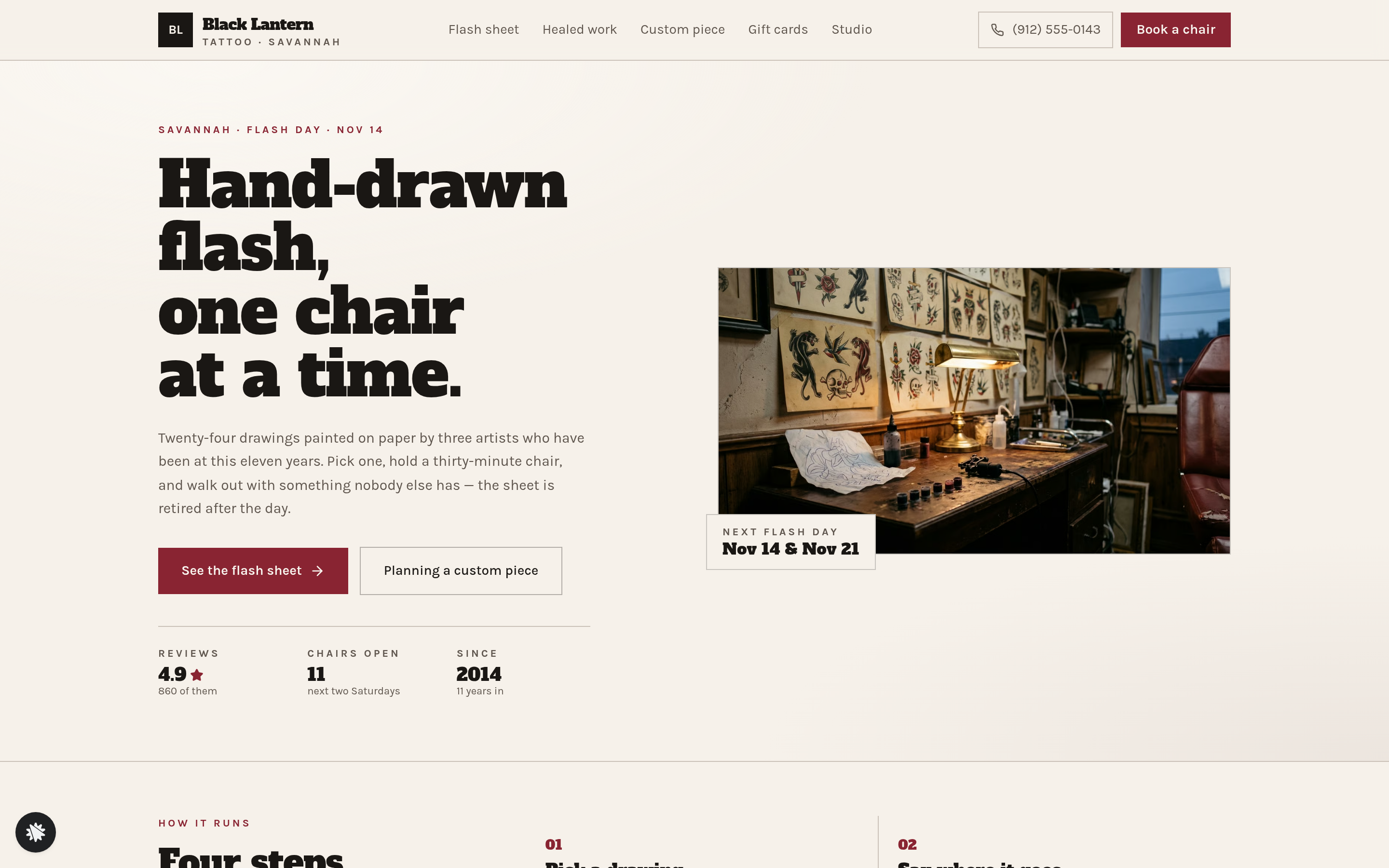
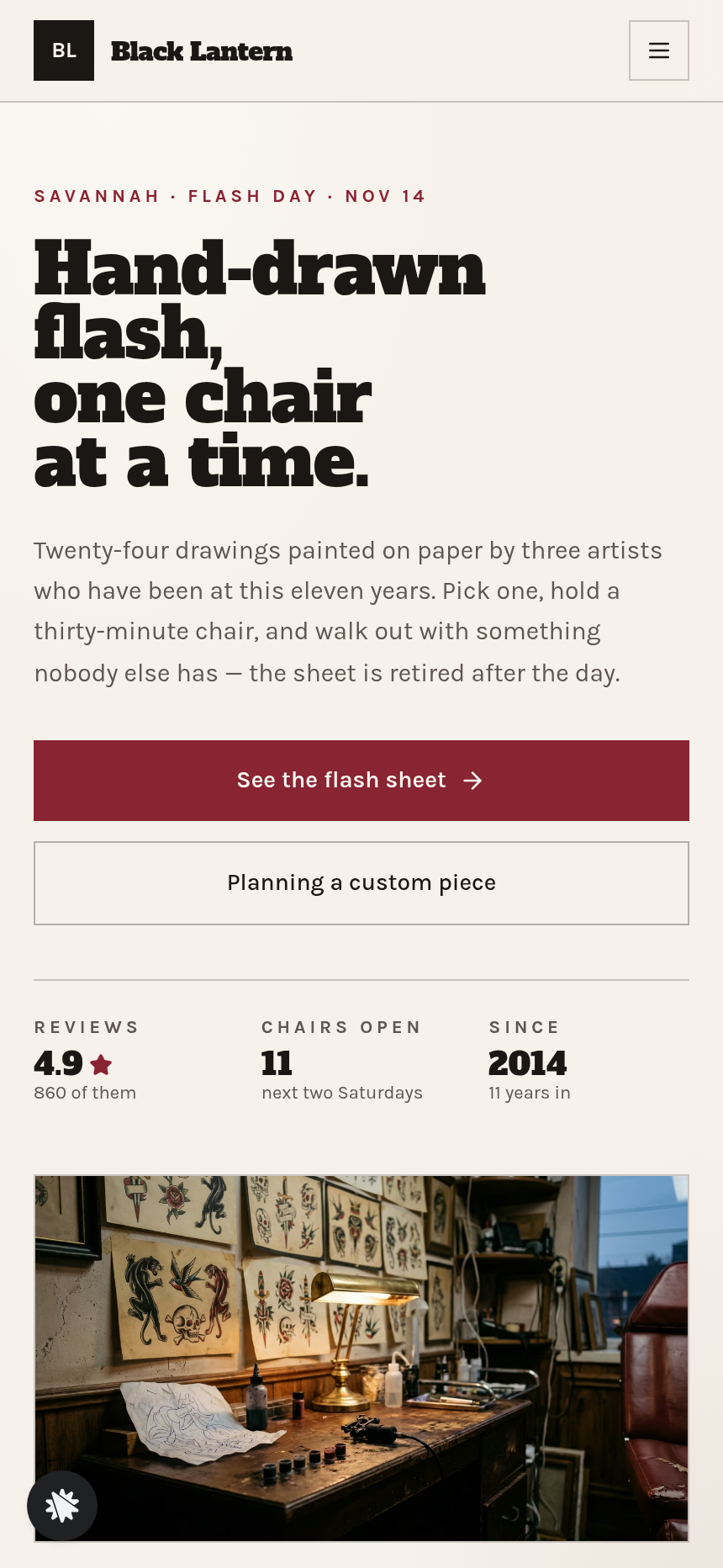
Black Lantern Tattoo Flash Booking Site is a studio website built around one goal: filling every chair on Flash Day. The funnel opens on a homepage (/) that introduces the studio, shows flash-day stats and healed-work photography, and surfaces a sticky Call · Text · Book bar on mobile. From there every path leads toward the same two-minute booking decision: pick a drawing, choose placement, grab a slot, and pay the deposit.
What you get
- Home (/) — studio intro with Flash Day mechanics, a live count of open chairs, artist cards, the healed-work teaser, reviews, and mobile action bar.
- Flash Sheet (/flash) — a grid of 24 hand-drawn designs (swallow, dagger and rose, moth, snake, lighthouse, crescent moon and more), each showing size, price ($80–$220), and a claimed stamp where the slot is gone. A sticky pick bar tracks the selected design as the visitor scrolls.
- Flash Day Booking (/book/flash) — four sequential steps: design confirmation, placement tiles (forearm, calf, shoulder, ankle, ribs, hand) plus black-and-grey or colour, a Saturday slot grid built from today's date with taken slots struck through, and name/email/phone with an 18+ acknowledgment. The deposit rail shows the $50 charge, an optional $15 aftercare kit bump, and a secured card form.
- Booking Confirmed (/book/confirmed) — shows the chosen design, the slot in plain words, prep notes, aftercare guidance, an add-to-calendar link, and a rescheduling note.
- Custom Consult (/consult) and Consult Confirmation — a form for idea, placement, size, colour preference, reference description, and preferred artist; confirms a two-business-day reply window with no deposit yet.
- Gift Cards (/gift-cards) — a $100 card with an optional $15 aftercare balm bump before the card checkout; personalization fields for recipient name and a short note.
- Studio (/studio) — artist profiles with style tags, hours, address, and an FAQ covering ID, deposits, and touch-ups.
- Healed Work (/work) — a gallery of healed tattoos photographed months after the appointment.
- Admin Dashboard (/admin) — conversion summary, funnel step list, and a contacts table sorted newest first.
How it works
- Visitor lands on / via social, search, or a direct link and reads how Flash Day works.
- They tap See the flash sheet and browse the /flash grid. Picking a design locks it in the sticky pick bar at the bottom.
- They hit Book the chair and enter /book/flash. Steps 01–04 (design, placement, slot, details) unlock the deposit rail in sequence.
- At the deposit rail, the order summary shows the $50 deposit and offers the $15 aftercare kit as a one-time add-on before payment — the order bump is built into the checkout step, not a separate page.
- Card details are entered in the secured form; the deposit is charged and the balance is noted as due on the day.
- The visitor lands on /book/confirmed with their design name, slot, prep checklist, and a calendar link.
- Leads who want custom work fill out /consult instead; gift buyers complete the /gift-cards checkout.
The admin dashboard at /admin captures every opt-in and completed booking in the funnel's built-in contact store, so the studio owner can see who is booked without an external CRM. When you open the template in the builder and type a change — say, swapping the deposit amount or adding a new placement option — the chat interface edits the relevant step on /book/flash directly, so you never touch code to update prices, tile labels, or the slot grid logic. The flash-booking checkout on /book/flash ships with the deposit order form, the aftercare kit order bump, and the confirmation page already wired together as the complete money path.
The signature step
The Flash Sheet (/flash) is the page that earns the booking. Twenty-four painted designs sit in a grid on parchment-colored cards; roughly seven carry a "claimed" stamp in oxblood red. The sticky bar along the bottom holds the visitor's chosen design and price as they scroll, then tips them into the booking flow with one tap. No other page in the funnel does more selling.
Who it's for
- Tattoo studios and solo artists who run periodic flash events and want to fill chairs before the day arrives.
- Piercing studios or barbers offering a fixed menu of one-off appointment types with a holding deposit.
- Any appointment business selling a capped inventory of slots from a visual menu — where "sold out" is a feature, not a problem.
- Studios that also want to sell gift cards and accept custom-piece inquiries through the same site.
Design
- Type pairing
- Alfa Slab One display Karla body
- Motion
- none; reduced-motion: static
- Signature screen
- Flash sheet with claimed stamps and a sticky pick bar
- References
-
- Tattoo flash day booking
What can you use Black Lantern Tattoo — Flash Day Booking Site for?
- A three-artist Savannah studio promotes Flash Day on Instagram, links directly to `/flash`, and fills all 24 chairs before Saturday morning.
- A solo flash artist in a new city uses the gift-card checkout at `/gift-cards` to sell $100 store credit during the holiday season, with the balm bump adding to average order value.
- A studio owner monitors `/admin` the morning of Flash Day to confirm which deposits came in and exports the contact list for same-day check-in.
- A walk-in visitor who wants something not on the sheet fills out `/consult` with their idea, placement, and preferred artist and receives a quote within two business days — no phone call required.
- A piercing studio adapts the Flash Sheet grid to show a fixed menu of jewelry and placement combinations, each with a slot limit and a $25 holding deposit.
- A barber running a "cut menu Saturday" remixes the template, replaces flash designs with haircut style cards, and uses the slot grid to manage 30-minute chairs across two barbers.
Frequently asked questions
What is Tattoo Flash Booking Site?
Who is it for?
What pages are included?
How do I customize Tattoo Flash Booking Site in ClickFunnels AI?
Does it include a checkout or order form?
Can I use my own branding and domain?
How is it different from a classic ClickFunnels booking funnel?
What setup is required before sharing the funnel?
Related templates
 Personal Brand
Hollis Reed — Family Historian Fan Chart Site
The Family Historian Fan Chart Site is a four-page service funnel built in ClickFunnels AI for a genealogy researcher. The home page draws an interactive fan chart from a birth year, two intake steps gather the research details, and a $350 card checkout closes the sale with an optional $45 framed-chart bump.
 Personal Brand
Maren Holt — Line-Up-the-Layers Printmaker Site
Maren Holt — Line-Up-the-Layers Printmaker Site is a ClickFunnels AI product-sales template for a screen printmaker in Duluth, Minnesota. Visitors line up a two-colour print with an interactive registration tool before buying a numbered edition of 50 for a flat $65.
 Personal Brand
Margo Pell — Monday Mini Crossword Personal Site
Margo Pell Monday Mini Crossword Personal Site is a lead-magnet-with-product-sale funnel built in ClickFunnels AI for a crossword maker's personal site. It opens on a playable four-by-four mini, converts solvers into Monday-email subscribers, and sells a $24 book of 52 full-size puzzles.
 Personal Brand
Wren Ashby — Wedding Planner Seating Chart Site
Wedding Planner Seating Chart Site is a lead-capture service funnel built with ClickFunnels AI for wedding planners who sell a flat-rate seating plan — couples arrange 24 guests across three tables, see conflicts in plain language, then pay $85 for the finished chart, place-card list, and drawn table map.
Make this template your starting point.
Inspect the preview, plan your changes, and test the workflow before you share it.
Use this template