Little Latch — Spot-the-Hazard Babyproofing Story Funnel
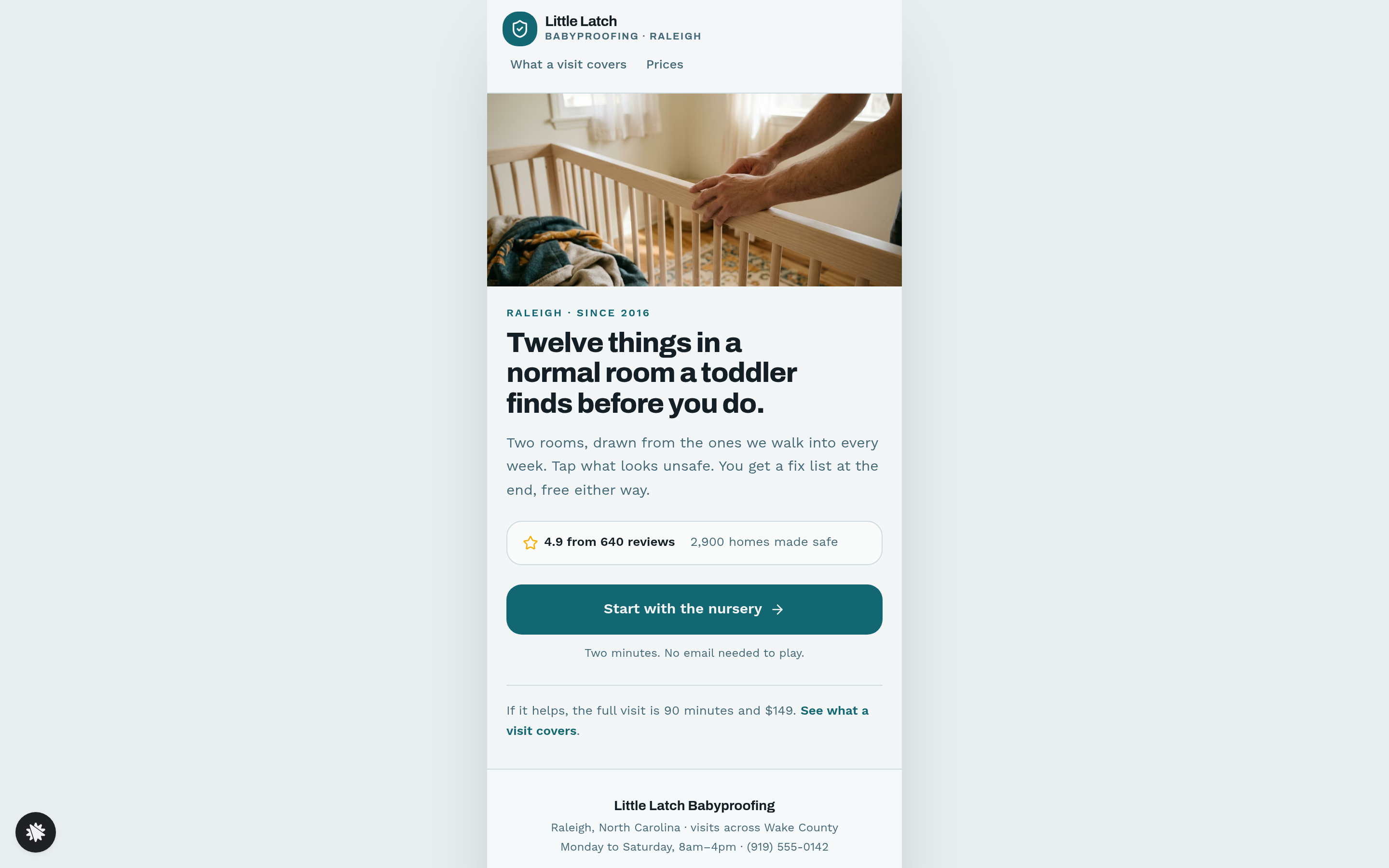
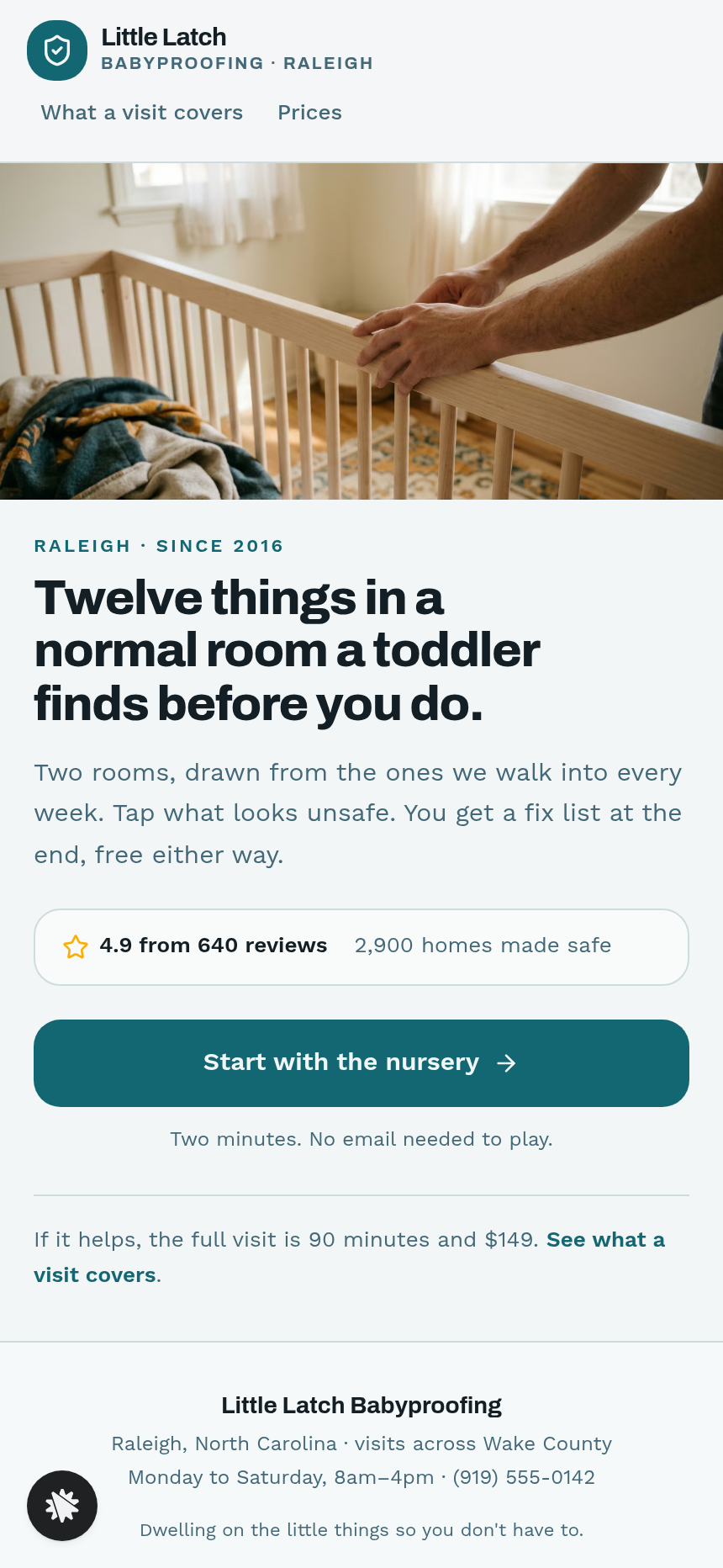
The Spot-the-Hazard Babyproofing Story Funnel is an interactive-story funnel built with ClickFunnels AI that opens with a tap-the-hazard game on a drawn nursery and kitchen, produces a personalised fix list, and closes with a $49 deposit that holds a 90-minute home safety visit. It is designed for local childproofing and home-safety services that want to teach before they sell.
About this template
What is Little Latch — Spot-the-Hazard Babyproofing Story Funnel?
Little Latch Babyproofing is a two-van childproofing service in Raleigh, North Carolina, with 2,900 homes made safe since 2016 and a 4.9-star average across 640 reviews. This funnel books 30 home safety visits a month by leading with a game: visitors tap hazards in flat-illustrated rooms on their phone, receive a free personalised fix list, and are invited to hold a 90-minute visit with a $49 deposit that comes off the $149 price on the day.
What you get
- Story (/) — Intro screen with rating row (4.9, 640 reviews, 2,900 homes), a single "Start with the nursery" button, and links to Covers and Prices.
- Nursery scene (embedded in Story) — A flat-code illustration of a nursery with six tappable hazard buttons (blind cord by the cot, unanchored dresser, uncovered socket, loose blanket and bumper, monitor cable in reach, coins on the rug). Each find drops a numbered pin and slides up a one-line fix card; a counter reads "3 of 6 found"; "Show me the rest" pins the missed ones.
- Kitchen scene (embedded in Story) — Six more hazards (pan handles over the edge, sprays under the sink, oven knobs at toddler height, dishwasher tablet left out, hanging kettle cord, small fridge magnets low on the door), same pin-and-card mechanic.
- Stage tiles (embedded in Story) — Four options: Not here yet, Under six months, Crawling, Walking.
- Home tiles (embedded in Story) — Apartment, One floor, Stairs.
- Your Fix List (/your-fix-list) — Score headline ("You caught 8 of 12"), all twelve hazards split into "Do tonight, free" and "We fit these", with stage-relevant items surfaced to the top and missed ones marked.
- Pick a Visit (/pick-a-visit) — Next eight open days (never today, tomorrow, or Sunday), Morning or Afternoon, first name and mobile number, "Hold this visit for $49" CTA.
- Deposit (/deposit) — Recap of day, time, and offer; $49 card checkout with an optional $19 socket-cover order bump; balance note ($100 left on the day).
- Booked (/booked) — Confirmation with visit details, the full fix list, and contact options.
- Covers (/covers) — Room-by-room breakdown of what the 90-minute visit includes.
- Prices (/prices) — Visit price, deposit note, hardware add-ons quoted on the day.
- Dashboard (/admin) — Admin view of funnel steps, conversion, and contacts with test-traffic labelling.
- Own 404 — Links back to the nursery game and fix list.
How it works
A visitor lands on the Story page, reads the promise ("Two minutes. No email needed to play."), and taps "Start with the nursery." The nursery scene renders as a coded flat illustration so every hazard button stays aligned at any screen width; each button is at least 44 px in both dimensions and carries a plain label. After both rooms, two tile steps collect the child's stage and home type. The funnel routes to Your Fix List, which personalises the order and marks anything missed. From there the visitor moves to Pick a Visit, then Deposit.
On the deposit step, the day and time travel in the URL so the recap is pre-filled; the $19 socket-cover bump appears as a one-time offer before the card form, and the order form handles the secured $49 charge — the same checkout and order-bump structure that ClickFunnels AI wires into checkout-type funnels out of the box. Each person who reaches the fix list is saved to the built-in store and shows on /admin marked test or live, next to their stage and home-type answers and the name and mobile number from Pick a Visit. Nothing outside the funnel is needed to begin. For a new hazard drawing, a different deposit or edited fix-card text, send the request through the ClickFunnels AI chat and the page changes on the spot.
The signature step
The nursery scene on Story (/) is the defining moment. Each of the six hazard spots is a real button with its own accessible label. Tapping a hazard drops a numbered pin with a short animation, slides a fix card up from the bottom of the phone canvas ("Blind cord: cut the loop and tie it off on a cleat five feet up"), and increments the counter. Tapping a safe area returns "That one is fine." When all six are found — or the visitor taps "Show me the rest" — the remaining pins drop and the step advances to the kitchen. The kitchen repeats the mechanic with six new hazards. Both rooms are drawn in code, not served as images, so the tap targets never drift.
Who it's for
- Childproofing and babyproofing services that want a teaching moment before the booking ask.
- Home inspectors running a lead-generation front end.
- Pest-control, electrical, or fire-safety companies that can illustrate a hazard in a drawn room.
- Security installers wanting to show vulnerability before pitching an assessment visit.
- Any local home-service operator booking appointments with a flat deposit.
Design
- Type pairing
- Archivo display Work Sans body
- Motion
- numbered pin drops on a found hazard; fix card slides up; reduced-motion: instant
- Signature screen
- Drawn nursery where you tap the hazards and each one gets a pin and a fix
What can you use Little Latch — Spot-the-Hazard Babyproofing Story Funnel for?
- A solo babyproofer launching in a new city uses the funnel to generate 20 deposit bookings in the first month without running any ads, sharing the Story link in local parent Facebook groups.
- A two-van childproofing company in Raleigh replaces its contact-form website with this funnel, cutting the time from first visit to booked appointment from three days to under four minutes.
- A home inspector adds the nursery-and-kitchen game as a lead-capture front end for a new babyproofing add-on service, collecting stage and home-type data for every lead before the first phone call.
- A fire-safety installer adapts the drawn rooms to show smoke-detector placement gaps and CO alarm blind spots, then routes leads to a $39 deposit assessment booking instead of a free quote form.
- An electrician offering childproofing packages uses the socket and appliance hazards in the kitchen scene to demonstrate the problem and collect a $49 deposit before dispatching a technician.
- A franchise operator with three metro locations clones the funnel three times, swaps in city names and local phone numbers for each, and runs the same game across all three markets from one template.
Frequently asked questions
What is the Spot-the-Hazard Babyproofing Story Funnel?
Who is this funnel for?
What pages are included?
How do I customize the Spot-the-Hazard Babyproofing Story Funnel in ClickFunnels AI?
Does it include a checkout or order form?
Can I use my own branding and domain?
How is it different from a classic ClickFunnels booking funnel?
What setup is required before going live?
Related templates
 Mobile Story Funnels
Willow Doula — Due-Date Wheel Mobile Story Funnel
Doula Due-Date Wheel Mobile Story Funnel is a tap-through story funnel built in ClickFunnels AI for a doula collective's birth-prep classes. Visitors enter a period date and cycle length, see a live due-date wheel with four class Saturdays, then pay $129 for the series.
 Mobile Story Funnels
Third Move — Move-One-Match Puzzle Night Story Funnel
The Third Move Move-One-Match Puzzle Night Story Funnel is a ClickFunnels AI quiz-story template for Third Move Board Game Café in Providence, Rhode Island. It opens with a matchstick puzzle and walks visitors through difficulty, party size, Thursday and results to a card checkout for a $12 seat.
 Mobile Story Funnels
Saltmarsh — Pour-the-Layers Unity Sand Story Funnel
Saltmarsh Pour-the-Layers Unity Sand Story Funnel is a four-screen, phone-style ClickFunnels AI funnel for a $39 unity sand ceremony set. Couples pick two colours, pour their layers into a drawn vase, and check out by card.
 Mobile Story Funnels
Plaza Verde — Match-the-Pairs Spanish Class Story Funnel
The Spanish Class Match-the-Pairs Story Funnel is a mobile-first, interactive booking funnel built with ClickFunnels AI that walks visitors through a twelve-card word-and-picture matching game before converting them into paying trial-class students at $25 a seat.
Make this template your starting point.
Inspect the preview, plan your changes, and test the workflow before you share it.
Use this template