Small Hours — Pick-Your-Price Zine Page
Pick-Your-Price Zine Page is a pick-your-price sales page funnel built in ClickFunnels AI for indie zine makers and comic artists selling a single issue at three fixed price points. It combines a browser-side flip-through of the issue with a three-stop price slider that carries the buyer's chosen price into a live card checkout.
About this template
What is Small Hours — Pick-Your-Price Zine Page?
Small Hours — Pick-Your-Price Zine Page is a four-page funnel designed around a single quarterly comic zine and one decision: how the reader wants to own it. The home page opens on a signature pick-your-price block — a flip-through of six drawn spreads on the left, a three-stop slider on the right at $4, $10 and $22 — and walks the visitor from curiosity through checkout in one sitting. Every page runs at a named route, and the chosen price travels in the URL so the order page always shows the right recap and amount on load.
What you get
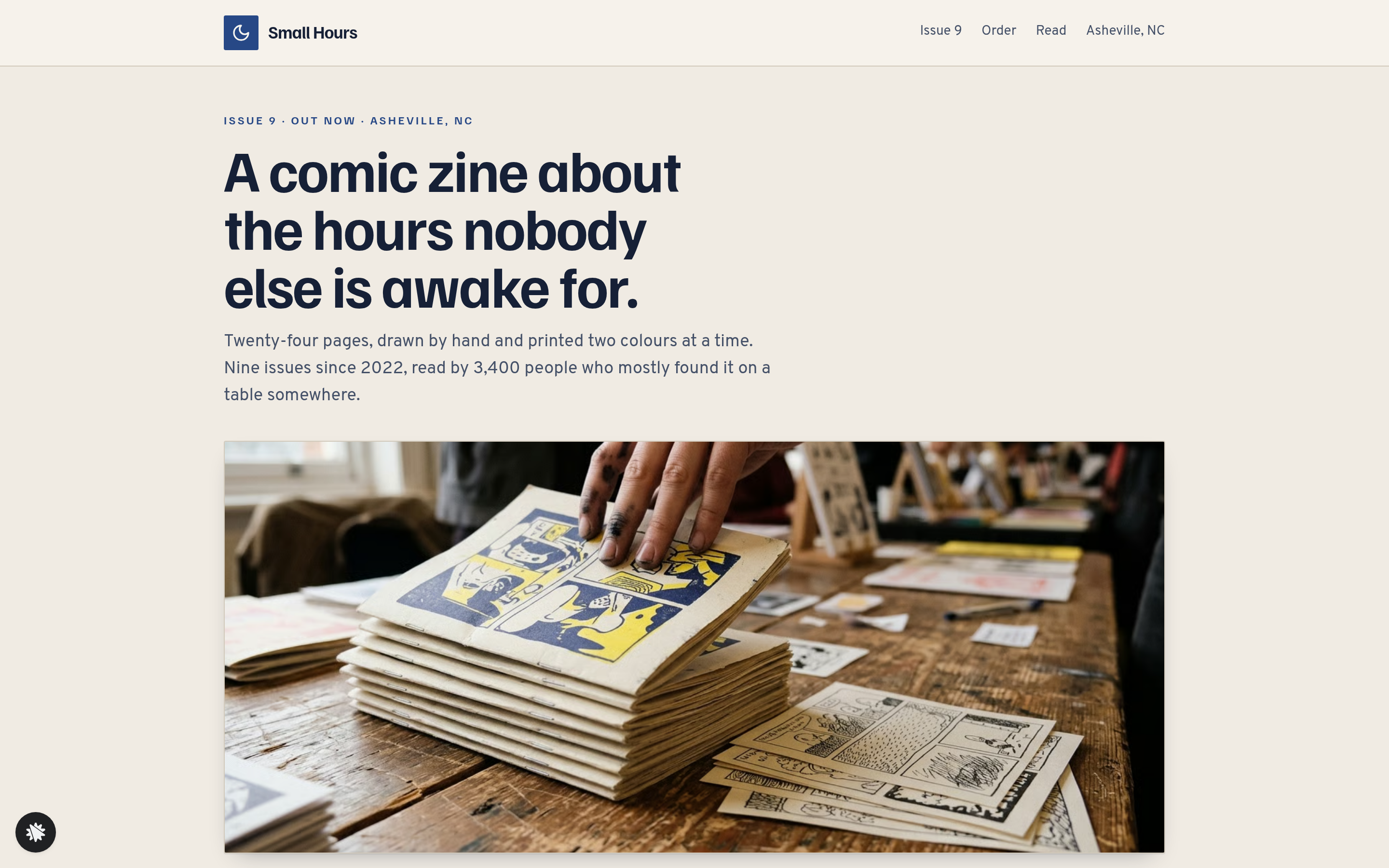
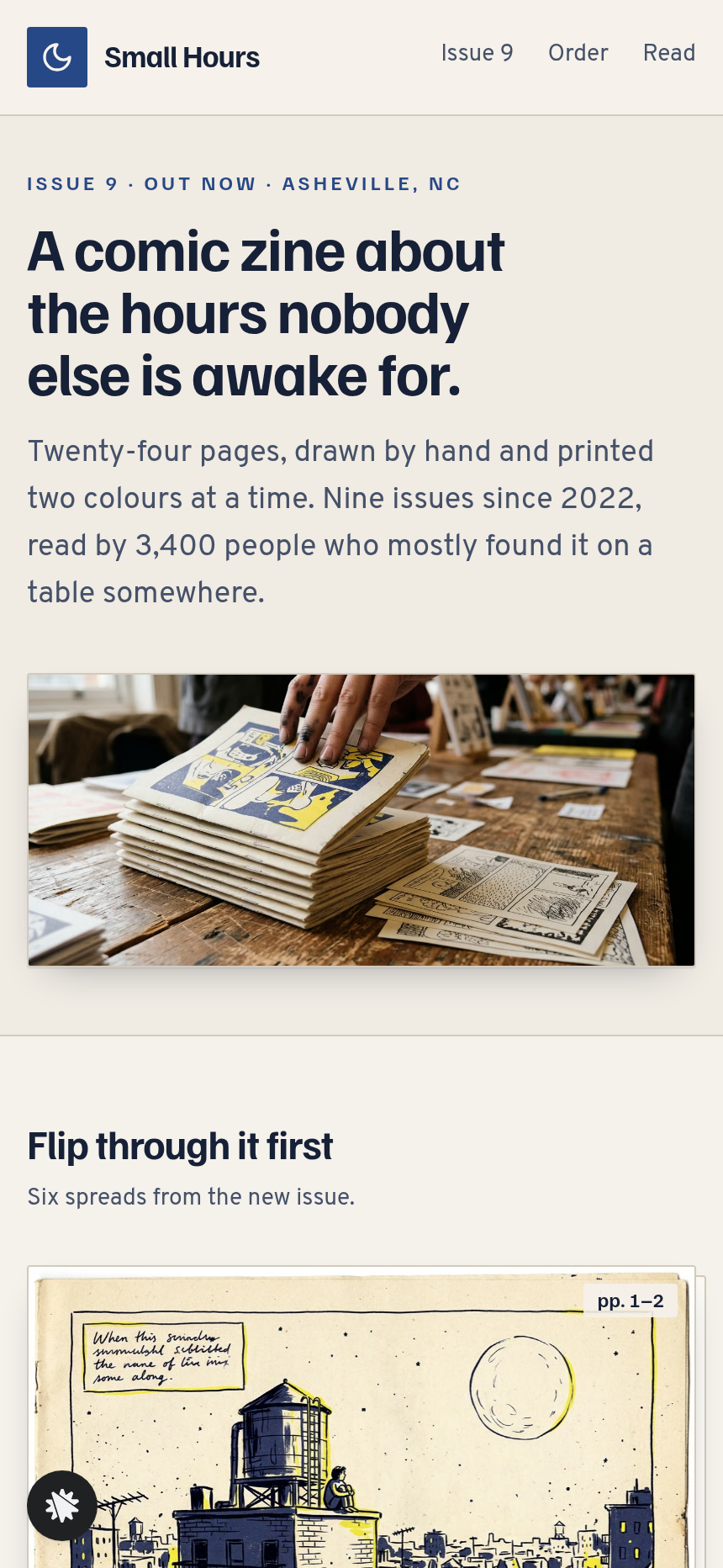
- Landing Page (/) — a photo hero, the flip-through spread viewer with Back and Next controls and a page count, the Pick Your Price block (slider, unlock ladder, price-chasing button), a note from the artist with a drawn self-portrait, a shelf of all nine issues, three short reader quotes and an Issue 10 sign-up form.
- Order Page (/order) — the chosen price stop carried in from the URL, a plain-language recap of what that price includes, a card checkout rendered on load (no extra click required), and a $5 order bump for issue 8 as a digital copy.
- Thank-You Page (/thank-you) — a 'What you unlocked' summary, a 'Read issue 9 now' button, and for printed or signed stops a plain-English posting date computed three business days from today.
- Reader Page (/reader) — issue 9 spread by spread with Previous Spread and Next Spread controls and a jump-to list.
- Dashboard (/admin) — overall conversion, page-by-page funnel steps, recent sign-ups with test traffic labelled separately and CSV export.
How it works
- A visitor lands on the Landing Page and flips through up to six spreads of the zine in the browser — no server call, no wait.
- The Pick Your Price slider opens on the middle stop, $10 (printed copy). Moving it left lights the first row of the unlock ladder ('The digital issue — read it tonight'); moving it right lights all three rows and adds the signed print and name credit.
- The button label follows the slider ('Get issue 9 — $22'). The visitor clicks it and the chosen stop is appended to the URL.
- The Order Page loads with the recap already populated and the card checkout visible. The order bump for issue 8 appears inline; accepting it adds $5 to the total. Because order details are carried forward rather than re-selected, the checkout is a single unambiguous amount on a secured order page — the same money path ClickFunnels AI generates for any fixed-price product funnel, including the order form and thank-you page.
- After payment the Thank-You Page confirms what was unlocked. Digital buyers see 'Nothing to wait for' and a link straight to the Reader. Print and signed buyers see the posting date in words.
- Each Issue 10 sign-up on the Landing Page lands in the Dashboard's Recent Sign-Ups list, newest first. Test entries carry their own label so live counts stay clean.
The signature step
The Pick Your Price block on the Landing Page sets this build apart. Three stops — $4 digital, $10 printed, $22 signed — are fixed prices, not a free-entry field. The ladder beside the slider lights row by row as the price rises, so a visitor can see exactly what each additional amount adds before they commit. The flip-through runs entirely in the browser alongside it, so the reader experiences the product at the same moment they choose what to pay.
Who it's for
- Zine makers and comic artists selling a single issue in digital and physical formats.
- Indie illustrators who want to offer a signed-edition tier without a separate product listing.
- Small press publishers pricing one release at a few fixed tiers.
- Poets, risograph printers and newsletter writers who sell physical and digital versions of the same work.
- Any solo creator who wants a flip-through preview on the same screen as checkout.
Design
- Type pairing
- Familjen Grotesk display Overpass body
- Motion
- spread crossfades on next; ladder rows light as the slider moves; reduced-motion: instant
- Signature screen
- Three-stop price slider with an unlock ladder beside a flip-through of the issue
What can you use Small Hours — Pick-Your-Price Zine Page for?
- A quarterly comic zine artist sells digital ($4), printed ($10) and signed-with-print ($22) copies of a new issue from one page, with a flip-through that lets readers preview the work before choosing.
- A risograph printer launches a limited run of a poetry zine and uses the three-stop slider to offer a PDF tier, a physical copy and a hand-numbered edition, each with a clear unlock description.
- An indie illustrator with a back-catalogue of nine issues uses the order bump on /order to sell the previous issue as a $5 digital add-on at the moment of purchase.
- A small press uses the Issue 10 sign-up form on the Landing Page to build an advance-notification list, stored in the Dashboard, before the next print run is finished.
- A newsletter writer selling a print companion to their newsletter sets the slider to open on the printed-copy stop by default and uses the ladder to show that the digital PDF is included at every tier.
- A zine fair exhibitor shares the Landing Page URL on a table card so visitors who didn't buy in person can flip through the spreads at home and pick a price at their own pace.
Frequently asked questions
What is the Pick-Your-Price Zine Page?
Who is it for?
What pages are included?
How do I customize the Pick-Your-Price Zine Page in ClickFunnels AI?
Does it include a checkout or order form?
Can I use my own branding and domain?
How is it different from a classic ClickFunnels order-form funnel?
What setup is required before sharing?
Related templates
 Personal Brand
Hollis Reed — Family Historian Fan Chart Site
The Family Historian Fan Chart Site is a four-page service funnel built in ClickFunnels AI for a genealogy researcher. The home page draws an interactive fan chart from a birth year, two intake steps gather the research details, and a $350 card checkout closes the sale with an optional $45 framed-chart bump.
 Personal Brand
Maren Holt — Line-Up-the-Layers Printmaker Site
Maren Holt — Line-Up-the-Layers Printmaker Site is a ClickFunnels AI product-sales template for a screen printmaker in Duluth, Minnesota. Visitors line up a two-colour print with an interactive registration tool before buying a numbered edition of 50 for a flat $65.
 Personal Brand
Margo Pell — Monday Mini Crossword Personal Site
Margo Pell Monday Mini Crossword Personal Site is a lead-magnet-with-product-sale funnel built in ClickFunnels AI for a crossword maker's personal site. It opens on a playable four-by-four mini, converts solvers into Monday-email subscribers, and sells a $24 book of 52 full-size puzzles.
 Personal Brand
Wren Ashby — Wedding Planner Seating Chart Site
Wedding Planner Seating Chart Site is a lead-capture service funnel built with ClickFunnels AI for wedding planners who sell a flat-rate seating plan — couples arrange 24 guests across three tables, see conflicts in plain language, then pay $85 for the finished chart, place-card list, and drawn table map.
Make this template your starting point.
Inspect the preview, plan your changes, and test the workflow before you share it.
Use this template