Northcut Paper Studio — Fold-and-Cut Snowflake Lead Page
Northcut Paper Studio's fold-and-cut snowflake page is an opt-in funnel for papercraft studios. Visitors cut a six-armed snowflake on screen to claim twelve free printable patterns. Afterward, subscribers see a $12 paper pack order page with flat shipping and a detail-scissors bump.
About this template
What is Northcut Paper Studio — Fold-and-Cut Snowflake Lead Page?
Northcut Paper Studio is a papercraft studio in Marquette, Michigan, making paper snowflakes with families since 2012, and its newsletter is read by 38,000 people. This funnel gives away a free pack of twelve printable snowflake patterns, proves the craft works before anyone types an email, and then sells a $12 paper pack (100 thin white squares cut for folding) to the subscribers it collects.
What you get
Five public routes ship with the template, plus an owner dashboard:
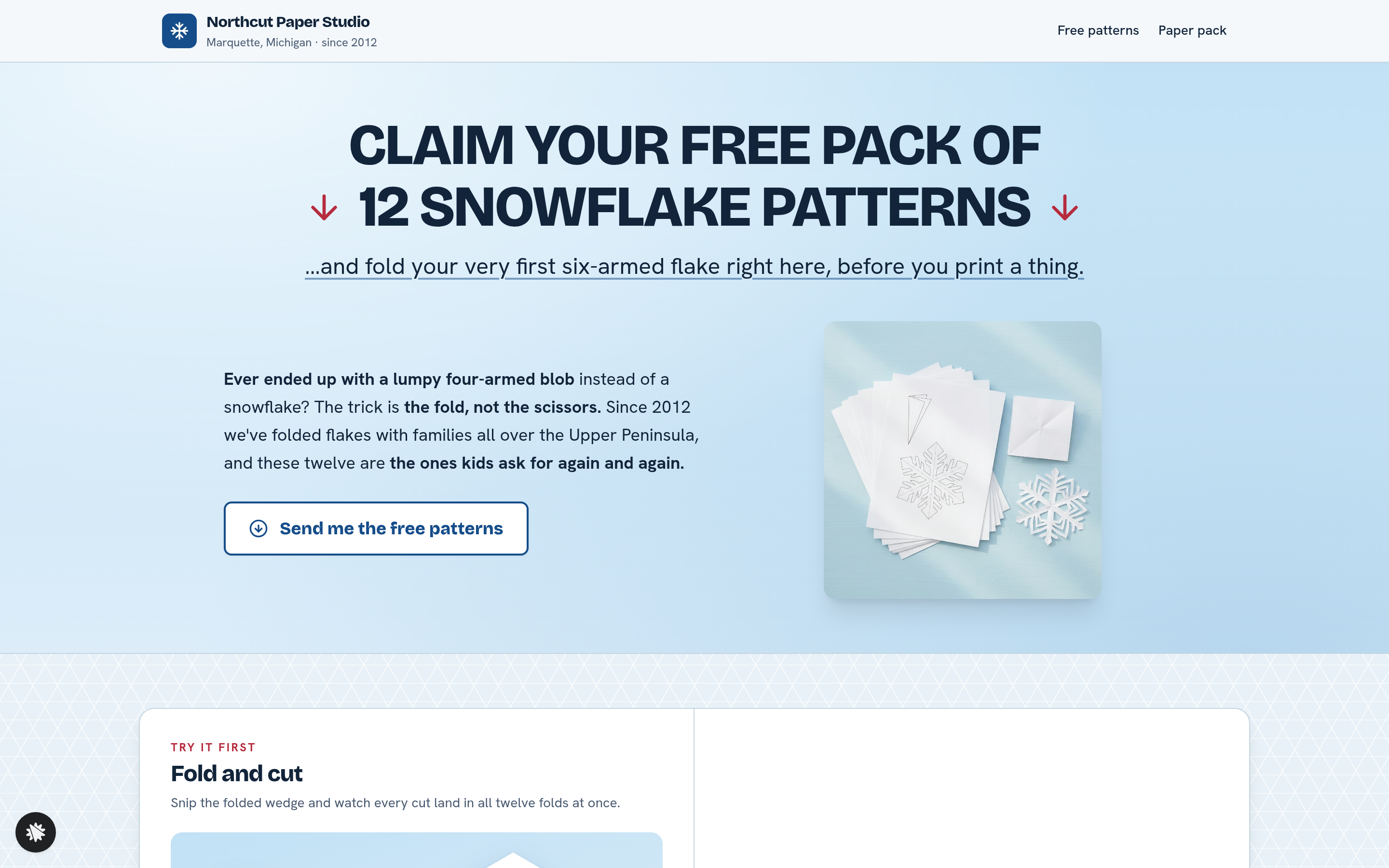
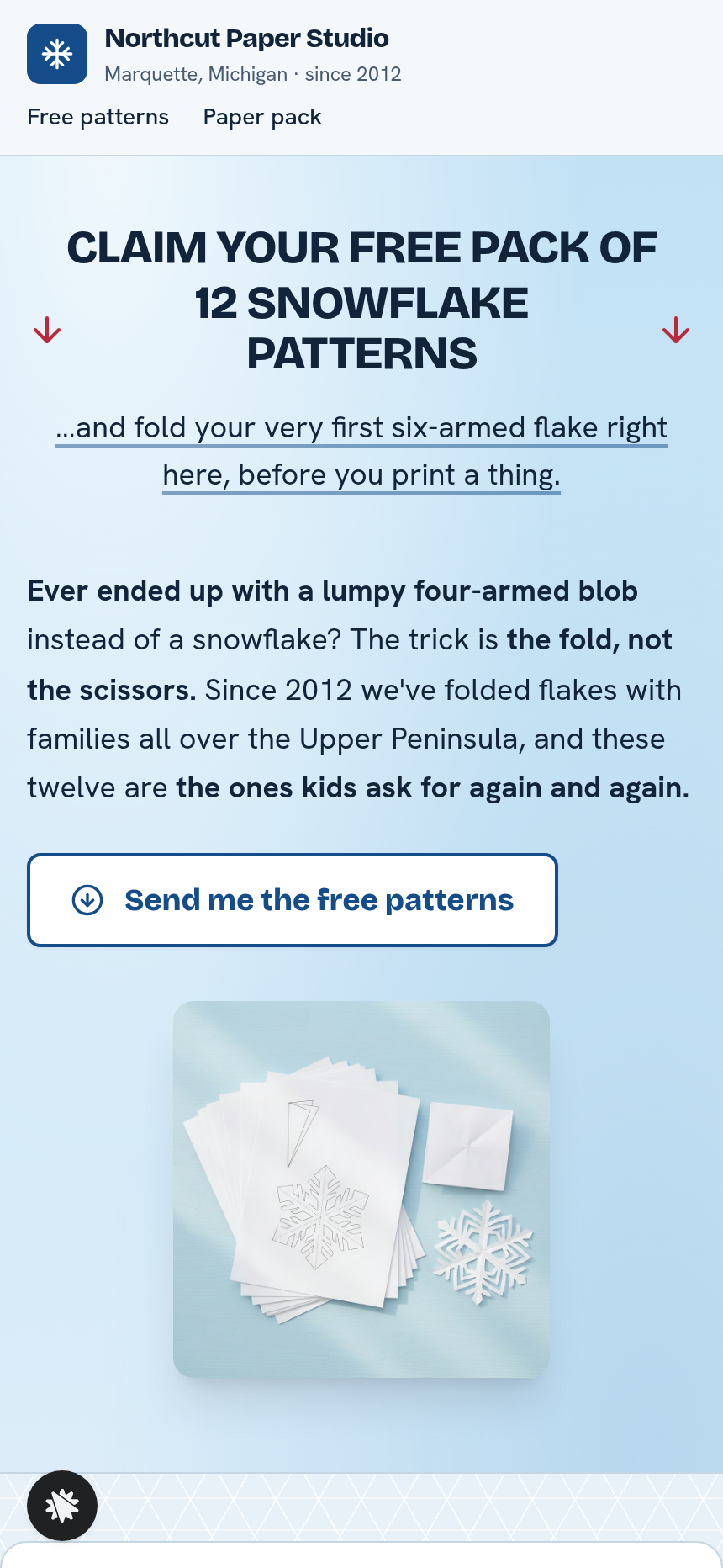
- Landing page (/): a pale winter-sky header band with the "Claim your free pack of 12 snowflake patterns" headline and a pattern-pack picture. Below it, one wide white card holds the interactive fold-and-cut tool on the left and a two-field sign-up form (name, email) on the right. Three parent and teacher quote cards and a studio footer follow.
- Patterns page (/patterns): the visitor's own snowflake drawn large with every cut labelled step by step, a one-sheet print button, and eleven more patterns to browse. A mid-page nudge points toward the paper pack.
- Offer page (/offer): a single-product spotlight for the paper pack, explaining why thin folding paper matters and linking to the order page.
- Order page (/order): a secured card checkout for a flat $12, with an optional $6 bump for small detail scissors and accepted card logos.
- Thank-you page (/thank-you): confirms the posting date from Marquette, notes that a printed copy of the visitor's own snowflake is tucked into the envelope, and links back to the patterns page.
- Dashboard (/admin): the funnel owner's view of overall conversion, recent contacts, and recent sales.
How it works
On the landing page (/), a visitor folds and cuts a six-armed snowflake with the tool, toggling up to eight named cuts on a folded wedge and watching all twelve mirrored folds redraw at once. The visitor then enters a name and email to receive the twelve free patterns. The funnel stores every opt-in in its built-in database, and the owner dashboard lists it under Recent contacts, so no outside CRM is needed from day one. After confirming, the visitor reaches the patterns page (/patterns), where their own snowflake is written out step by step and the paper pack offer appears mid-page. From there they can click through to the offer page (/offer) and then the order page (/order) for the $12 checkout with the detail-scissors bump. Finishing payment lands them on the thank-you page (/thank-you). The opt-in also enrolls the subscriber in the studio's winter newsletter, so a nurture sequence can run from the same funnel.
The signature step
The fold-and-cut tool sits in the left half of the white card on the landing page (/) and is the funnel's proof-before-opt-in mechanism. The wedge view shows a thin folded slice, the shape a square takes after folding into sixths, with its cuts toggled by eight labelled buttons arranged in pairs. Switching a cut on or off redraws the unfolded six-armed snowflake in real time across all twelve mirrored copies. "Unfold it," "Clear all cuts," and "Start again" let visitors experiment freely. The result is a snowflake the visitor wants to keep, which is why they hand over an email address.
Who it's for
- Papercraft and stationery studios selling supplies alongside free printables
- Art teachers and school-holiday newsletters building a subscriber list
- Kids' craft brands that want an interactive hook before the opt-in form
- Seasonal pop-up shops promoting paper goods
- Any operator giving away a printable pack and upselling matching supplies
Design
- Type pairing
- Bricolage Grotesque display Hanken Grotesk body
- Motion
- Unfold it eases the wedge open into the snowflake; reduced-motion: the snowflake appears at once
- Signature screen
- Fold-and-cut snowflake: eight named cuts on a folded wedge, mirrored twelve times into a six-armed flake
- References
-
- 0.102 lead page (headline band with a picture right, then one white card split picture-left / form-right)
What can you use Northcut Paper Studio — Fold-and-Cut Snowflake Lead Page for?
- A papercraft studio in a small market town uses the funnel to grow its newsletter list ahead of the holiday season, collecting opt-ins through the interactive snowflake tool and converting a share of them to the $12 paper pack.
- An art teacher running after-school craft clubs embeds the landing page link in a school newsletter, letting parents try the fold-and-cut tool and download the twelve patterns for a class project.
- A stationery shop launching a new line of thin folding paper uses the funnel to prove the product concept: visitors who make a snowflake and find their printer paper fights back are primed to buy the flat-cut squares.
- A kids' activity newsletter operator replaces the studio branding with their own and uses the funnel as a seasonal lead magnet, growing subscribers each December with zero design or development work.
- A craft-box brand runs an A/B test on two landing page headlines to see which fold-and-cut framing sends more visitors to the paper pack order page.
- A holiday pop-up market seller shares the landing page URL on printed table cards, letting shoppers try the snowflake tool on their phones and claim the free patterns, with the $12 paper pack available to order on the spot.
Frequently asked questions
What is the Northcut Paper Studio Fold-and-Cut Snowflake Lead Page?
Who is this template for?
What pages are included?
How do I customize Northcut Paper Studio Fold-and-Cut Snowflake Lead Page in ClickFunnels AI?
Does it include a checkout or order form?
Can I use my own branding and domain?
How is it different from a classic ClickFunnels two-step opt-in funnel?
What setup is required before sharing the funnel?
Related templates
 Lead Pages & Opt-ins
Marin Pricing Ladder
Marin Pricing Ladder is an ebook lead magnet funnel template for ClickFunnels AI: a single opt-in page with a drawn book cover, five bullets and a two-field form, a delivery page that hands over the PDF, and a $17 workbook order page with a real card form.
 Lead Pages & Opt-ins
Butter & Bay — One-Oven Holiday Dinner Planner Lead Page
Holiday Dinner One-Oven Planner Lead Page is a giveaway-style opt-in funnel made with ClickFunnels AI for Butter & Bay Cooking School in Raleigh, North Carolina. Visitors set their turkey weight, dinner time and sides, read a one-oven timeline, then submit the "Email me this plan" form to keep it.
 Lead Pages & Opt-ins
Fernbrook Studio — 5-Day Pricing Email Course Lead Page
The email-course lead page is an email-course squeeze funnel that captures freelancer opt-ins with a five-day pricing course, delivers day 1 instantly on a confirmation page, and bridges to a $29 template pack. ClickFunnels AI builds it from a single prompt and lets you edit every line of copy, the day-by-day outline, and the order form through a plain-language chat.
 Lead Pages & Opt-ins
Bluewater Move Quote
The multi-step quote lead page is a desktop inline stepper that walks visitors through three numbered steps — need, details, contact — and delivers a quote-ETA confirmation on a separate thank-you page. ClickFunnels AI builds and wires both pages from a single prompt, ready to adapt to any service business that needs several answers before a human can price a job.
Make this template your starting point.
Inspect the preview, plan your changes, and test the workflow before you share it.
Use this template