North Star Calls — North Pole Phone Call Story Funnel
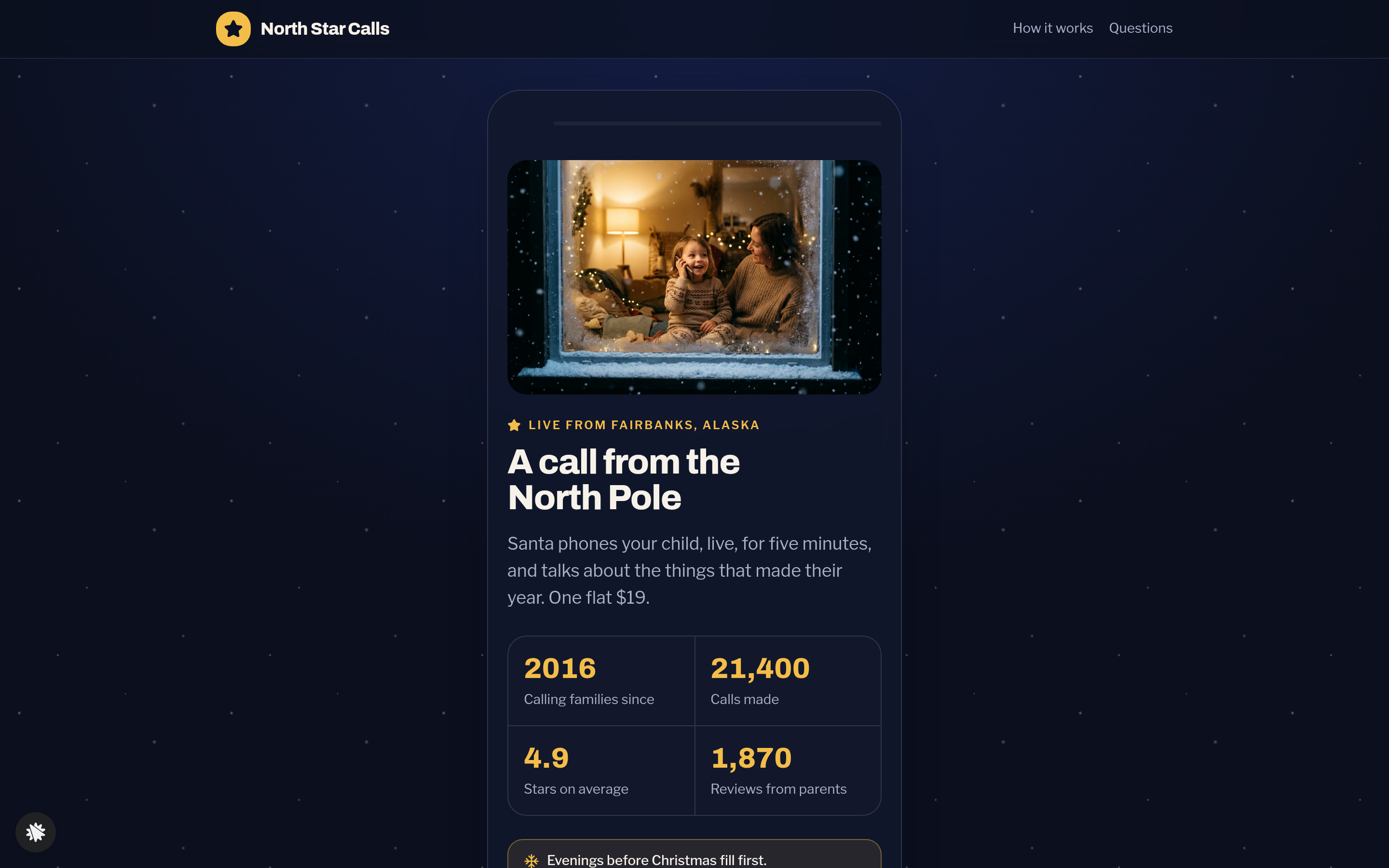
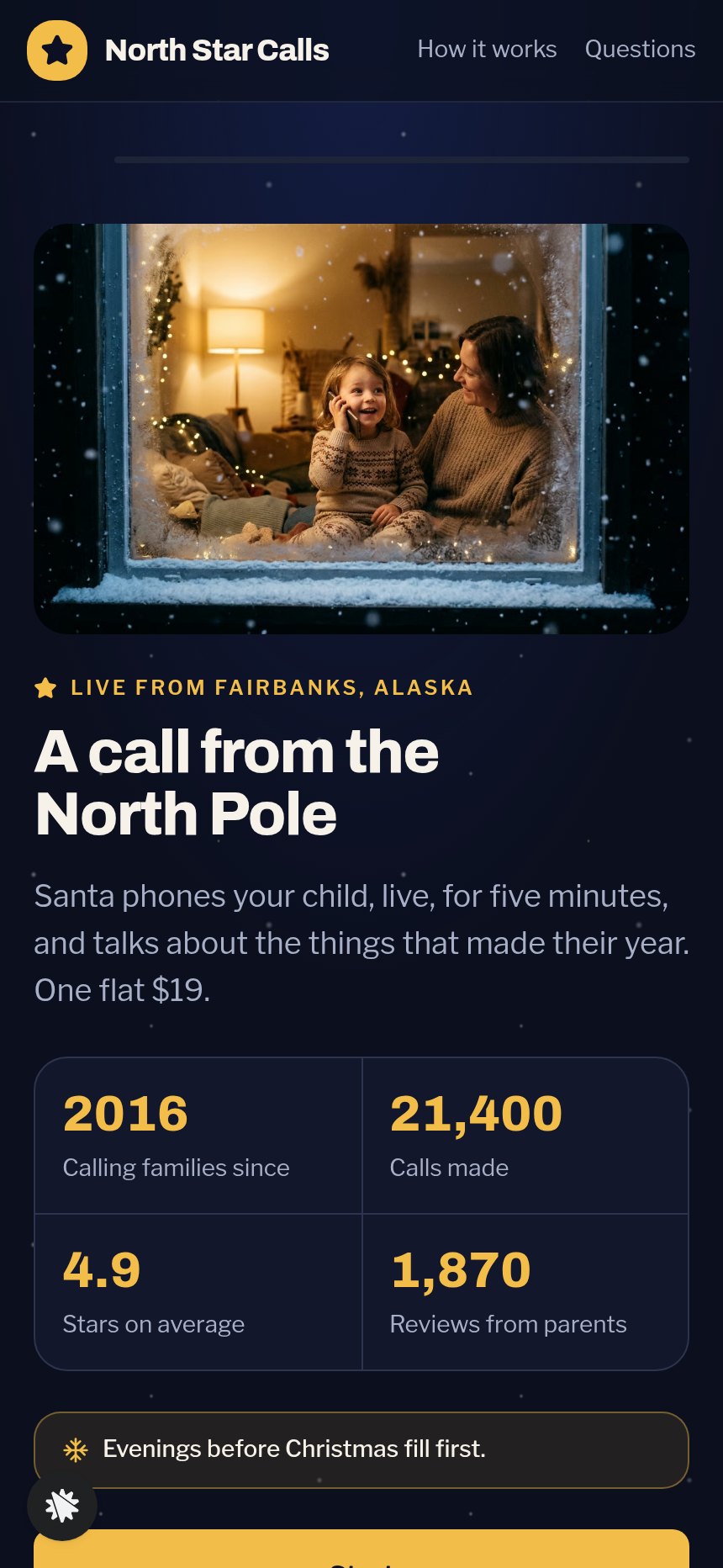
The North Pole Phone Call Story Funnel is a phone-style story template made in ClickFunnels AI. A parent enters their child's name, picks a moment Santa should mention, hears a live 20-second preview call, then books the real five-minute call for $19.
About this template
What is North Star Calls — North Pole Phone Call Story Funnel?
North Star Calls is a family business in Fairbanks, Alaska that has made 21,400 live Santa calls since 2016. This funnel is built on a phone-width canvas so the entire experience feels like holding a phone. Every screen asks one thing, the middle screen actually rings, and the visitor hears Santa say their child's name before a card number is ever requested.
What you get
- Landing page (/) — headline "A call from the North Pole," four social-proof numbers (calls made, stars, reviews, years running), three parent quotes, and a Start button that promises a 20-second taste with no card needed.
- Name step (/name) — one field: the child's first name, the way they like to hear it.
- Mention step (/mention) — six tiles: Learned to ride a bike / Was kind to a brother or sister / Lost a tooth / Started a new school / Has been helping at home / Has been practising reading.
- Call preview (/call) — an incoming-call card showing "North Pole Workshop, mobile · Fairbanks, Alaska," a pulsing star, and Answer / Decline buttons. Answer opens a call screen with a live timer, six captions that use the child's name and chosen tile, a Next line button, a line counter, and a red End call button. Decline shows "Santa will try again in a moment" with a Call back button.
- Evening step (/evening) — the next ten evenings, each with three time slots (5:30, 6:15, 7:00 pm); some slots show as full to reinforce scarcity.
- Details step (/details) — parent first name, email, and the mobile number Santa will call.
- Checkout (/checkout) — recap of name, mention, and evening; a secured card form for $19; an optional $9 keepsake-recording order bump.
- Booked (/booked) — states the call time simply, lists three things to prepare before the call, and offers a Play the preview again link.
- Supporting pages: /how-it-works, /questions, and a custom 404 ("This page got lost in the snow").
- Admin dashboard (/admin) — visits, opt-ins, conversion rate, and a sales table with CSV-ready contact rows.
How it works
- Visitor arrives at / and reads four trust numbers and three parent quotes before tapping Start.
- /name collects the child's first name.
- /mention shows six tiles; the visitor picks one.
- /call rings. The visitor taps Answer and hears six Santa lines — personalised with the name and the chosen tile — delivered one at a time over a live timer.
- After line six (or on End call) a bridge screen invites the visitor to pick a real evening.
- /evening shows the next ten evenings with three time slots each.
- /details collects the parent's name, email, and mobile.
- /checkout closes the sale: $19 flat, with an optional $9 keepsake-recording bump charged in the same transaction.
- /booked confirms everything and replays the preview.
Edit it by describing the change in your own words: swap the six mention tiles, adjust the Santa lines for a birthday-call script, or reword the checkout recap. ClickFunnels AI then updates the copy, questions, and layout, so no code is needed. Each opt-in, call detail, and completed order is saved to the built-in contacts and sales tables, which show on the /admin dashboard. Conversions are visible from the start, with no outside CRM to set up. The checkout comes with a secured order form, the $9 keepsake-recording bump, and a booked confirmation page. The payment path is connected from the start.
The signature step
The /call screen is the part that makes this funnel more than a basic booking page. The visitor sees an incoming-call card, taps Answer, and watches Santa's lines arrive one at a time against a running timer. Line three changes with the tile they chose on /mention. After six lines the funnel says "That was a 20-second taste. The real call is five minutes, live, on an evening you choose" — and the visitor has already heard their child's name spoken by Santa before they reach the card form.
Who it's for
- Seasonal personalised-call services (Santa, Easter Bunny, Tooth Fairy, birthday characters).
- Storyteller or wake-up call businesses whose best pitch is letting the buyer hear a sample first.
- Any service operator who wants a mobile-first story experience instead of a static sales page.
- Families-focused ecommerce brands that sell a moment, not a product.
Design
- Type pairing
- Archivo display Libre Franklin body
- Motion
- the star pulses while the phone rings; captions fade in one line at a time while the call timer counts real seconds; reduced-motion: lines appear at once
- Signature screen
- Incoming call from the North Pole: Answer or Decline, then a timed, captioned call that uses the child's name and the chosen moment
What can you use North Star Calls — North Pole Phone Call Story Funnel for?
- A Santa-call service operator launches for the holiday season, using the story preview on `/call` to convert parents who would otherwise hesitate at a plain booking page.
- A birthday character call business remixes the template, swapping the six mention tiles to birthday milestones and updating Santa's lines to a favourite character's voice, then sells calls year-round.
- A Tooth Fairy call service adapts the mention tiles to dental milestones and runs the funnel as a one-product mobile site with no other pages needed.
- A storyteller-for-hire service uses the ringing-phone mechanic to let potential clients hear 20 seconds of a sample story before booking a 15-minute live session via the evening picker.
- A seasonal gift shop bundles the Santa call with a physical ornament, adding the ornament as the order bump on `/checkout` instead of the keepsake recording.
- A children's entertainment agency white-labels the funnel for multiple characters — Santa, Easter Bunny, and a birthday fairy — running three separate instances with different mention tiles and line scripts, tracking each in its own `/admin` dashboard.
Frequently asked questions
What is the North Pole Phone Call Story Funnel?
Who is this funnel for?
What pages are included?
How do I customize the North Pole Phone Call Story Funnel in ClickFunnels AI?
Does it include a checkout or order form?
Can I use my own branding and domain?
How is it different from a classic ClickFunnels two-step order funnel?
What setup is required before going live?
Related templates
 Mobile Story Funnels
Willow Doula — Due-Date Wheel Mobile Story Funnel
Doula Due-Date Wheel Mobile Story Funnel is a tap-through story funnel built in ClickFunnels AI for a doula collective's birth-prep classes. Visitors enter a period date and cycle length, see a live due-date wheel with four class Saturdays, then pay $129 for the series.
 Mobile Story Funnels
Third Move — Move-One-Match Puzzle Night Story Funnel
The Third Move Move-One-Match Puzzle Night Story Funnel is a ClickFunnels AI quiz-story template for Third Move Board Game Café in Providence, Rhode Island. It opens with a matchstick puzzle and walks visitors through difficulty, party size, Thursday and results to a card checkout for a $12 seat.
 Mobile Story Funnels
Saltmarsh — Pour-the-Layers Unity Sand Story Funnel
Saltmarsh Pour-the-Layers Unity Sand Story Funnel is a four-screen, phone-style ClickFunnels AI funnel for a $39 unity sand ceremony set. Couples pick two colours, pour their layers into a drawn vase, and check out by card.
 Mobile Story Funnels
Plaza Verde — Match-the-Pairs Spanish Class Story Funnel
The Spanish Class Match-the-Pairs Story Funnel is a mobile-first, interactive booking funnel built with ClickFunnels AI that walks visitors through a twelve-card word-and-picture matching game before converting them into paying trial-class students at $25 a seat.
Make this template your starting point.
Inspect the preview, plan your changes, and test the workflow before you share it.
Use this template